WhatsApp with Zapier and Make: what works in 2026
Connect WhatsApp to Zapier or Make in 2026: official WhatsApp apps, webhook triggers, sending replies safely, and how to use a number linked elsewhere.
Short answer
Zapier and Make connect WhatsApp mainly through official-platform apps: Make has a WhatsApp Business Cloud app, and Zapier lists WhatsApp Business Messaging and WhatsApp Notifications apps.
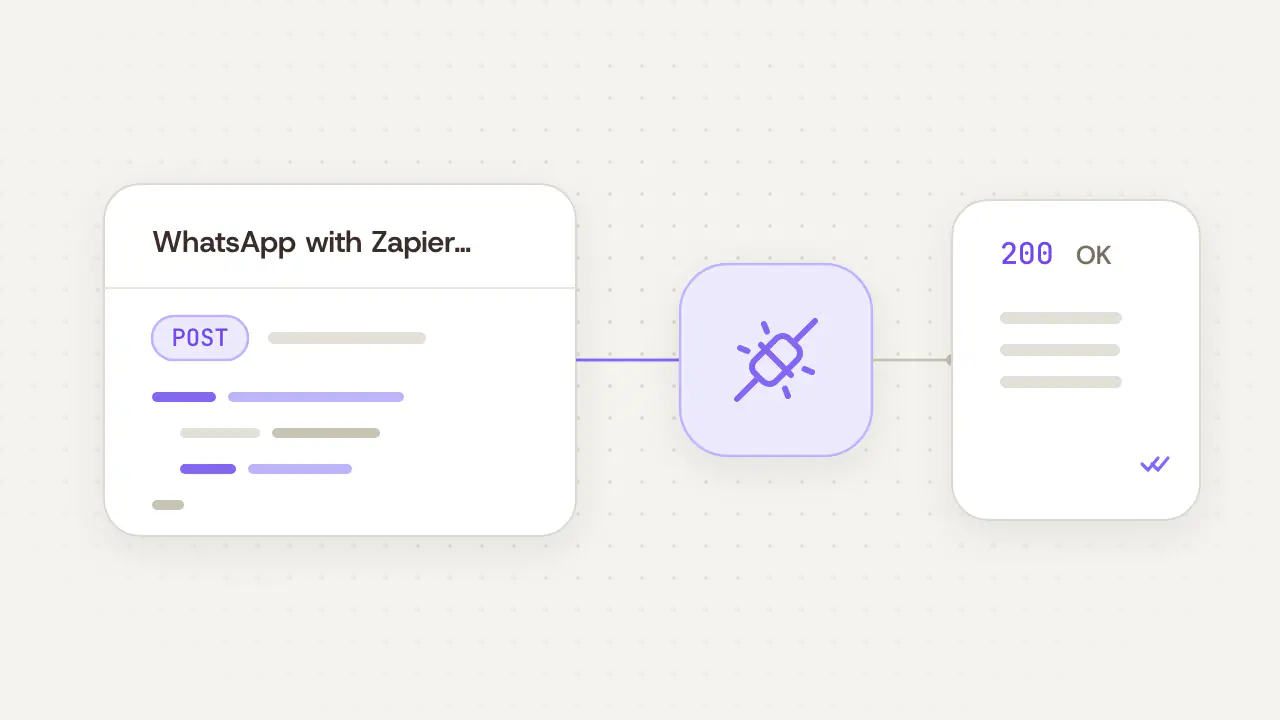
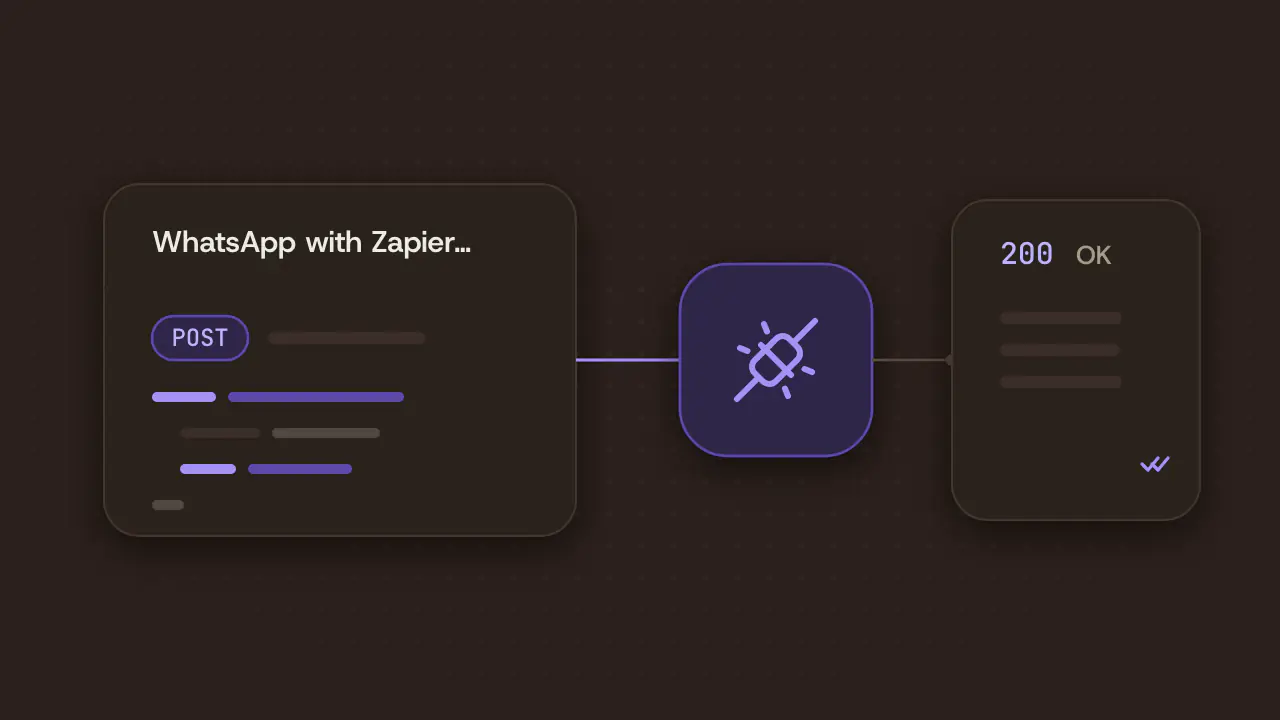
For a number connected through another service, use webhooks: verify the signed event in a small receiver, forward it to Webhooks by Zapier or a Make custom webhook, and send replies with an HTTP step carrying an idempotency key. SuperSkope has no native Zapier or Make app.
What do Zapier and Make offer for WhatsApp?
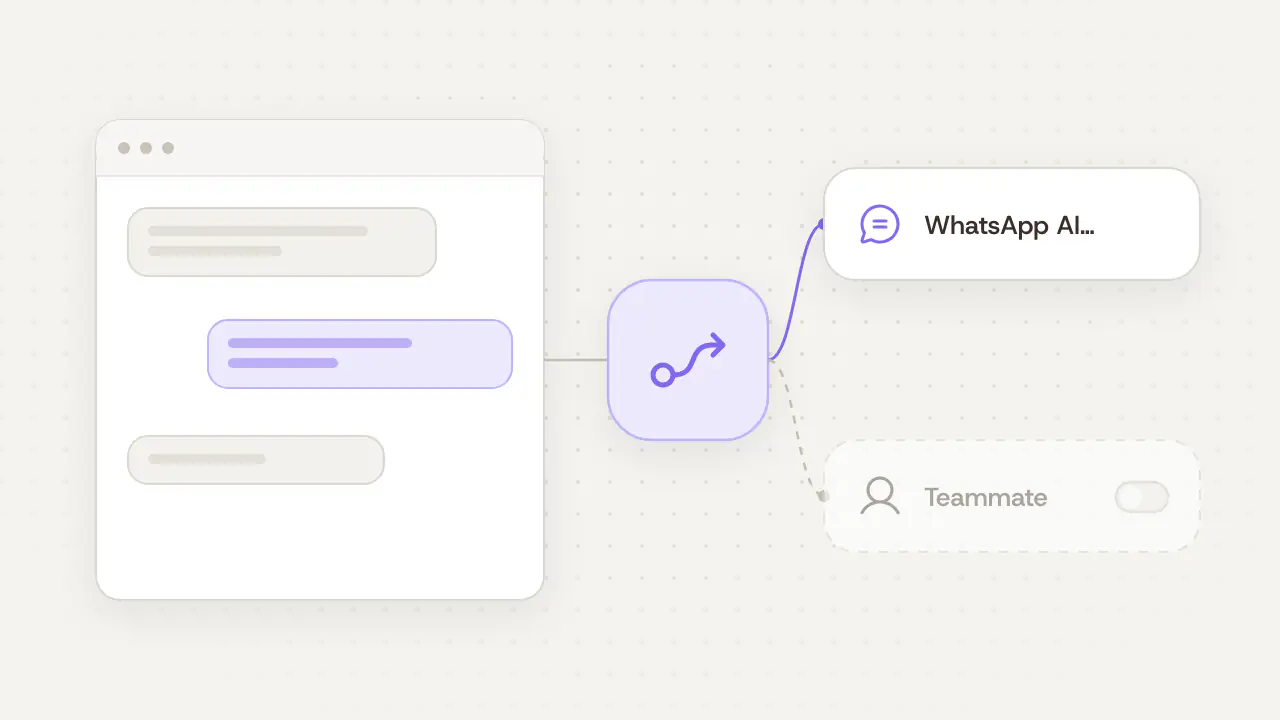
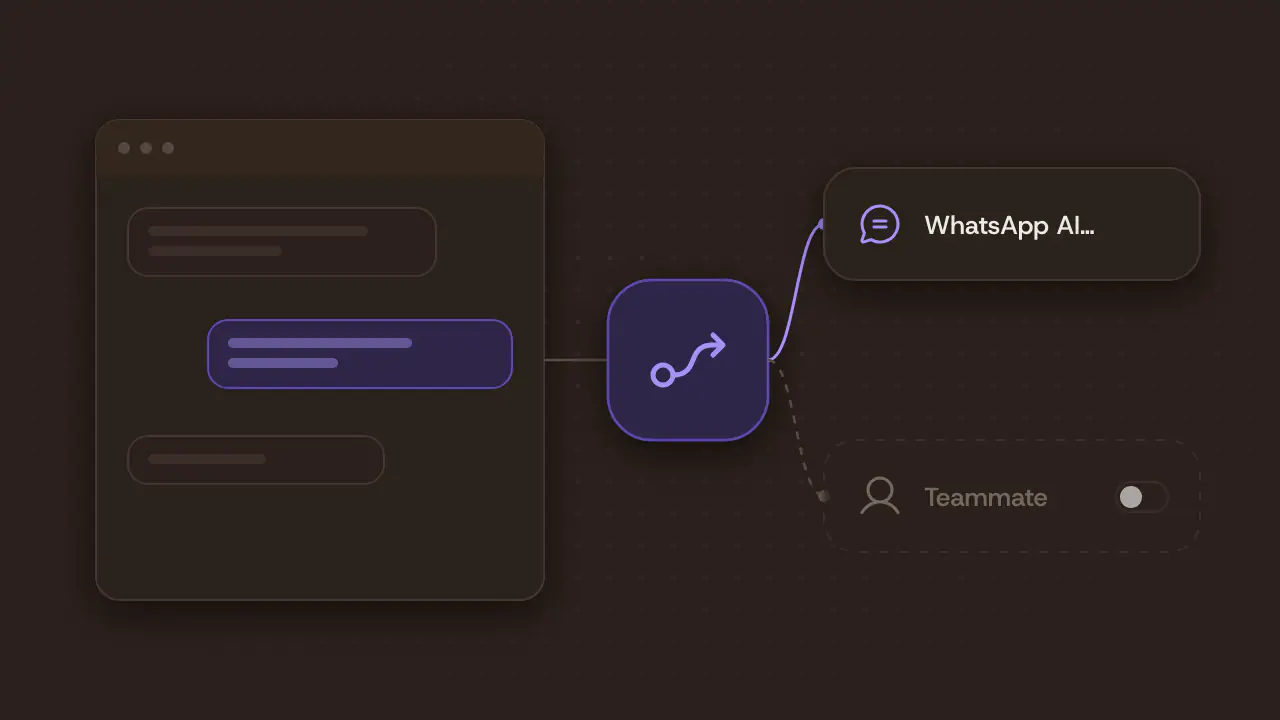
Both platforms connect to WhatsApp mainly through Meta’s official platform. Make has a WhatsApp Business Cloud app with instant triggers for incoming events and modules to send messages and templates. Zapier lists a WhatsApp Business Messaging app and a WhatsApp Notifications app, often paired with Webhooks by Zapier. Neither platform can read the regular WhatsApp groups on an existing number by itself.
For any WhatsApp connection that offers webhooks and an HTTP API, both platforms can still help: a webhook trigger starts the workflow and an HTTP step sends the reply.
| Platform | Official WhatsApp app | Generic trigger | Generic action |
|---|---|---|---|
| Zapier | WhatsApp Business Messaging; WhatsApp Notifications | Webhooks by Zapier: Catch Hook, or Catch Raw Hook with headers and an unparsed body up to 2 MB | Webhooks by Zapier: POST, or a Code step |
| Make | WhatsApp Business Cloud: watch events, send messages and templates, media | Custom webhook | HTTP: make a request |
| n8n (for comparison) | WhatsApp Business Cloud node | Webhook node with header, basic or JWT auth | HTTP Request node |
Why a plain catch hook is not enough
A catch-hook URL accepts any request sent to it. If someone finds the URL, they can feed your workflow fake “messages” and make it act on them. Services that sign webhooks, including SuperSkope, expect the receiver to verify the signature on the exact raw body and reject stale timestamps before anything else happens. A standard Catch Hook parses the body, which makes checking a signature over the exact raw bytes awkward at best.
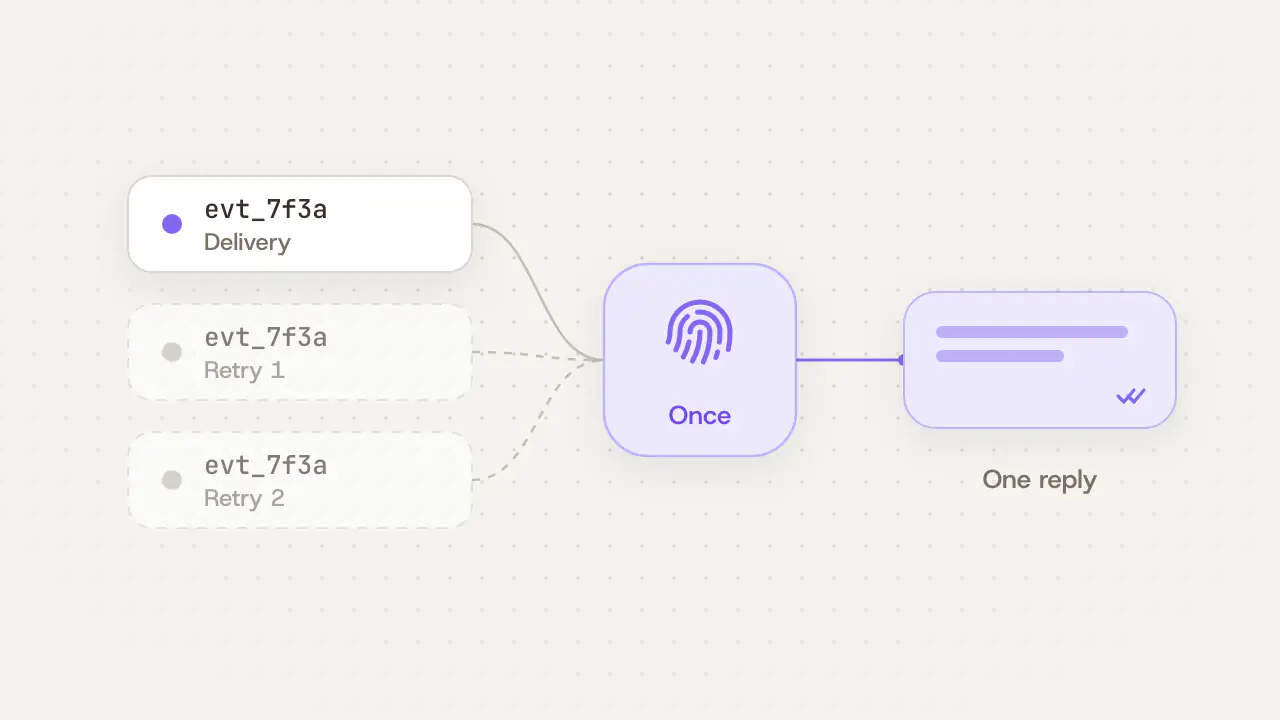
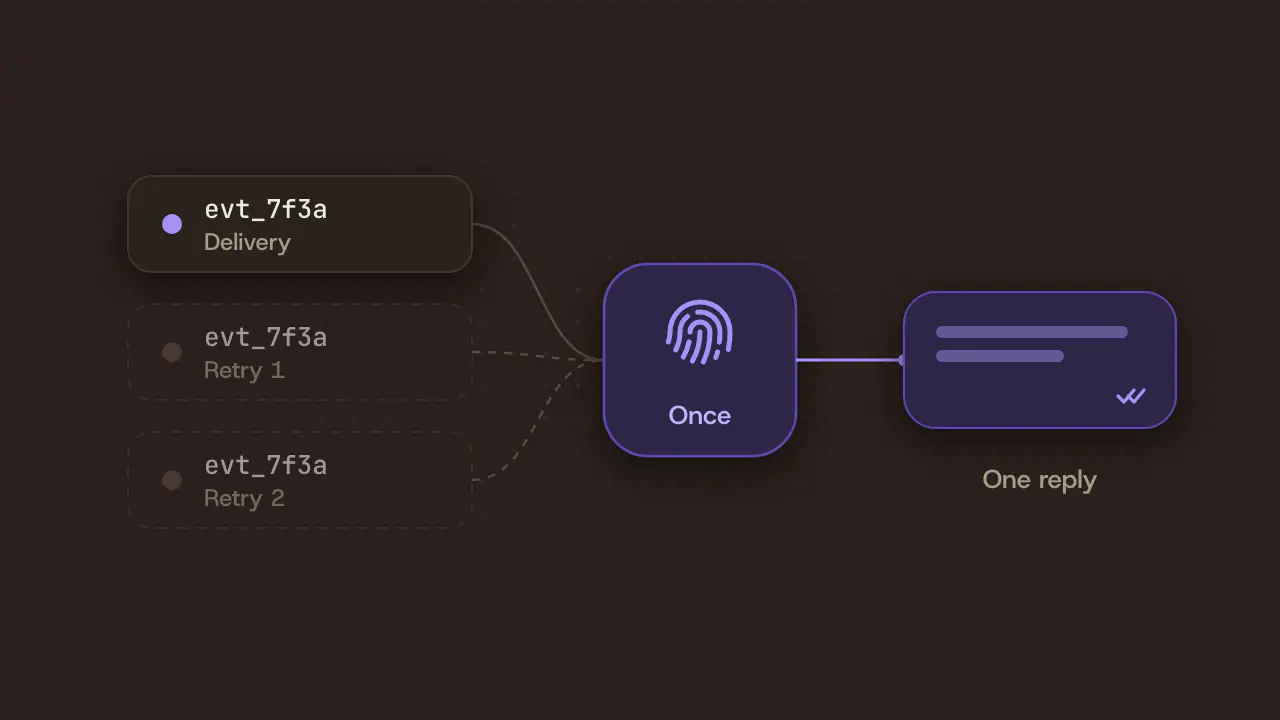
Webhooks are also delivered at least once. The same event can arrive twice, and both Zapier and Make will happily run twice.
The pattern that works: verified receiver, then Zapier or Make
- Run a small receiver on your server, for example using the downloadable webhook verifier from the SuperSkope docs.
- Verify the signature and timestamp, then store the event ID once.
- Forward only verified, new events to your Zapier or Make webhook URL, with a secret header the scenario checks.
- In the workflow, fetch message content through the API if you need it; SuperSkope webhooks carry metadata only.
- Do the useful work: add a row to Google Sheets, create a ticket in your helpdesk, post a Slack alert.
Sending WhatsApp messages from Zapier or Make
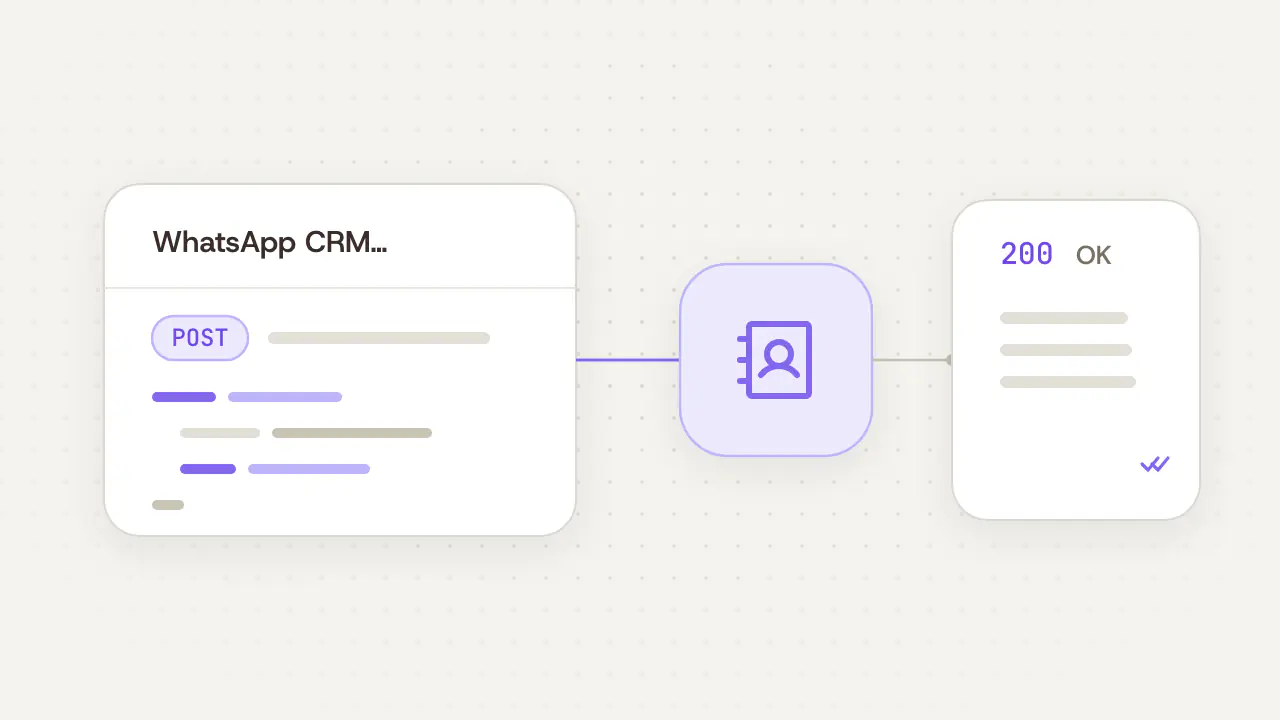
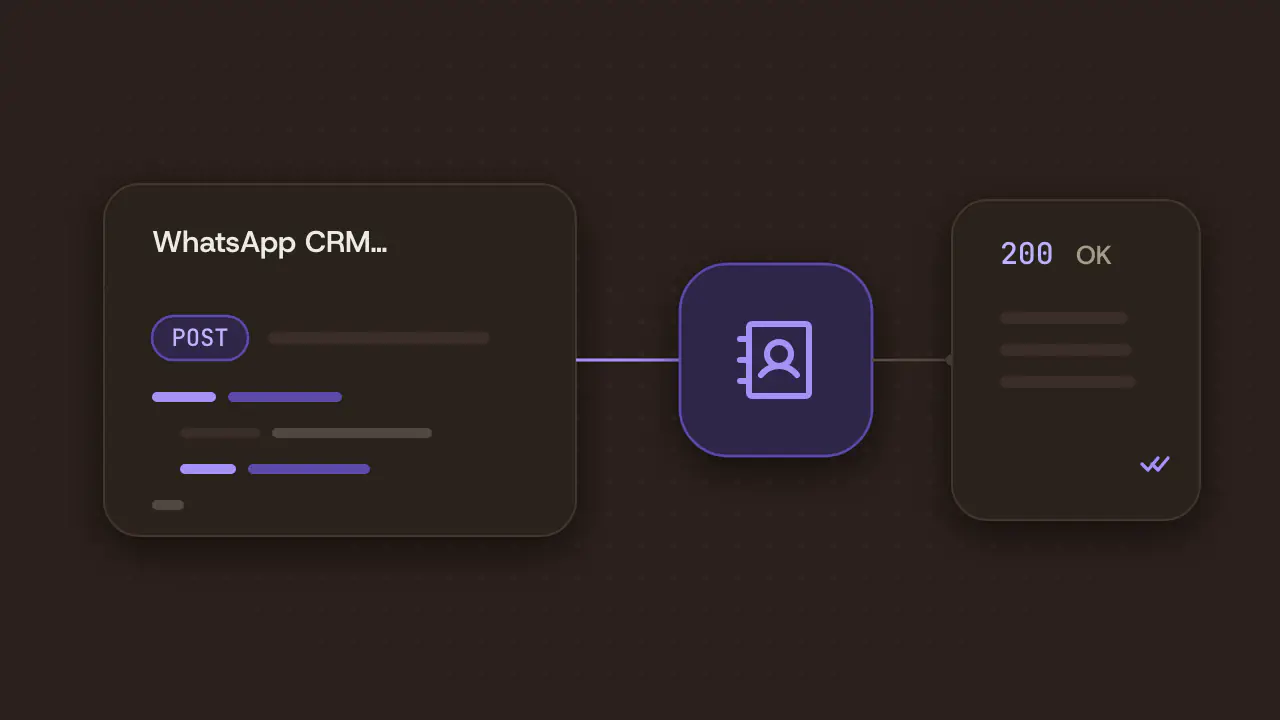
To reply, use an HTTP step that calls the WhatsApp API with an idempotency key built from something stable, such as the incoming event ID or your order number plus the message type. Zapier replays and Make retries then return the original result instead of sending twice. If the result is not clearly sent, stop the workflow and have a person check; do not add an automatic retry with a new key.
POST https://api.superskope.com/api/v1/chats/{chatId}/messages
Authorization: Bearer <scoped SuperSkope API key>
Idempotency-Key: order-{order_id}-dispatched
Content-Type: application/json

{"type":"text","text":"Your order {order_id} has been dispatched."}
Copy-only example. This page never runs a request or asks for a credential.
Useful WhatsApp workflows to start with
- Log every new message in selected support chats to a Google Sheet for a weekly review.
- When a dealer group mentions “urgent”, post an alert in the team’s Slack channel.
- When an order ships in your store, send the customer who asked for updates one dispatch message.
- When a conversation is resolved, add a row to your feedback tracker.
- Each morning, read a fixed Sheets range of today’s deliveries and draft group updates for review.
When to use n8n or code instead
Zapier and Make are quickest for simple, low-volume flows that connect WhatsApp to other SaaS tools. Move to n8n or your own code when the workflow has AI agent logic, needs branching on model output, handles high volume, or must check state such as human takeover before every send. Self-hosting n8n also keeps message data on your own server.
For teams: SuperSkope with Zapier or Make
SuperSkope connects your existing number as a WhatsApp linked device, the same way WhatsApp Web works. It is not the official WhatsApp Business Platform and is not affiliated with WhatsApp or Meta. There is no native SuperSkope app in Zapier or Make. Use the signed webhooks with a verifying receiver, and HTTP steps with a key scoped to the chats and actions the workflow needs. The Free plan includes the API with one number, three team members, 1,000 outgoing messages and 200 AI credits a month.
Frequently asked questions
Does Zapier have a WhatsApp integration?
Yes. Zapier lists a WhatsApp Business Messaging app built on the official platform and a WhatsApp Notifications app for receiving alerts on WhatsApp. For other WhatsApp services, Webhooks by Zapier can receive their events and call their APIs.
Can Zapier or Make send messages to a WhatsApp group?
Not through the official apps, because Meta’s Groups API only covers API-created groups of up to 8 people. Through an HTTP step to a linked-device service, yes, for groups the number belongs to and the key allows. Keep group sends to updates the group expects.
Is a Zapier catch hook secure for WhatsApp webhooks?
Not on its own. Anyone who learns the URL can post to it, and signature checks over the exact raw body are awkward inside a Zap. Verify signatures in a small receiver first, then forward verified events with a secret header.
Zapier or Make: which is better for WhatsApp?
Both work for simple flows. Make’s WhatsApp Business Cloud app has instant triggers on the official platform; Zapier offers ready-made templates pairing webhooks with WhatsApp apps. For AI agents and high volume, n8n or code gives more control over retries and state.