Free plan
Free no card required
- One connected number
- Three team members, including the owner
- 1,000 outgoing messages and 200 AI credits a month
- Rules, MCP and the scoped developer API
If we are at capacity, new workspaces wait in a short queue.
Bring conversations, groups and follow-ups together. Give your team the context to keep things moving.
Free plan: one number, unlimited team members, 3,000 bulk messages and 200 AI credits a month. No card required.
A WhatsApp shared inbox, group management and a scoped API, for your team and the systems it already runs.
Interactive example · all data is invented
This example needs JavaScript. The rest of the page describes every feature it shows.
Direct chats and groups, assignments and private notes, with a clear handoff when a person needs to step in.
Try the tabs and conversation controls. This example cannot send messages or change a real workspace.
When WhatsApp is where work happens, keep the next step in view.
Groups and direct chats for each number, in one inbox. Assign an owner, leave a private note or open a linked ticket without posting in the chat.
Create groups, manage members and admins, and update group settings. Each operation still depends on the linked account’s current WhatsApp permissions.
WhatsApp now schedules one-off messages up to 14 days ahead, managed from the phone that set them. SuperSkope schedules are for the routines your team runs in its groups.
Your backend or agent gets the access you grant, and nothing more.
Keys stay on your server and name the numbers, conversations and actions they can use. Events arrive as signed metadata webhooks or a cursor-based feed.
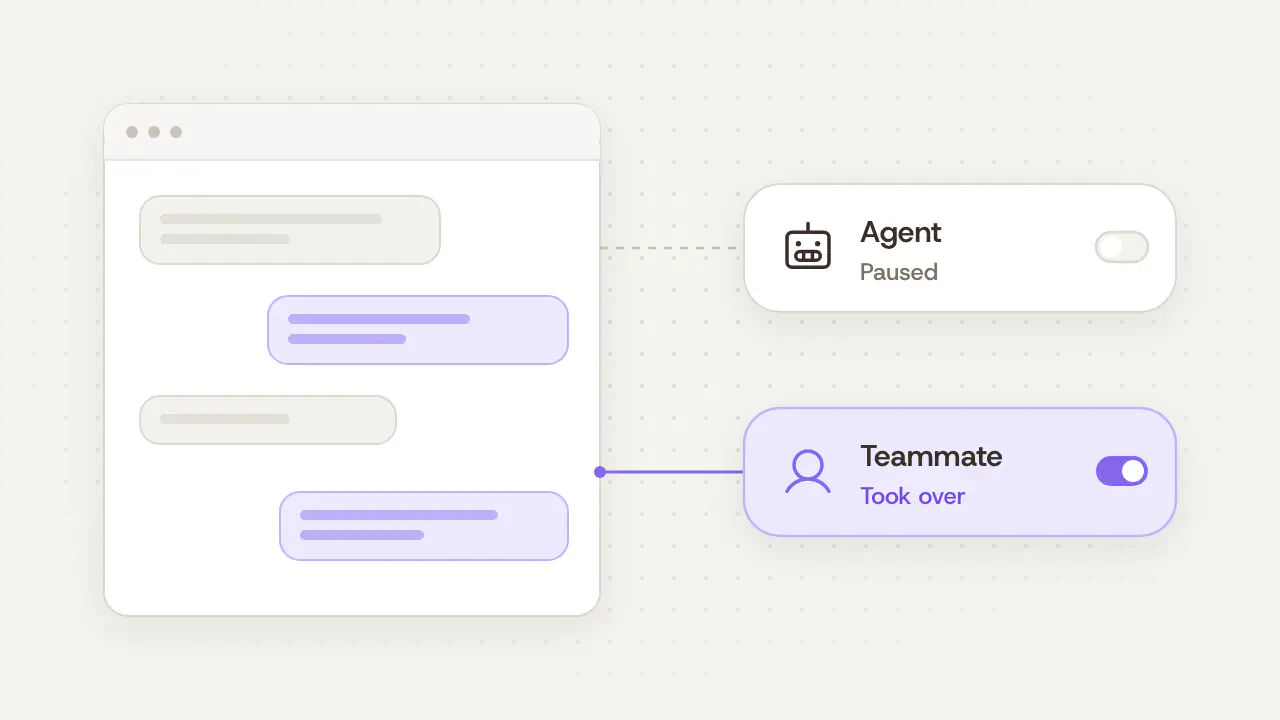
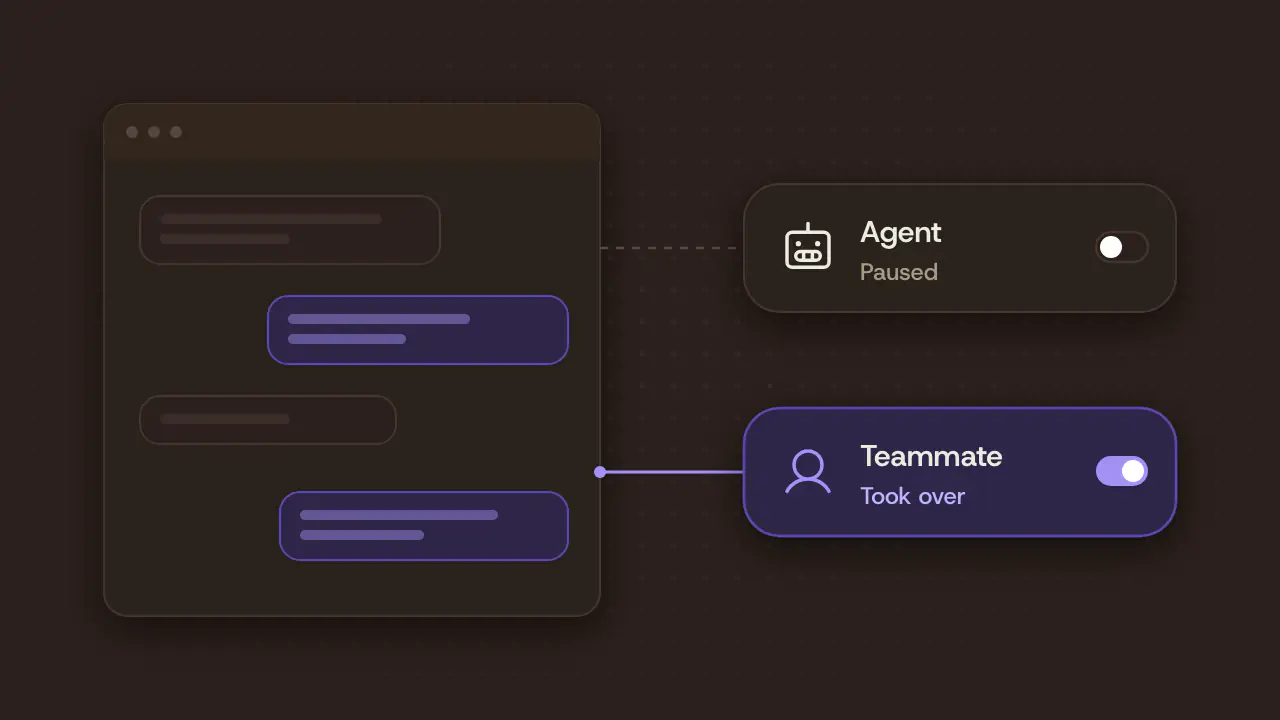
Give an agent selected conversations only. Your team can take over any conversation, and resuming the agent is always an explicit action.
Choose what agents and integrations can reach. Keep uncertain sends visible for a person to resolve.
How we handle access and dataEach key names its numbers, conversations and actions. Keys stay on your server and can expire or be revoked.
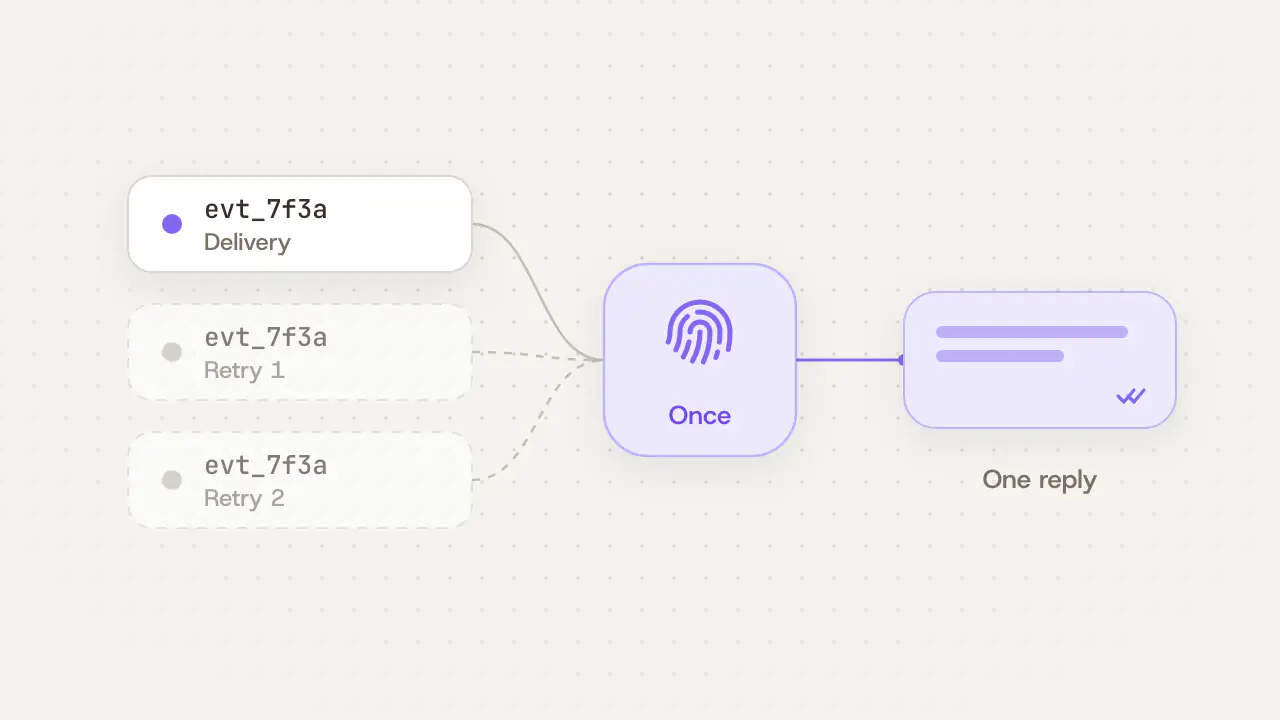
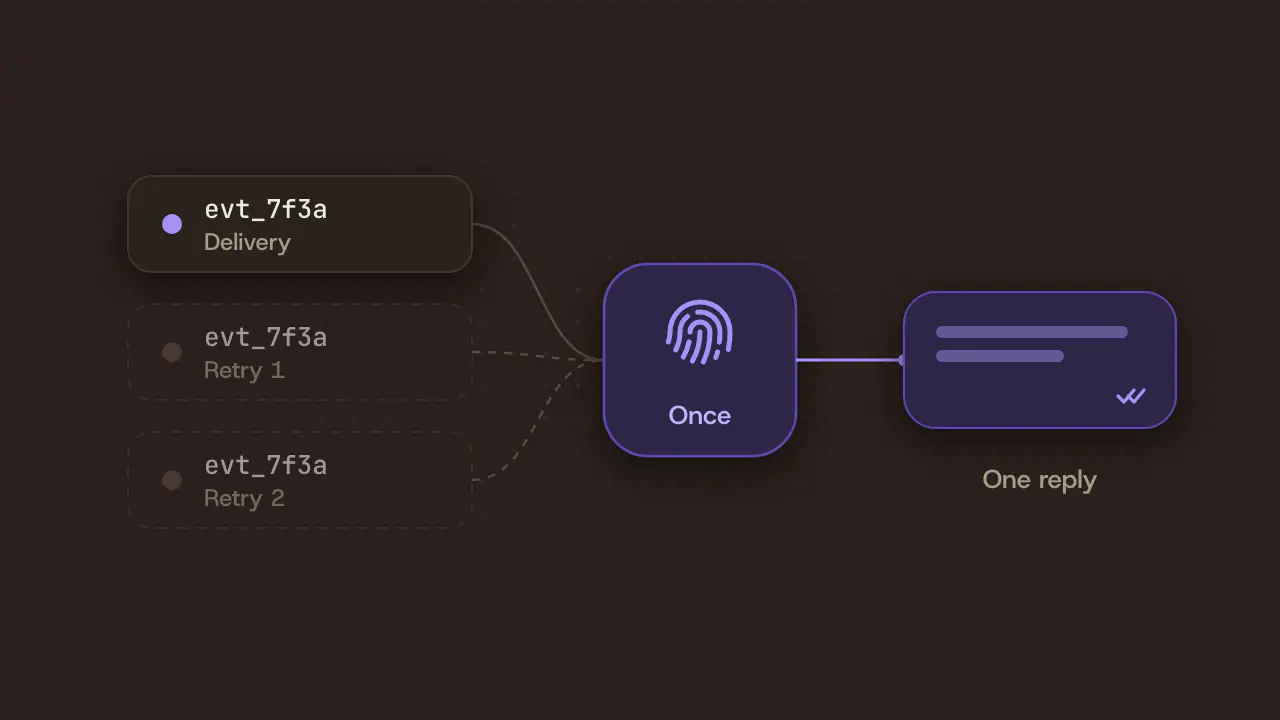
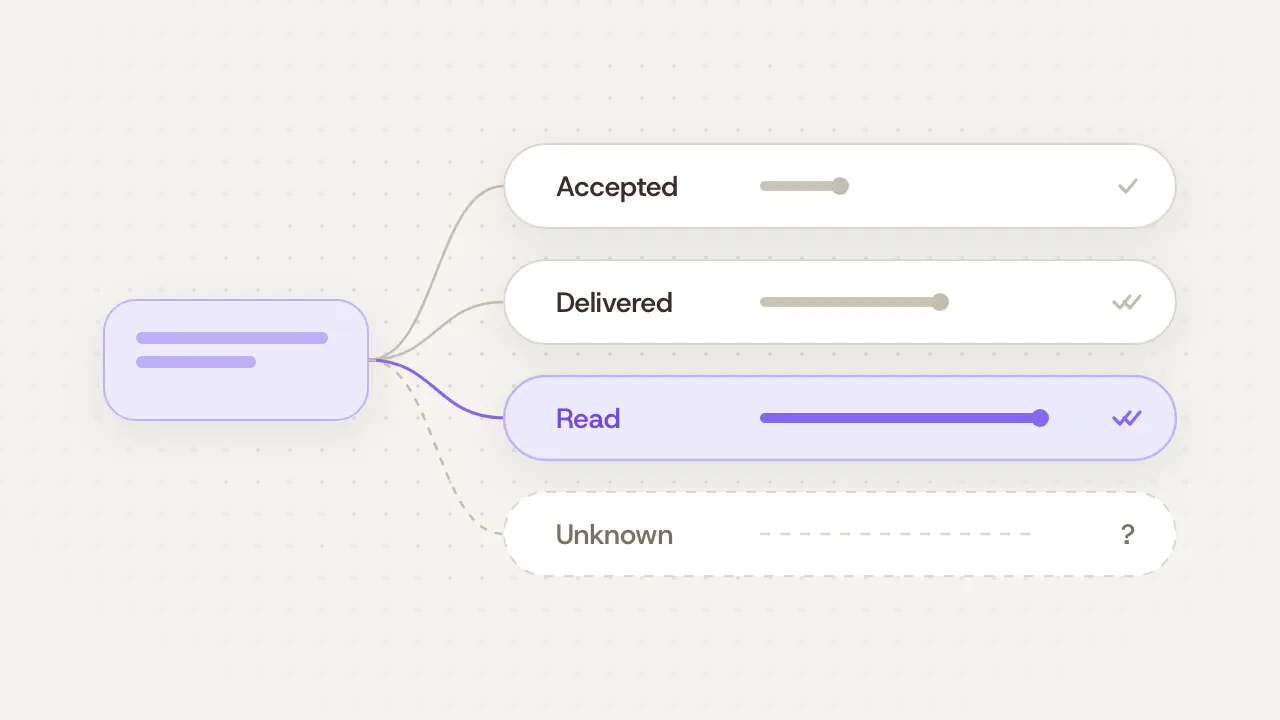
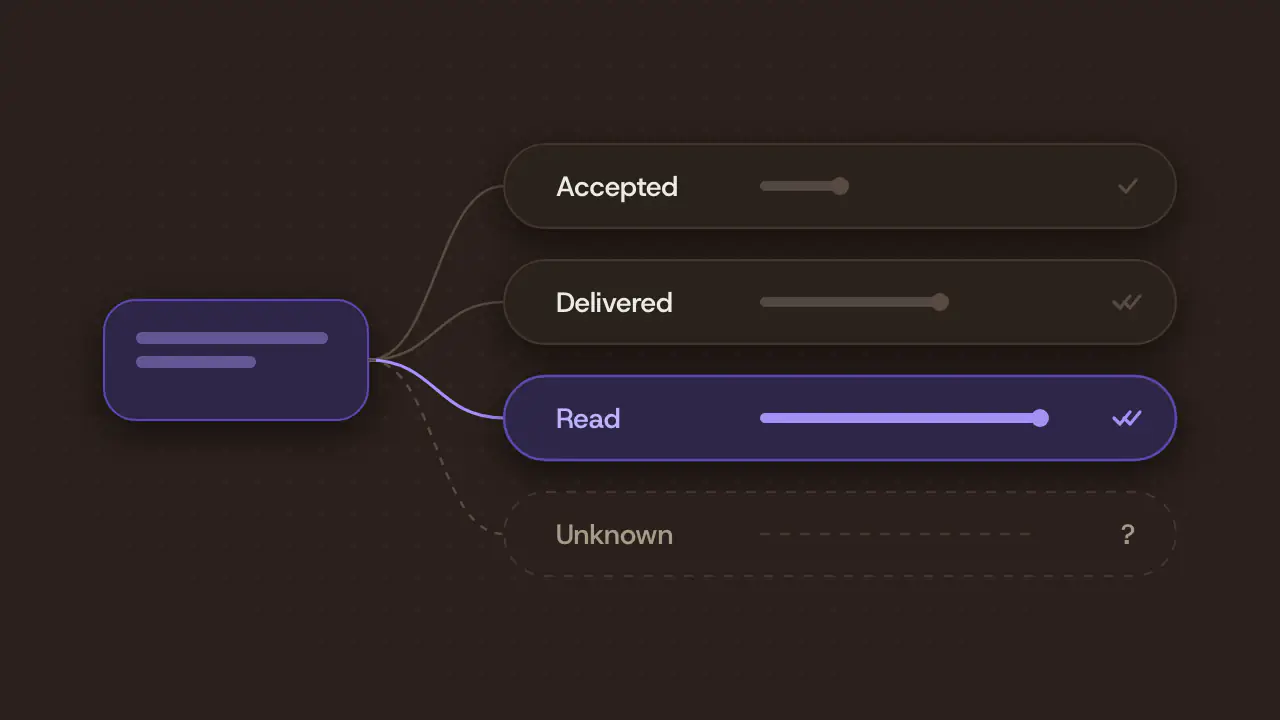
Acceptance is recorded separately from delivery. An uncertain send is never replayed automatically.
The dashboard assistant only reads. MCP writes need a key scope and your approval in the client, and new rules save paused.
Notes stay inside the workspace. Each connected number has its own isolated connection.
Your number connects as a WhatsApp linked device, the same way WhatsApp Web works. It is not the official WhatsApp Business Platform.
SuperSkope is not affiliated with WhatsApp or Meta. We talk through suitability before you start.
No card required. Paid plans are arranged with our team by email.
Free no card required
If we are at capacity, new workspaces wait in a short queue.
₹2,000 or US$25 per workspace / month
6,000 bulk messages and 1,000 AI credits per workspace a month, up to 25 active rules, the shared inbox, MCP and the scoped API.
₹3,000 or US$35 per workspace / month
5× the AI credits of Starter, the same 6,000 bulk-message workspace allowance, up to 100 active rules and priority support within 1 hour.
Need more numbers, members, messages or AI credits? Email support@superskope.com. See pricing
Example processes and practical guides. No invented results.
Something else? Email support@superskope.com.
Create a free workspace, verify your email and connect your WhatsApp number. Setup is automatic. If we are at capacity, new workspaces wait in a short queue. There is no card or automatic billing.
No. SuperSkope connects your WhatsApp number as a linked device, the same way WhatsApp Web works. It is not an official WhatsApp Business Platform provider or a Meta partner. WhatsApp account restrictions, linked-device limits and connection interruptions can affect service. We talk through suitability before you start.
Yes. Use scoped API keys, MCP, selected conversations, signed webhook notifications and your own application or agent. Built-in AI is included too, with 200 AI credits a month on Free. Your external AI or automation service has its own account and costs.
Each connected number has its own isolated connection. Switch between numbers from the number selector. A single combined inbox across every number is not available.
The Free plan covers one number, unlimited team members, 3,000 bulk messages and 200 AI credits a month, with the shared workspace, rules, MCP and the scoped API. Starter and Pro add messages, AI credits, rules and members, and Pro adds priority support. Email support@superskope.com to upgrade.
Create a free workspace with 200 AI credits a month, link your number and invite your team. No card required.
Create your workspace with Start free. Email us if you need help with setup or your workflow. We reply within 2 to 4 hours.
Tell us what you need help with. Leave out passwords, QR codes and customer conversations.