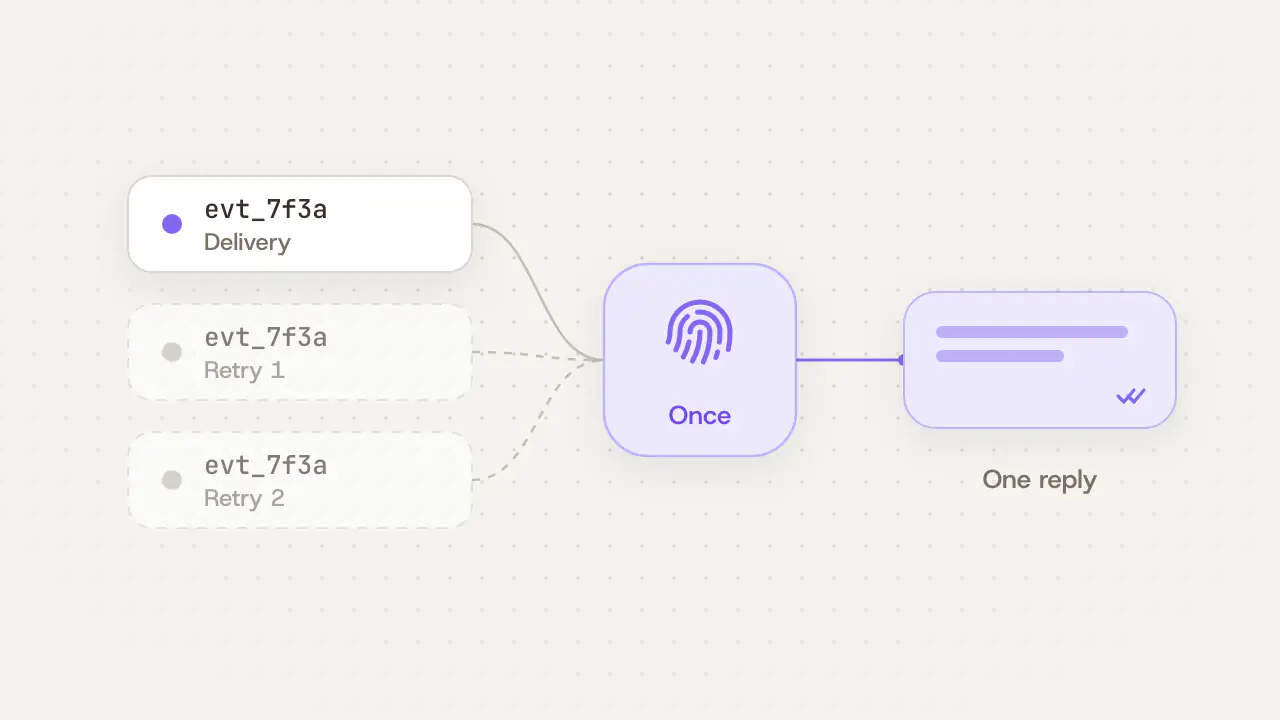
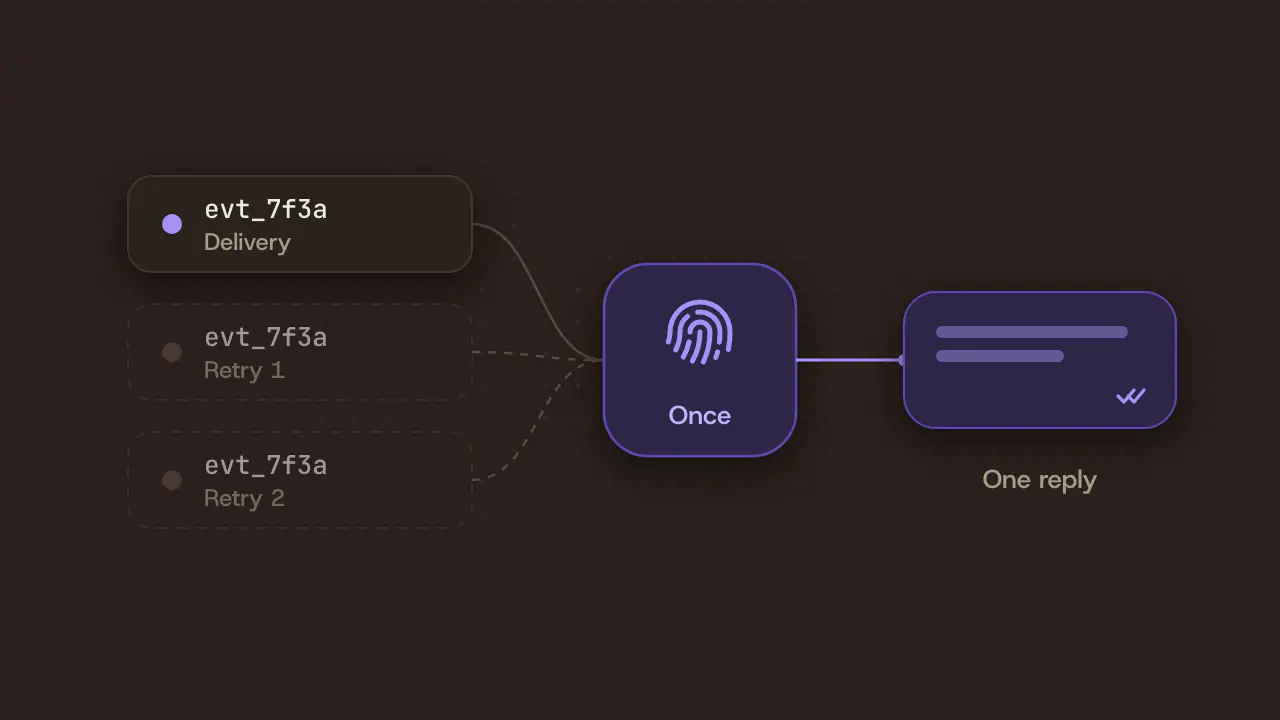
Every call is in the request log
See exactly which tools ran, when, and with which key.
Connect Claude, Cursor and other MCP clients to WhatsApp chats and groups through a hosted endpoint. Reads and writes stay within your API key’s scopes.
14-day free trial with Starter features: one number, unlimited team members, 6,000 bulk messages and 200 AI credits. No card required.
An MCP server that lets Claude, ChatGPT, Cursor and your own agents work with WhatsApp through your workspace’s scoped API. Connect to the hosted endpoint at https://api.superskope.com/api/v1/mcp with your API key as a bearer token. Nothing runs on your machine, and every call is an ordinary API request made with your key, so its scopes, chat grants, limits and request log apply.
Prefer to run it yourself? Download the local stdio server from Integrations in your workspace and keep the key in its environment. It is not Meta’s WhatsApp Business Tools MCP, which helps developers set up official Cloud API accounts and test sends.
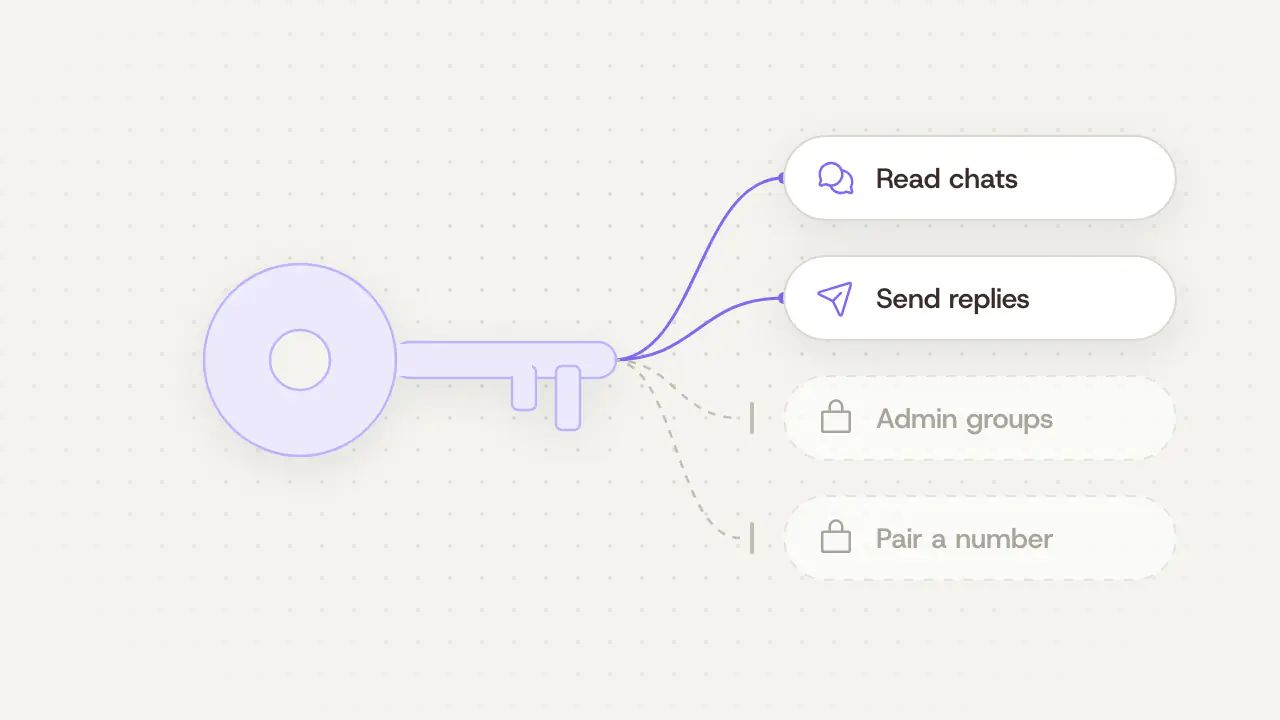
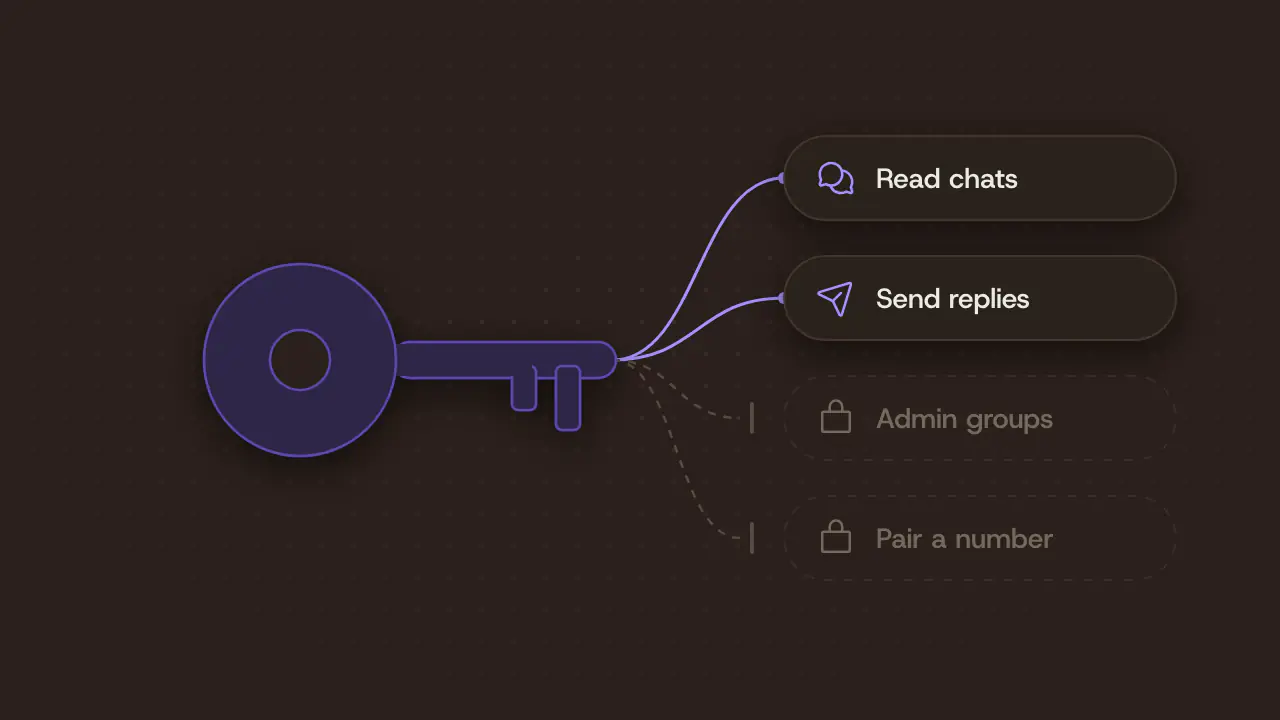
There are 31 read tools and 26 write tools. A tool is offered only when the key holds its scope, and it works only in the conversations the key selects. Reading messages through MCP does not mark them as read.
Write tools send, reply, react, start chats, create and manage groups and members, and change schedules and work. The API key’s scopes are the authority: a tool the key cannot use is never offered. Your MCP client’s own per-tool approval is the confirmation step, so you see each send or group change before it runs.
Every write carries a stable request key and goes through the normal send path with its limits, and an uncertain send is never retried automatically. Text inside a WhatsApp message can never grant a permission. Want an assistant that only reads? Use a read-only key, or add ?read_only=1 to the endpoint URL. Phone pairing and disconnect tools stay off unless you turn them on.
export SUPERSKOPE_API_KEY="<your API key>"

claude mcp add --transport http superskope \
  https://api.superskope.com/api/v1/mcp \
--header "Authorization: Bearer $SUPERSKOPE_API_KEY"Clients that accept a remote URL with headers, such as Cursor, use the same endpoint. Keep the key out of shared files, repositories and prompts.
{
  "mcpServers": {
    "superskope": {
      "url": "https://api.superskope.com/api/v1/mcp",
      "headers": {
        "Authorization": "Bearer <your API key>"
      }
    }
  }
}Clients that only launch local servers, such as Claude Desktop, can run the stdio server from Integrations in your workspace. The download contains no key. Set SUPERSKOPE_MCP_READ_ONLY=1 to keep it to reads.
{
  "mcpServers": {
    "superskope": {
      "command": "node",
      "args": ["/path/to/mcp-server.mjs"],
      "env": {
        "SUPERSKOPE_ORIGIN": "https://api.superskope.com",
        "SUPERSKOPE_API_KEY": "<your API key>"
      }
    }
  }
}What the server will and will not do, by design.
See exactly which tools ran, when, and with which key.
No automatic download loops.
One flag turns every write tool off.
Message bodies stay behind their own scope.
The assistant leaves your inbox state alone.
Yes. Claude Code connects to the hosted endpoint with the command above. Claude Desktop launches local servers, so run the stdio server with the configuration above. Check your client’s MCP settings and logs when you first connect it.
Yes, when the API key allows it. Sending, replying, reacting and group changes are offered only for scopes the key holds and chats it selects, your MCP client asks you to approve each tool call, and every write carries a stable request key. An uncertain send is never retried automatically.
Whatever a tool returns enters your MCP client’s context, so choose the key’s conversations carefully. The server only returns chats and data the key allows, media in bounded chunks and event metadata without message bodies. Keep the key in your client’s settings or server environment, never in a prompt.
Yes, there is a hosted endpoint at https://api.superskope.com/api/v1/mcp. It takes your API key as a bearer token in the Authorization header rather than an OAuth sign-in, so it works with clients that let you set a header.
Yes. Use a key with read scopes only, add ?read_only=1 to the hosted endpoint URL, or set SUPERSKOPE_MCP_READ_ONLY=1 for the local server. Write tools are then not offered at all.
No. SuperSkope connects your existing number as a WhatsApp linked device, the same way WhatsApp Web works. It is not the official WhatsApp Business Platform and is not affiliated with WhatsApp or Meta. WhatsApp’s terms restrict bulk and automated non-personal messaging, so keep automation to conversations that expect it.
Start a 14-day free trial with Starter features, link your number and invite your team. No card required.