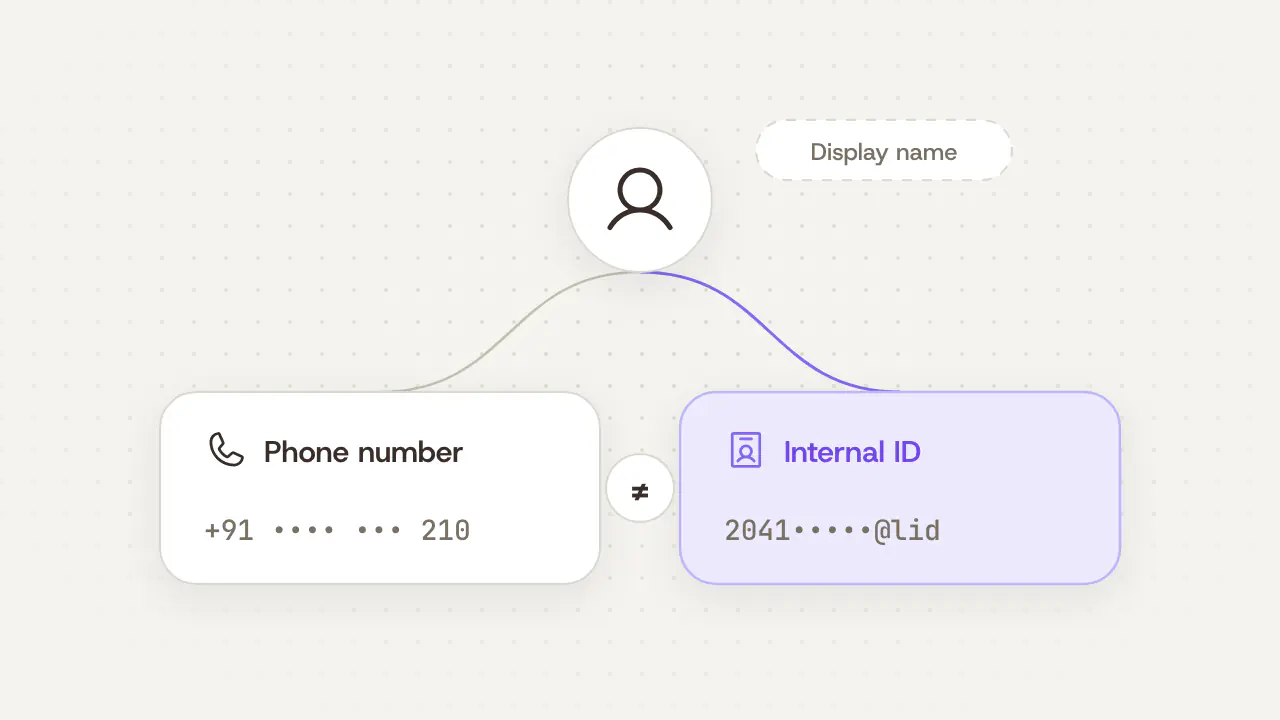
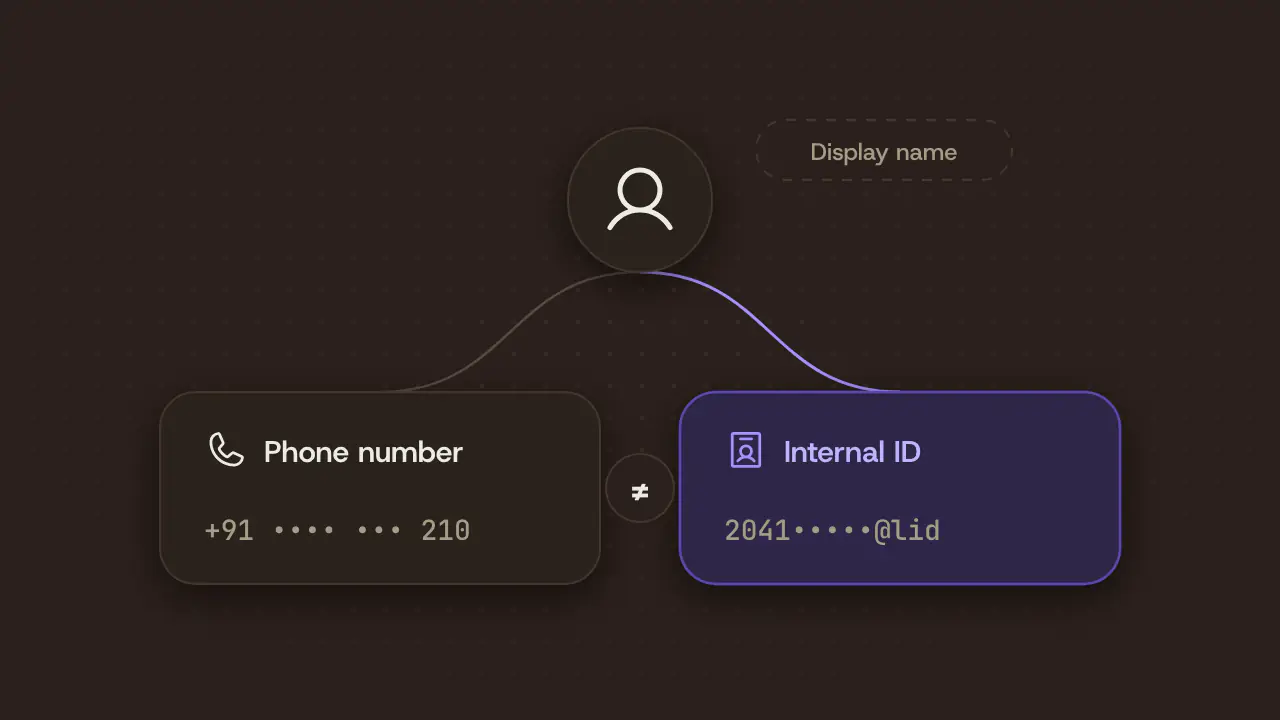
Names and numbers on every message
See who wrote what, and which contacts have no saved name.
Manage busy WhatsApp groups as a team: one shared view, invite links and join approvals, mentions, scheduled updates and per-group access. No code needed.
Free plan: one number, three team members, 1,000 outgoing messages and 200 AI credits a month. No card required.
See every group your number belongs to next to its direct chats, with the participant name and number on each message. Assign a group to an owner, leave private notes, label it and save views such as groups waiting on a reply. Your phone keeps working as usual.
From a group’s details, copy its invite link or reset it, which stops older links from working. Review pending join requests and approve or reject them, and choose whether new members need admin approval. These controls work when your linked number is a current admin of that group.
Schedule one-off or recurring messages into a group, pause them when plans change and keep the send history. Mention current members by name so the right person sees the message. A send with an uncertain result is held for a person and never repeated automatically.
Owners grant each teammate specific numbers and conversations, so a vendor group, a customer group and an internal group can sit on one number without everyone seeing everything. Operators work the conversations they are given; viewers can read without replying.
Creating groups, adding or removing members, promoting admins and changing a group’s name, description, picture or posting settings run through the group API, so a developer or your own agent can automate them with one permission per operation. You can still make the same changes in WhatsApp on the phone.
WhatsApp’s own rules always apply. A group holds up to 1,024 members, and adding many people who do not expect it is a common reason for restrictions. Share an invite link instead.
Context for the team, without adding noise to the group.
See who wrote what, and which contacts have no saved name.
Discuss a group without posting in it.
Across the history your workspace keeps.
Sort groups by what they are for.
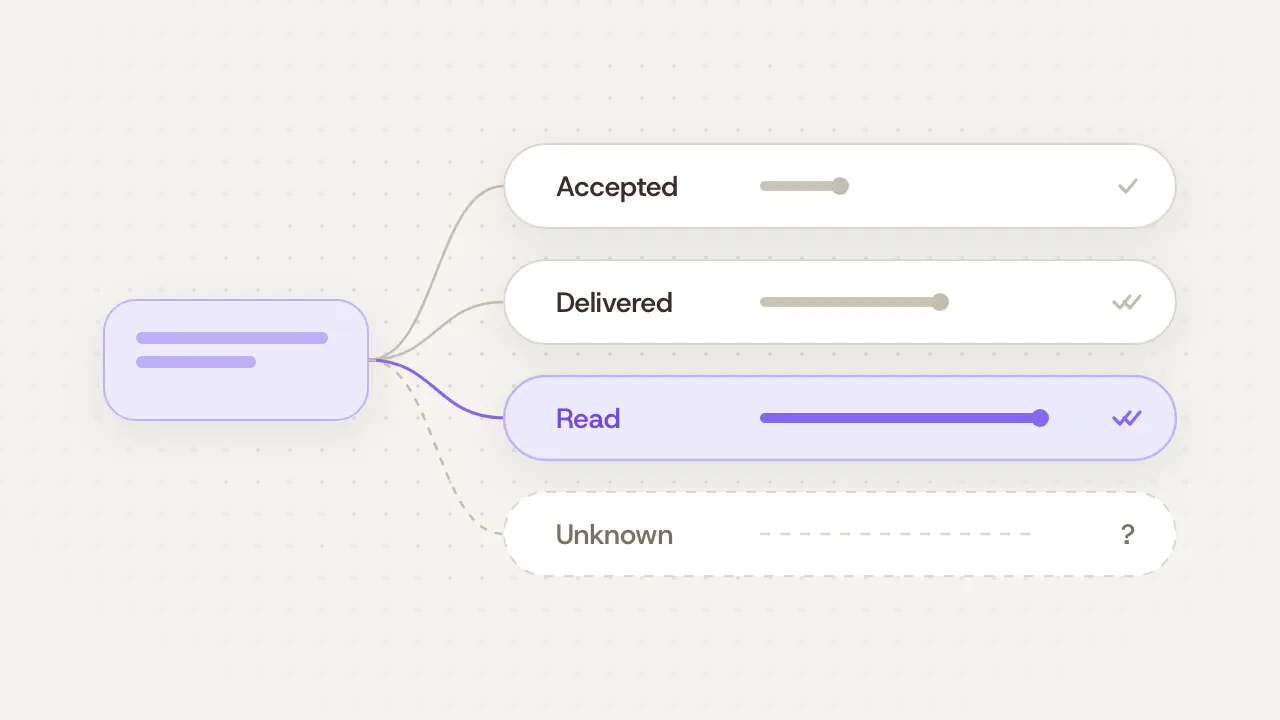
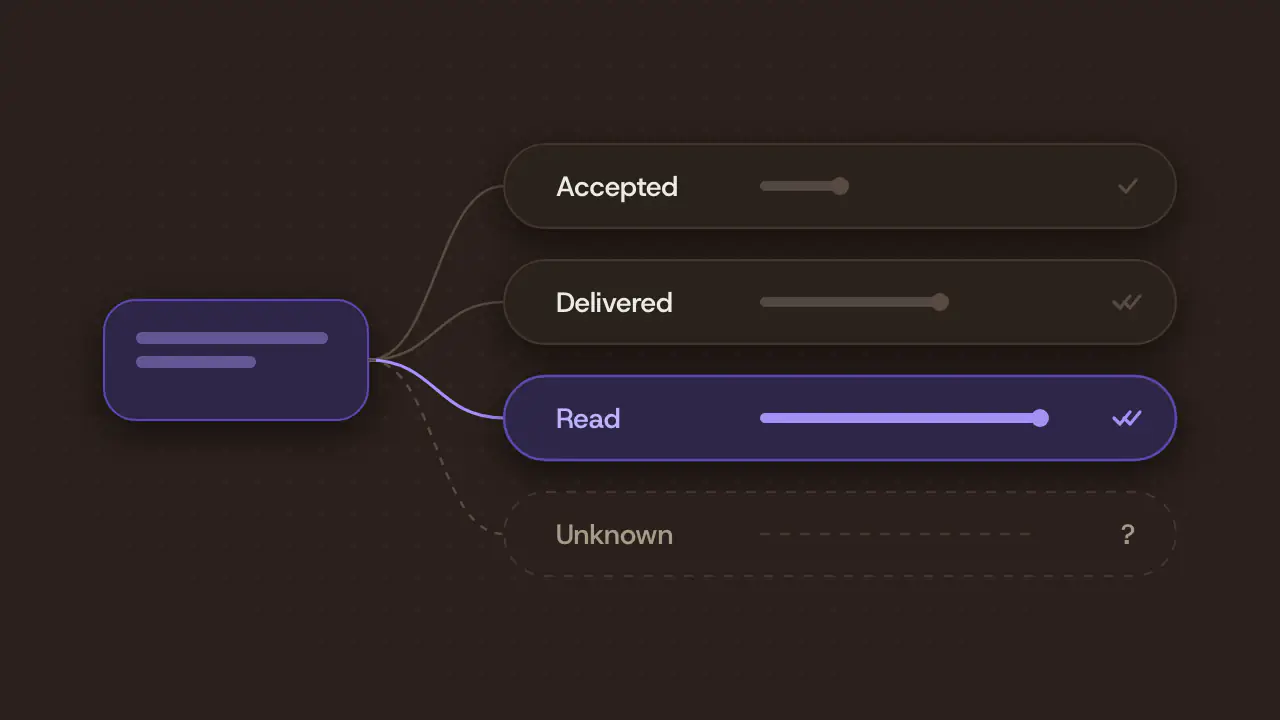
What was sent, and what is unconfirmed.
Put the groups on one business number, give each one an owner, and let teammates work from a shared view instead of one person’s phone. Use labels and saved views to see which groups need attention, schedule routine updates and keep internal discussion in private notes rather than in the group.
Yes. When your linked number is an admin of the group, a teammate with access can review pending join requests in the workspace and approve or reject them, and turn admin approval on or off for new members.
The group API can add, remove, promote and demote members when the linked number is an admin and the key has the members permission. For most groups an invite link is safer: adding many people who do not expect it can lead WhatsApp to restrict the number.
SuperSkope works with the groups your number belongs to. Community-level settings, such as creating a community or its announcement group, stay in the WhatsApp app.
No. SuperSkope connects your existing number as a WhatsApp linked device, the same way WhatsApp Web works. It is not the official WhatsApp Business Platform and is not affiliated with WhatsApp or Meta. WhatsApp’s terms restrict bulk and automated non-personal messaging, so keep automation to conversations that expect it.
Create a free workspace with 200 AI credits a month, link your number and invite your team. No card required.