WhatsApp CRM integration: HubSpot, Zoho, Salesforce and Google Sheets (2026)
WhatsApp CRM integration in 2026: what HubSpot, Zoho CRM and Salesforce offer natively, the WhatsApp group gap, Google Sheets, and safe sync patterns.
Short answer
A WhatsApp CRM integration links WhatsApp conversations to customer records. HubSpot, Zoho CRM and Salesforce each offer native WhatsApp channels built on Meta’s business messaging platform, which handle 1:1 chats but not the regular groups many teams run.
For an existing number and its groups, a linked-device tool plus your own sync through webhooks and the CRM’s API is the alternative.
What does a WhatsApp CRM integration do?
A WhatsApp CRM integration links WhatsApp conversations to customer records, so a salesperson or support agent sees the chat next to the deal, ticket or order, and the CRM can trigger messages. In its fullest form it logs every message on the contact, lets staff reply from the CRM, and sends templated notifications from CRM workflows.
In practice there are two different integrations hiding under one name: a messaging channel inside the CRM, and a data sync between a separate WhatsApp tool and the CRM. Which one you need depends on where your team wants to work.
What do HubSpot, Zoho and Salesforce offer natively?
All three major CRMs offer WhatsApp through Meta’s business messaging setup, with a Meta business account behind it. Details as published in each vendor’s help pages on 27 Nov 2026:
| CRM | Native WhatsApp option | Requirements stated by the vendor | Groups |
|---|---|---|---|
| HubSpot | WhatsApp channel in the conversations inbox | Marketing Hub or Service Hub Professional or Enterprise; admin access to your company’s Meta Business Manager | Not mentioned in HubSpot’s setup article |
| Zoho CRM | Business Messaging with WhatsApp | A Facebook Business Manager account, a verified business and a WhatsApp Business account; available in trial and paid editions | Not mentioned |
| Salesforce | Enhanced WhatsApp channels in Service Cloud Messaging | The Messaging feature and a WhatsApp Business account linked through Meta | Not mentioned |
| Google Sheets | No native WhatsApp channel | Connect through an automation tool or your own code | Depends on the WhatsApp connection used |
The WhatsApp group gap
Official-platform CRM channels are built for 1:1 conversations. Meta’s own Groups API needs an Official Business Account, works only with groups created through the API and caps them at 8 participants. HubSpot’s community has long-standing requests for WhatsApp group support. If your business runs dealer groups, project groups or customer groups on an existing number, a CRM’s native channel will not see them.
The usual workaround is a linked-device tool that reads those groups and pushes the relevant events into the CRM through webhooks or an automation tool. That comes with the Terms of Service trade-off of any unofficial connection, so keep it to operational, reply-first use.
Sync patterns that work
| Pattern | How it works | Use when |
|---|---|---|
| Log to CRM | Each new message event creates a note or activity on the matching contact | Sales and support want history on the record |
| CRM lookup in the inbox | The WhatsApp tool reads contact details from the CRM when a chat opens | Staff need context but the CRM stays the system of record |
| CRM-triggered message | A CRM workflow asks the WhatsApp tool to send a specific message | Order or appointment updates to customers who expect them |
| Ticket sync | A WhatsApp conversation becomes a ticket and status flows both ways | Support teams living in a helpdesk |
How do you match a WhatsApp chat to the right CRM record?
Phone number is the obvious key, but it is not always available. In WhatsApp groups, participants can appear under privacy identifiers rather than phone numbers, and a business contact may write from a colleague’s number. Match on the full international phone number when you have it, store the WhatsApp chat ID on the CRM record once confirmed, and never invent a phone number from an internal identifier.
Rules for a safe two-way sync
- Decide which system owns each field. Two-way sync of the same field creates loops.
- Make CRM-triggered sends idempotent: one CRM event, one request key, one message.
- Treat webhooks as at-least-once. Deduplicate event IDs before writing to the CRM.
- Log metadata by default and copy message text only where the team needs it.
- Get consent before CRM workflows message a customer, and stop when they ask.
What SuperSkope offers for CRM work today
SuperSkope connects your existing number as a WhatsApp linked device, the same way WhatsApp Web works. It is not the official WhatsApp Business Platform and is not affiliated with WhatsApp or Meta.
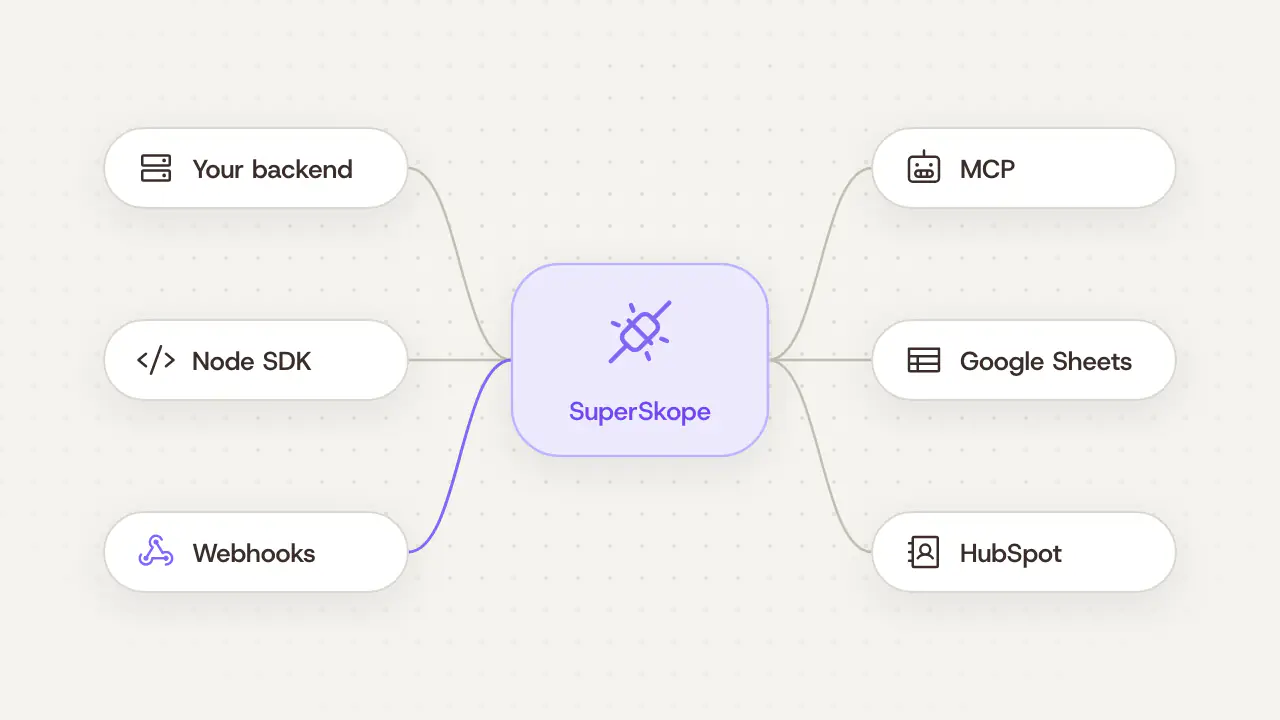
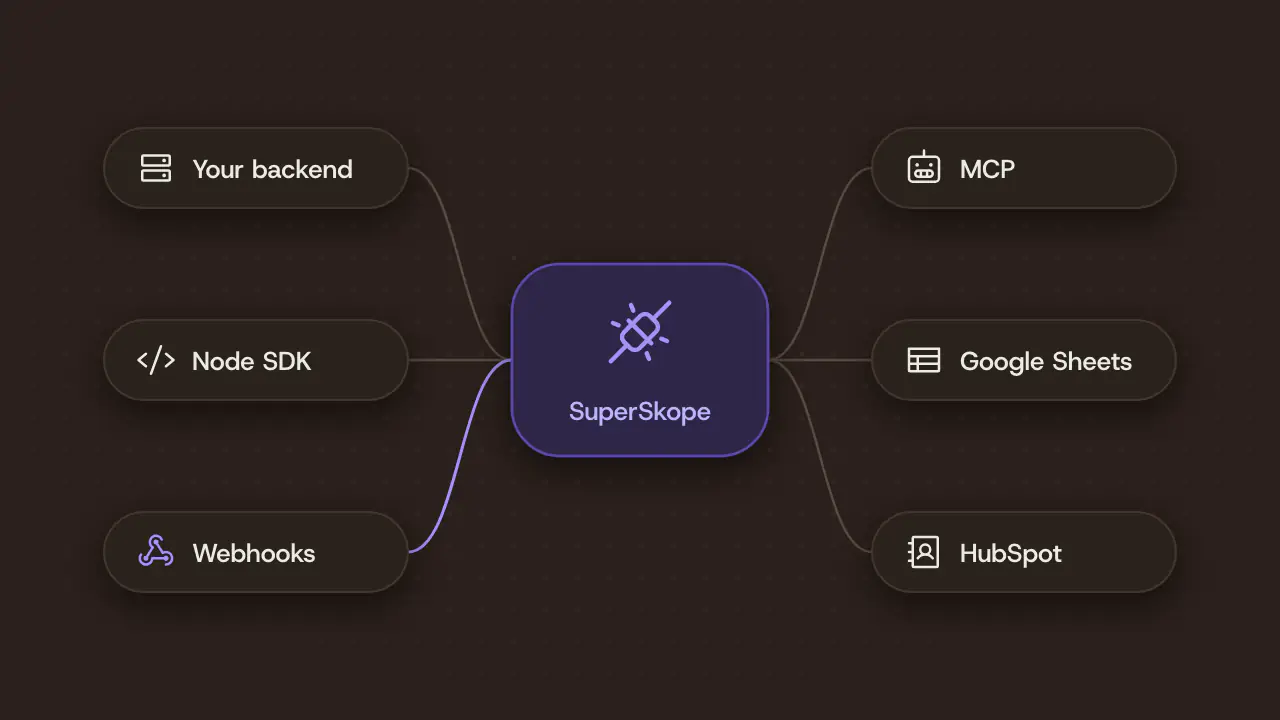
Two read-only connectors are built in: Google Sheets reads a fixed range you configure, using Google sign-in with read-only access or a manually supplied token, and HubSpot searches contacts with a private-app token that has contacts read permission. Owners configure them, tokens are stored encrypted on the server, and a connector shows as verified only after a real read succeeds. A Sheets read can be copied or downloaded as CSV.
There is no CRM write-back, contact sync or upsert, and no Salesforce or Zoho connector. To log WhatsApp activity into any CRM, receive SuperSkope’s signed webhooks in your own receiver or automation tool, fetch the message with a scoped API key, and write to the CRM’s API. Tickets, tasks, labels and custom fields also live inside SuperSkope, linked to the exact source message.
Next step
Write down the one question your team asks most when a WhatsApp message comes in, such as “Is this an existing customer?” or “What did they order last?”. Build only the integration that answers it. Most teams need a lookup and a log long before they need a full two-way sync.
Frequently asked questions
Does HubSpot support WhatsApp groups?
HubSpot’s WhatsApp setup article does not mention groups, and its community has open requests for group support. Meta’s official Groups API only covers API-created groups of up to 8 people. To bring existing group activity into HubSpot, teams use a linked-device tool that forwards events into HubSpot through its API.
Can I log WhatsApp messages to Google Sheets?
Yes, through an automation tool or code: receive a webhook for each message, then append a row with the Sheets API or a Sheets step in Zapier, Make or n8n. Deduplicate event IDs so retried webhooks do not create duplicate rows, and avoid copying personal data you do not need.
Does SuperSkope sync with my CRM?
Not automatically. SuperSkope reads a Google Sheets range and searches HubSpot contacts, both read-only. Writing to a CRM is done by your own receiver or automation tool, using SuperSkope’s signed webhooks and scoped API. There is no Salesforce or Zoho connector.
Do I need the WhatsApp Business API for a CRM integration?
For the native WhatsApp channels in HubSpot, Zoho CRM and Salesforce, yes: they connect through Meta’s business messaging setup. For an existing regular number and its groups, a linked-device tool can feed your CRM instead, with the Terms of Service trade-off of an unofficial connection.