Build a WhatsApp AI agent with n8n (2026)
Build a WhatsApp AI agent in n8n: the official WhatsApp node, the WAHA community node, or webhooks and HTTP requests to a scoped API, with safe sends.
Short answer
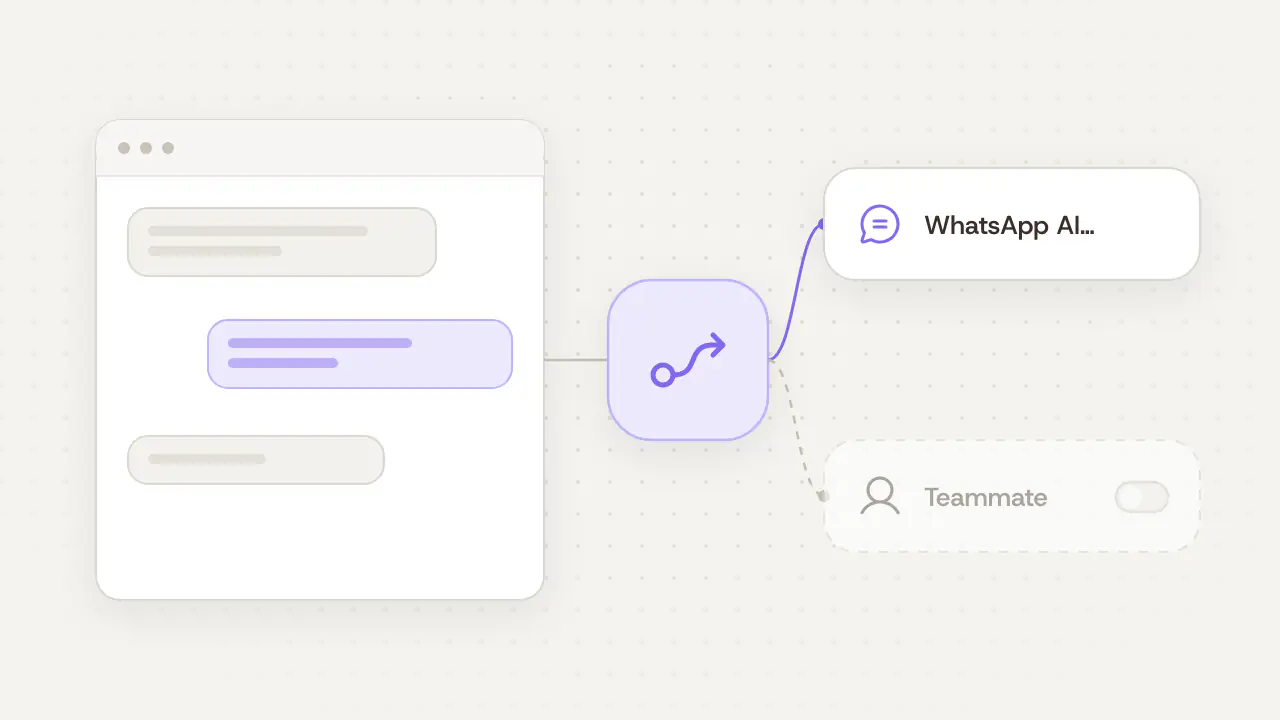
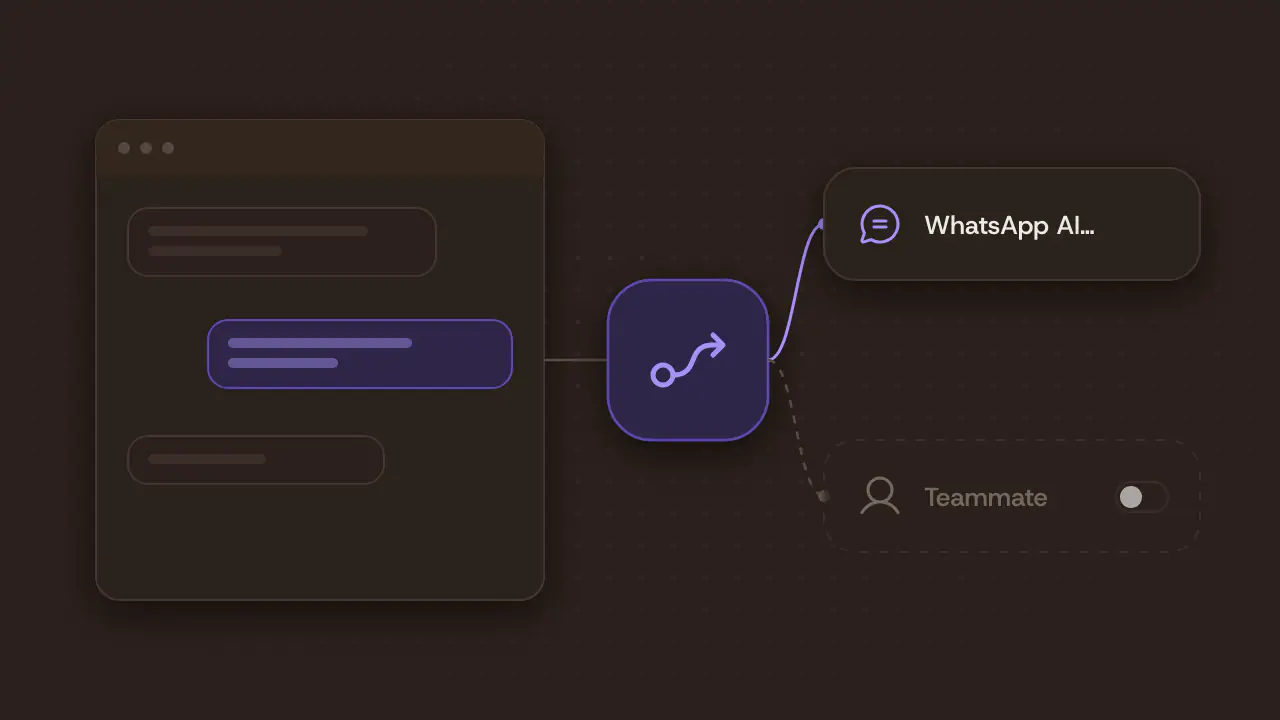
n8n can run a WhatsApp AI agent with its built-in WhatsApp Business Cloud node on Meta’s official API, or with webhooks and HTTP Request nodes against a linked-device service such as self-hosted WAHA or SuperSkope.
There is no SuperSkope node for n8n. Receive a signed event, verify it, let n8n’s AI Agent node decide, and send through the API with an idempotency key built from the event ID.
Which WhatsApp connection should n8n use?
n8n is the most common way people wire an AI agent to WhatsApp without writing a full backend. It does not connect to WhatsApp by itself, so the first decision is which connection the workflow talks to.
The WAHA community node talks to a WAHA server you run, so it does not work with a SuperSkope workspace. Use the SuperSkope customer API.
| Connection | How n8n uses it | Fits when | Limits |
|---|---|---|---|
| Meta’s official Cloud API | The built-in WhatsApp Business Cloud node: send, send and wait for a response, send template, and media upload or download | You run 1:1 customer conversations on a number registered with Meta | No regular groups; Meta’s Groups API covers only API-created groups of up to 8 people |
| Self-hosted WAHA | The WAHA community node (@devlikeapro/n8n-nodes-waha), with actions and a WAHA trigger | You run your own WAHA server and accept managing it | Not official; you handle sessions, security, upgrades and Terms of Service risk |
| SuperSkope | The Webhook node to receive verified events, and HTTP Request nodes to call the customer API | You want your existing number, groups and a team inbox, with scoped keys and takeover | Not official; there is no SuperSkope node for n8n, so you configure HTTP requests yourself |
The workflow at a glance
- A new WhatsApp message produces a signed SuperSkope webhook event.
- A small receiver verifies the signature, stores the event ID and forwards the event to n8n.
- n8n’s Webhook node starts the workflow, protected with header authentication.
- An HTTP Request node checks the chat’s automation state and fetches the message.
- The AI Agent node decides: reply, hand off or stay quiet.
- An HTTP Request node sends the reply with an idempotency key derived from the event ID.
Step 1: verify the webhook before n8n sees it
SuperSkope signs each webhook with HMAC SHA-256 over the timestamp and the exact body, in the X-SuperSkope-Timestamp and X-SuperSkope-Signature headers. A plain n8n Webhook URL accepts anything sent to it, so verify first. The simplest reliable pattern is a tiny receiver on your server, using the downloadable verifier from the SuperSkope docs or the SDK, that rejects bad signatures and old timestamps, records the event ID once and then posts the verified event to your n8n Webhook node.
On the n8n side, set the Webhook node’s authentication to Header Auth with a long shared secret that only your receiver knows. n8n’s Webhook node also supports Basic auth and JWT. Webhook events carry metadata only, such as the event type and chat and message identifiers, never message text, so the workflow fetches content with the API.
Step 2: check automation state and fetch the message
Store the API key as an n8n credential (Header Auth with Authorization set to Bearer and the key). Use a key limited to the chats the agent serves, with messages:read and messages:write. First call GET /api/v1/chats/{chatId}/automation: if paused is true, a person has taken over, so end the workflow. Then fetch the message.
GET https://api.superskope.com/api/v1/chats/{chatId}/automation
GET https://api.superskope.com/api/v1/chats/{chatId}/messages/{messageId}
Authorization: Bearer <SuperSkope API key from an n8n credential>
Copy-only example. This page never runs a request or asks for a credential.
Step 3: let the AI Agent node decide
Connect n8n’s AI Agent node to the model you use and give it a short system message: what the business does, which questions it may answer, the approved facts to answer from, and the rule to return a handoff when unsure. Ask for structured output, for example a field that is either reply, handoff or ignore, plus the reply text. Route on that field with an IF or Switch node rather than sending whatever the model writes.
For group messages, add a check before the agent: continue only if the bot was mentioned or the message replies to one of the bot’s own messages.
Step 4: send with an idempotency key
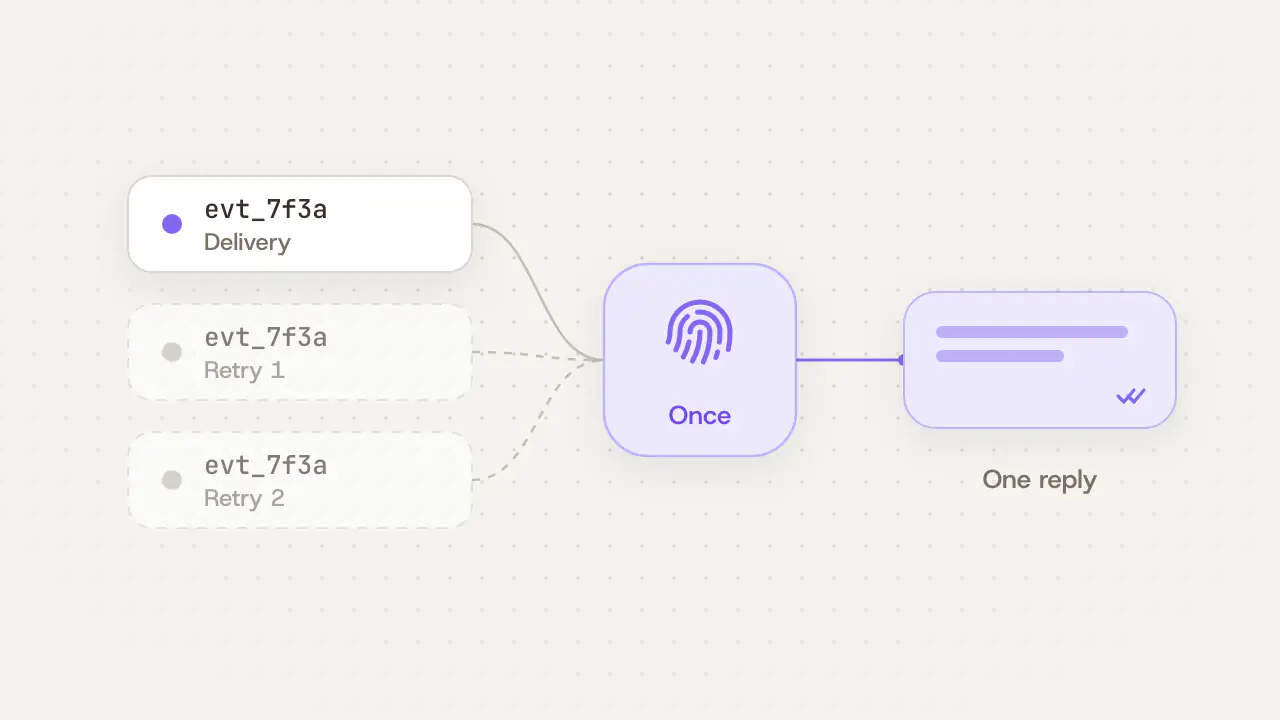
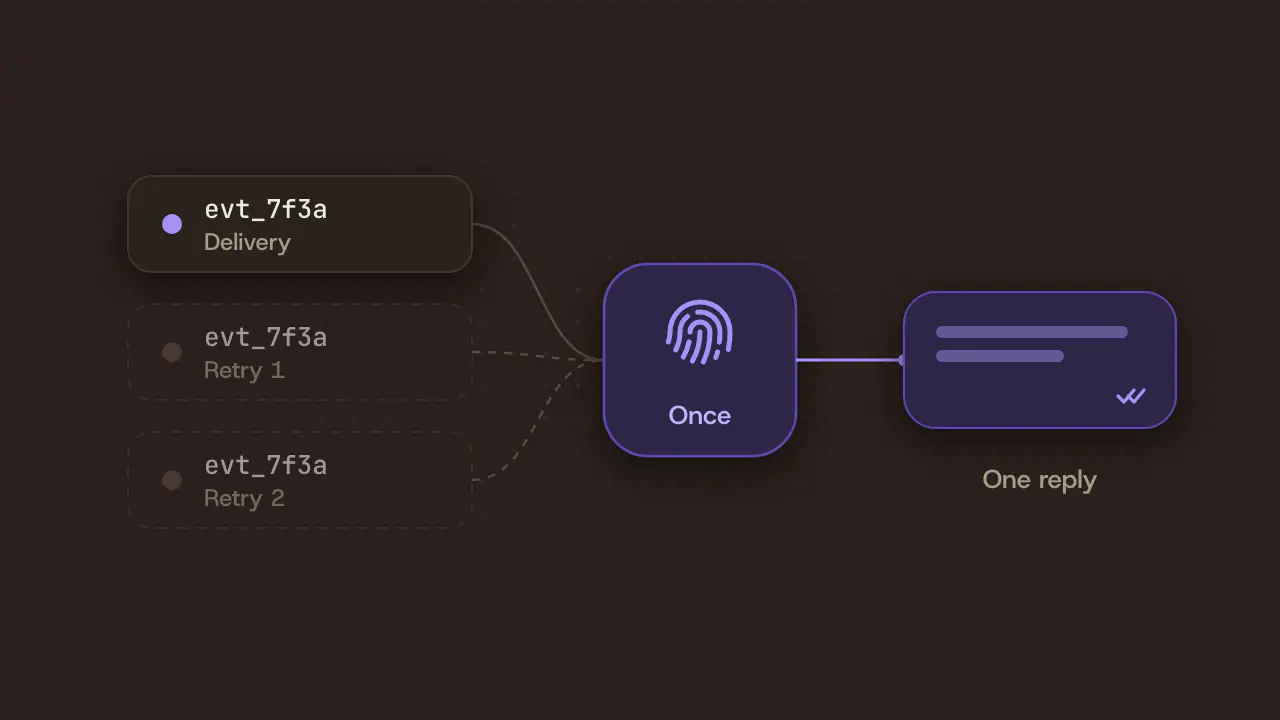
n8n can retry failed nodes and re-run executions. That is safe only if every send carries the same idempotency key on each attempt. Build the key from the event ID, never from the execution ID or a timestamp. SuperSkope returns the original result for an identical repeat and refuses a changed body under the same key. If the state is not sent, stop and inspect with GET /api/v1/requests/{requestId}; do not send again with a new key.
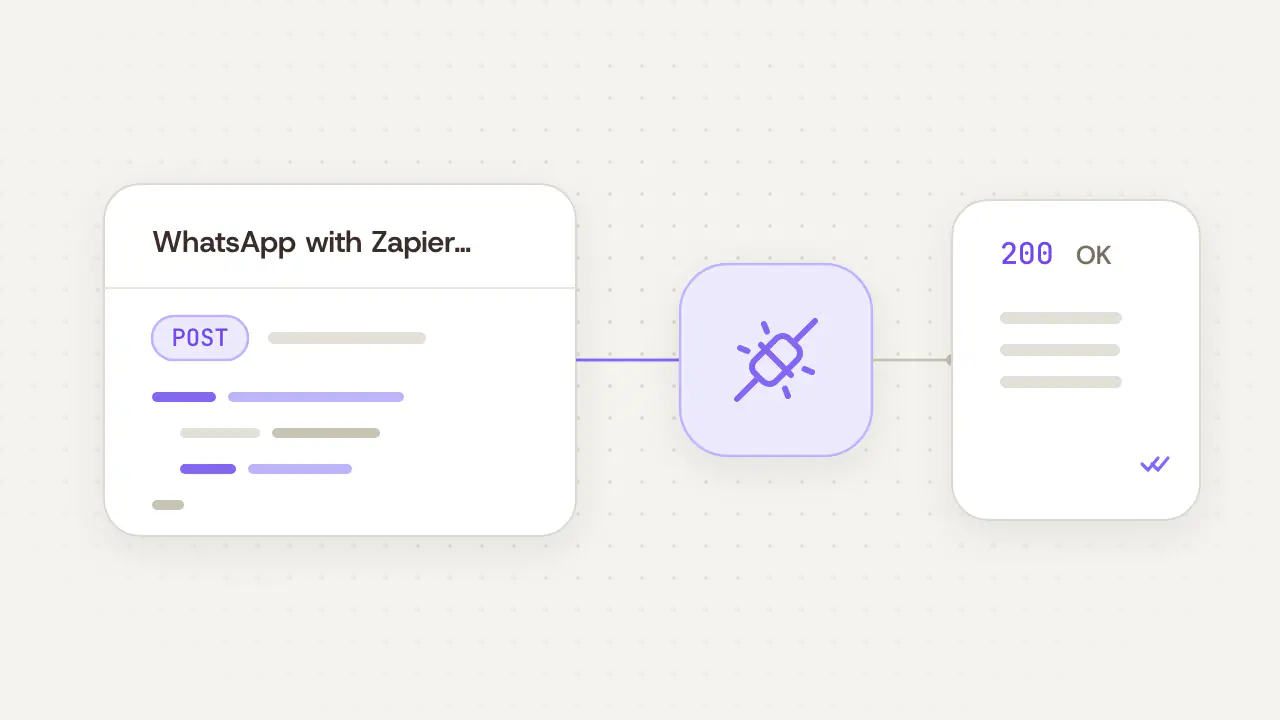
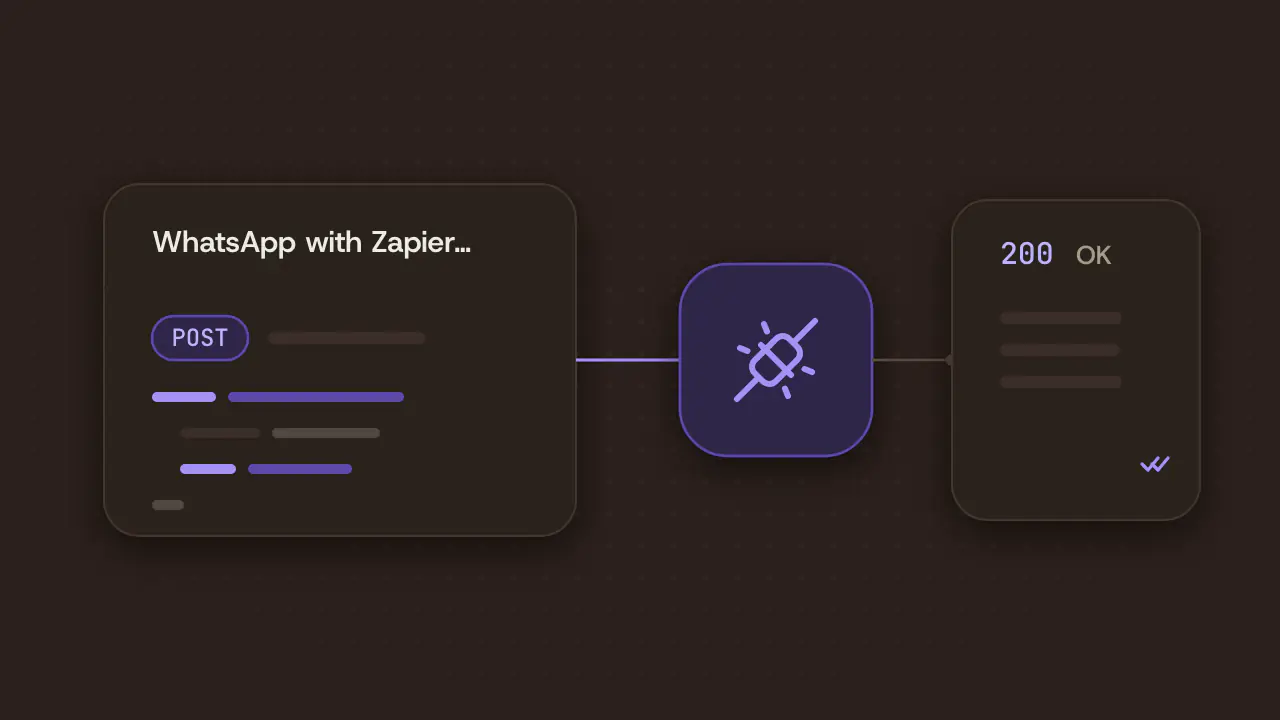
POST https://api.superskope.com/api/v1/chats/{chatId}/messages
Authorization: Bearer <SuperSkope API key>
Idempotency-Key: reply-{{ $json.eventId }}
Content-Type: application/json

{"type":"text","text":"{{ $json.reply }}","replyTo":"{{ $json.messageId }}"}
Copy-only example. This page never runs a request or asks for a credential.
Common n8n pitfalls with WhatsApp
- Turning on Retry On Fail for the send node without a stable idempotency key. That is how one reply becomes three.
- Using the execution ID in the key. A manual re-run gets a new execution ID and sends again.
- Answering every group message. Gate on mentions and replies first.
- Pasting the API key into node parameters instead of a credential, where it ends up in exported workflow JSON.
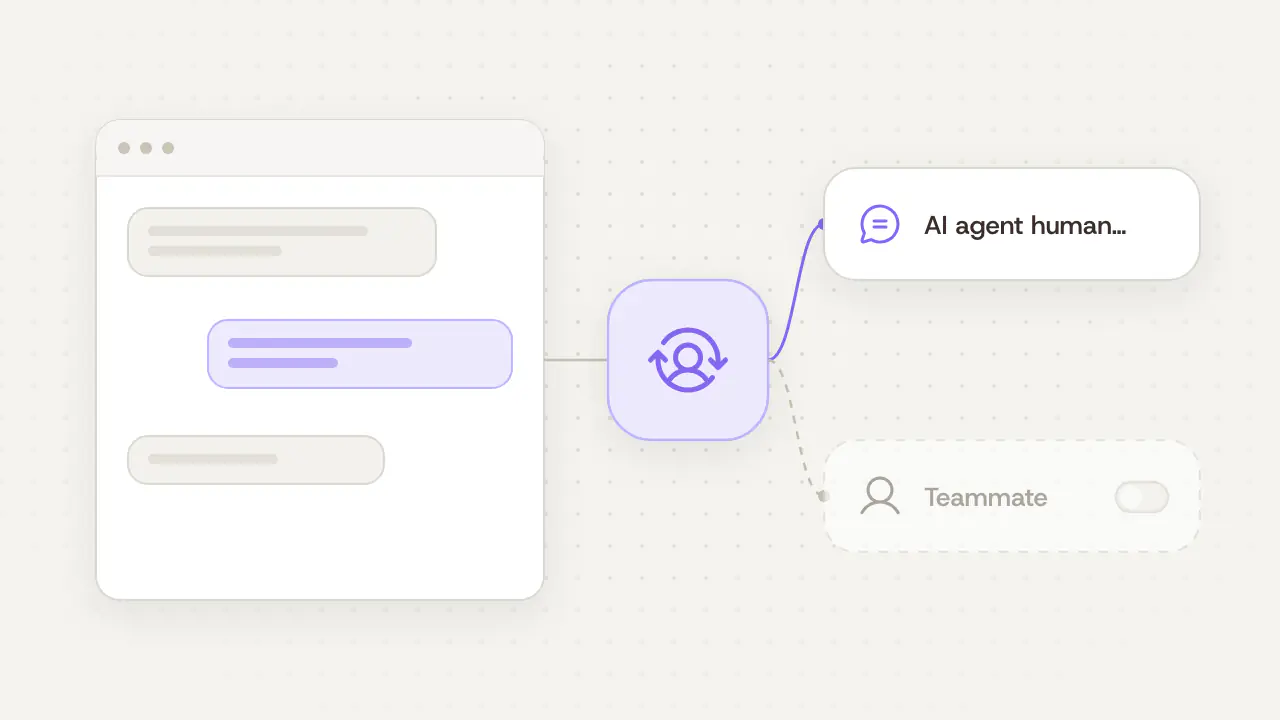
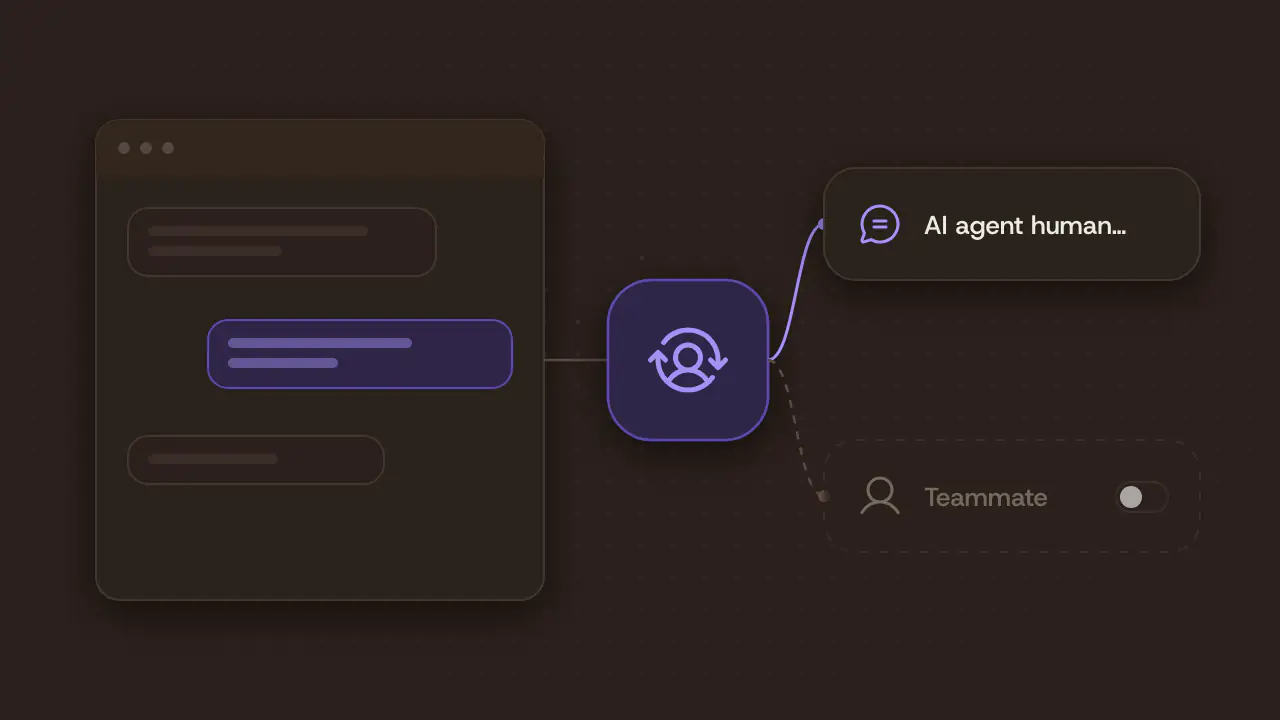
- Letting the agent keep replying after staff step in. Check the automation state on every run.
- Long model calls with no timeout, which leave customers waiting and executions piling up.
Using n8n with self-hosted WAHA instead
If you run WAHA yourself, the community node gives you WAHA actions and a trigger without writing HTTP requests. WAHA Core is free software that runs one session per container in its free edition; you are responsible for the server, backups, session health and security. Never expose a WAHA API to the internet without authentication. The Terms of Service position is the same as any linked-device tool.
For teams
SuperSkope connects your existing number as a WhatsApp linked device, the same way WhatsApp Web works. It is not the official WhatsApp Business Platform and is not affiliated with WhatsApp or Meta. With SuperSkope, n8n handles the agent logic while staff keep working in the shared inbox. Takeover pauses the agent for that chat, keys can be limited to chosen conversations, and the Free plan includes the API with one number, three team members, 1,000 outgoing messages and 200 AI credits a month.
Frequently asked questions
Is there an official WhatsApp node in n8n?
Yes. n8n’s built-in WhatsApp Business Cloud node works with Meta’s official Cloud API and can send messages, send and wait for a response, send templates and handle media. It does not reach regular WhatsApp groups. For existing numbers and groups, people use WAHA’s community node or HTTP requests to a linked-device service.
Can an n8n workflow reply in WhatsApp groups?
Not through the official node, because Meta’s API only supports API-created groups of up to 8 people. Through a linked-device connection it can. Reply only when the bot is mentioned or replied to, and keep group admin actions limited to requests from current group admins.
Can I use the WAHA n8n node with SuperSkope?
No. The WAHA node talks only to a WAHA server you run yourself. SuperSkope has its own scoped customer API, so use n8n’s Webhook node and HTTP Request nodes with a SuperSkope API key instead.
How do I stop n8n sending duplicate WhatsApp replies?
Deduplicate the incoming event ID before the workflow runs, and send every reply with an Idempotency-Key built from that event ID. Then retries and re-runs return the original result instead of sending again. If a result is uncertain, inspect it rather than retrying with a new key.