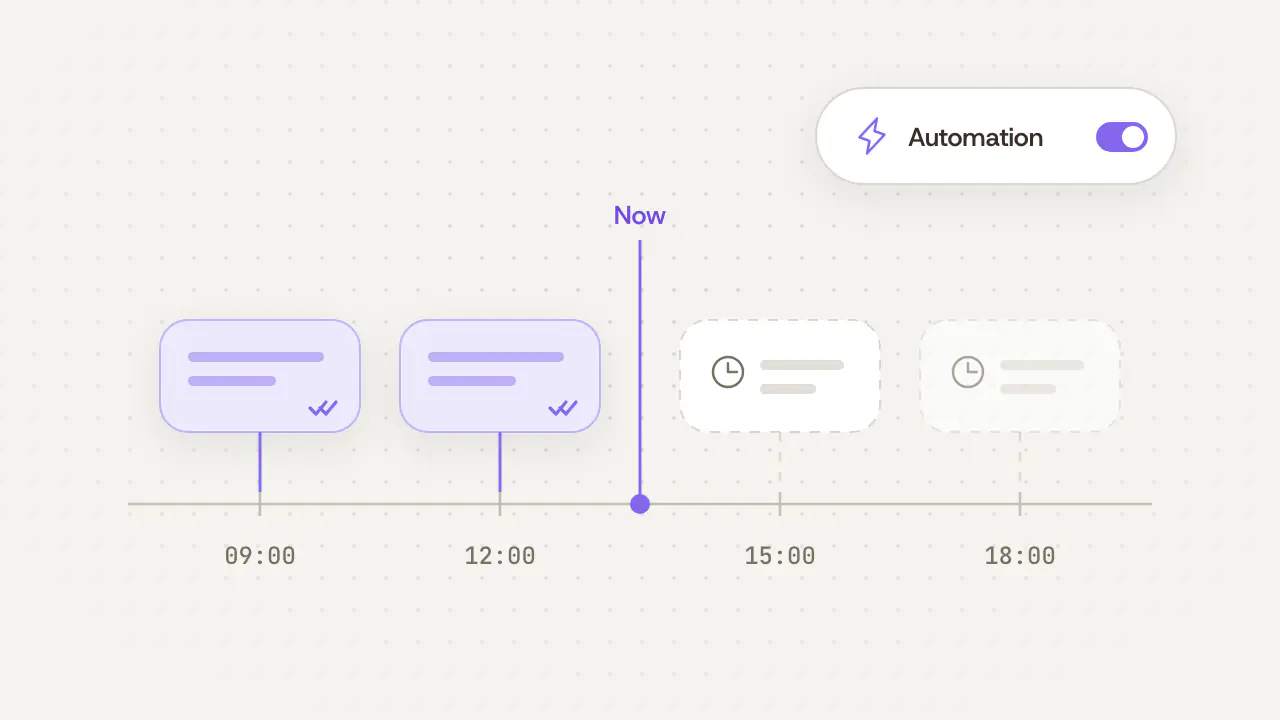
WhatsApp automation for business: what to automate and what not to (2026)
WhatsApp automation for business in 2026: free tools, the official API, linked-device tools, what is safe to automate and what gets numbers banned.
Short answer
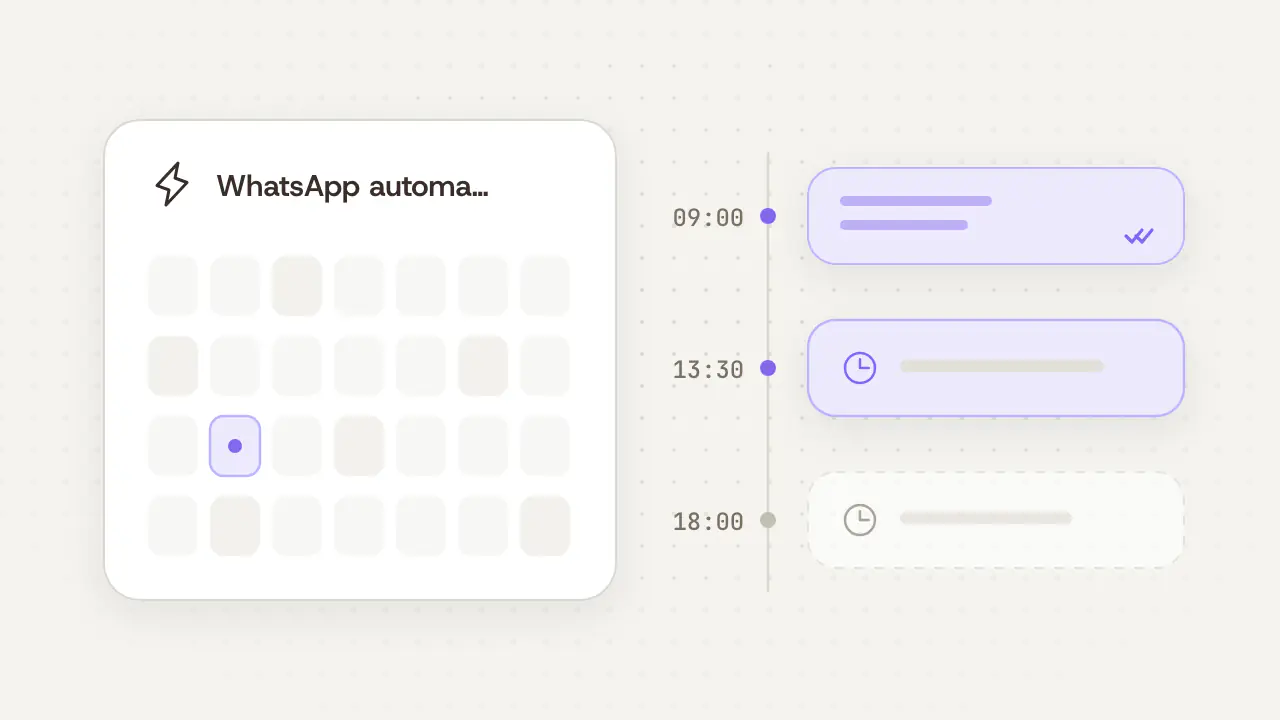
WhatsApp automation means letting software send, sort, answer or track WhatsApp messages: greeting and away messages, scheduled updates, routing, reminders and AI replies.
Automate replies to people who contacted you, scheduled updates they expect, and internal follow-up. Do not automate cold or bulk messages from a regular number: WhatsApp’s terms prohibit it and it gets numbers restricted.
What is WhatsApp automation?
WhatsApp automation is any software that sends, sorts, answers or tracks WhatsApp messages without someone doing each step by hand. It ranges from a greeting message on the WhatsApp Business app to scheduled group updates, ticket creation and AI replies driven by an API.
The useful question is not “can this be automated?” but “should this message come from a machine, and who is accountable when it is wrong?” The answer decides which tool you need and how much risk you take.
The three levels of WhatsApp automation
Linked-device tools, including SuperSkope, are not Meta’s official platform. WhatsApp’s terms prohibit bulk and automated non-personal messaging, so these tools fit operational, reply-first work, not campaigns.
| Level | What you get | Cost | Fits |
|---|---|---|---|
| WhatsApp Business app built-ins | Greeting message, away message, quick replies, labels, catalogue | Free | Solo owners and small shops |
| Official WhatsApp Business Platform, directly or through a provider | Templates, notifications and marketing to opted-in customers, chatbots, CRM integrations | Meta’s per-message charges plus provider fees | High-volume 1:1 service and marketing |
| Linked-device tools on your existing number | Scheduled messages, group operations, shared inbox, agents and API on the number you already use | Subscription; some offer a free tier | Teams running chats and regular groups on one number |
What should you automate?
Automate work that is repetitive, expected by the recipient and easy to verify.
- Replies to people who wrote to you: hours, prices, directions, order status.
- Scheduled updates to groups that expect them, such as a daily dispatch summary or a weekly class timetable.
- Reminders the customer asked for, such as an appointment the day before.
- Internal follow-up: flag chats nobody answered, create a ticket from a message, assign by keyword.
- Drafts and summaries that staff review before sending.
- Logging conversations into the systems your team already uses.
What should you not automate?
Some automation saves an hour and costs the number. WhatsApp’s help center says its products are not intended for bulk or automated messaging, that it uses machine learning and user reports to detect it, and that accounts can be banned. Restricted accounts can lose the ability to message new contacts, create groups, add members or use linked devices.
- Cold messages to people who never contacted you, including scraped or purchased lists.
- Bulk broadcasts from a regular number. Use the official platform with opted-in templates for marketing.
- Adding many people to groups at once.
- Automatic retries of a send whose result is unknown, which can duplicate messages.
- Decisions about money, refunds or commitments with no person checking.
- “Number warming” or rotating numbers to avoid limits. If you need that, you need the official platform.
Is there a free WhatsApp automation tool?
Yes, within limits. The WhatsApp Business app’s greeting, away and quick-reply tools are free. Self-hosted open-source engines such as WAHA Core are free software, but you pay in servers and maintenance. Workflow tools like n8n can be self-hosted for free. Managed tools usually offer trials or free tiers: SuperSkope’s Free plan covers one number, three team members, 1,000 outgoing messages and 200 AI credits a month, with the API, schedules, shared inbox and up to 3 active rules, no card required.
On the official platform, the software may be free but Meta charges per message under its own price list.
Automating WhatsApp groups
Groups are where many Indian businesses actually run operations: dealer networks, delivery teams, parent groups, site teams. Meta’s official Groups API does not help here: it needs an Official Business Account, only manages groups it created and caps them at 8 participants. Automating existing groups requires a linked-device connection.
Keep group automation conservative: scheduled posts the group expects, mention-gated replies, and administrative actions only on request from current admins.
Build or buy?
| Approach | Good for | Watch for |
|---|---|---|
| Business app built-ins | One person, simple auto-replies | No team, no API, no groups automation |
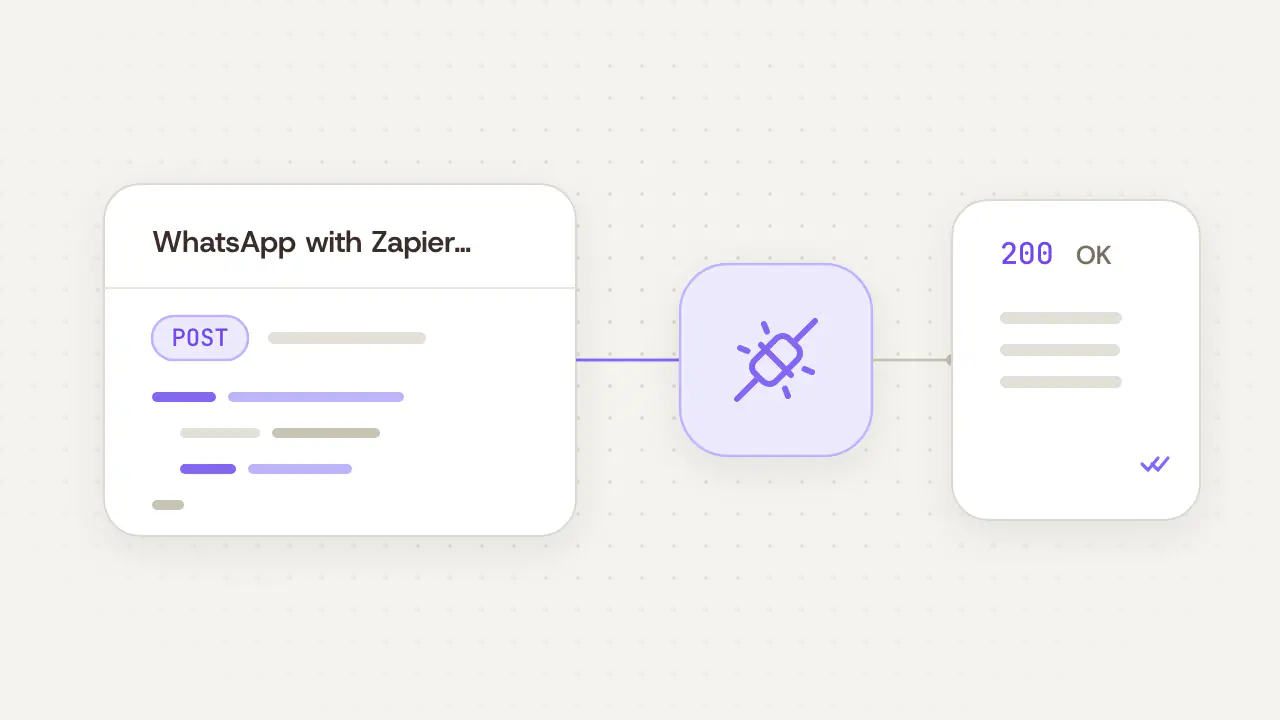
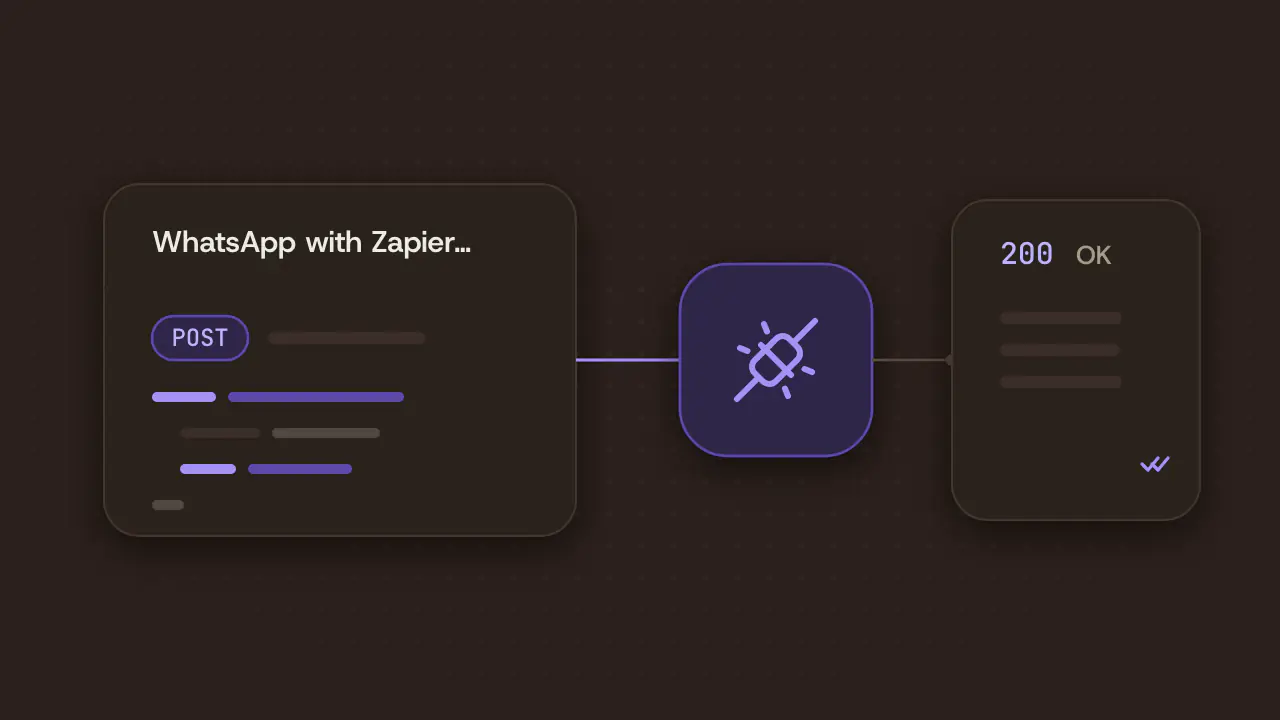
| n8n, Zapier or Make | Connecting WhatsApp events to other apps without a full backend | Retries creating duplicate sends; webhook verification |
| Your own code on an API | Custom agents, business rules, integrations | Idempotency, uncertain results, monitoring |
| A WhatsApp-first workspace | A team sharing one number with schedules, tickets and agents | Whether it uses the official platform or a linked device |
Design rules for safe automation
- Start paused. Turn each automation on deliberately, for chosen chats.
- Give every send a stable request key so a retry cannot duplicate it.
- Treat an unknown result as unknown: inspect, do not resend.
- Keep a visible history of what ran, when and why.
- Let a person take over any conversation, and make the automation respect it.
- Review the automation monthly and switch off what nobody needs.
For teams: automation in SuperSkope
SuperSkope connects your existing number as a WhatsApp linked device, the same way WhatsApp Web works. It is not the official WhatsApp Business Platform and is not affiliated with WhatsApp or Meta.
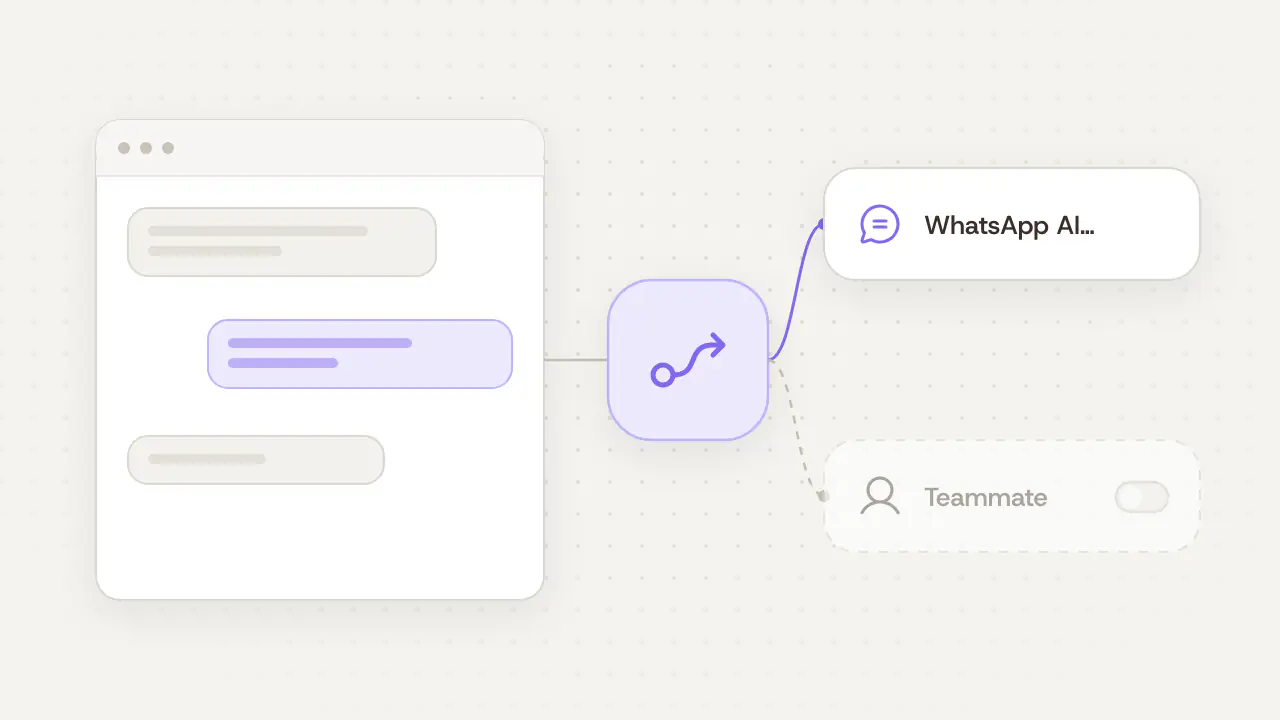
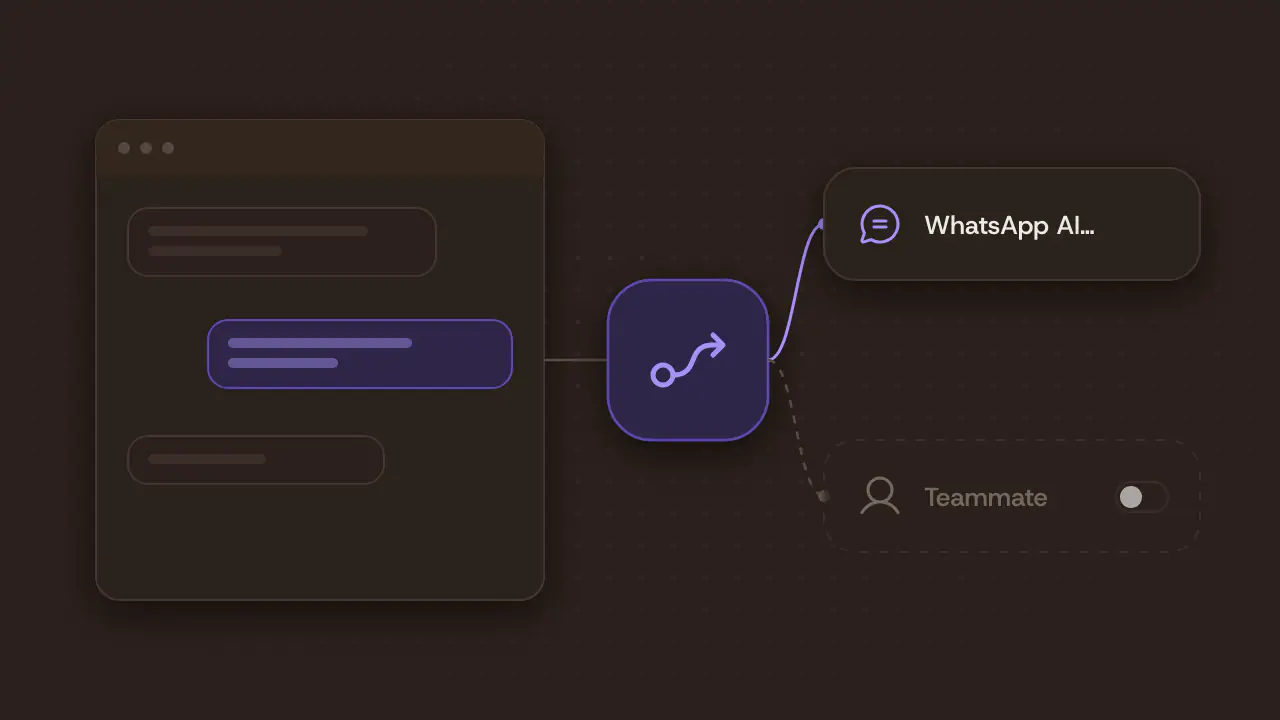
Schedules send one-off and recurring messages to chats and groups, can be paused when plans change and keep their send history. Agents get access only to conversations an owner selects, and staff can take over at any time. On every plan, rules react to new or unanswered messages with keyword and working-hours conditions. They can reply in the chat, send an alert to a chosen chat, or create tickets, tasks, notes, assignments or labels. New rules save paused, respect human takeover and never retry an uncertain send. Your backend can orchestrate any permitted operation through the scoped API.
Frequently asked questions
Is WhatsApp automation legal?
Automation itself is not illegal, but WhatsApp’s terms restrict it. The official Business Platform is designed for automated business messaging within Meta’s policies. On regular numbers, WhatsApp’s terms prohibit bulk and automated non-personal messaging, and accounts can be restricted or banned. Local laws on consent and data protection also apply.
Can I automate WhatsApp without the API?
The WhatsApp Business app’s greeting messages, away messages and quick replies work without any API. Beyond that, tools either use Meta’s official API or a linked-device connection that works like WhatsApp Web. Linked-device tools are not official and carry Terms of Service risk.
Can I schedule WhatsApp messages?
The WhatsApp apps do not have a built-in scheduler for regular chats. Scheduling needs a tool: on the official platform, scheduled template messages; with a linked-device workspace such as SuperSkope, one-off and recurring messages to chats and groups, which you can pause and audit.
Will automation get my WhatsApp number banned?
Reply-first automation at human volumes rarely causes problems. What triggers restrictions is behaviour that looks like spam: messaging strangers, bulk sends, mass group adds and people reporting or blocking you. Keep automation to people and groups that expect your messages.