Unofficial WhatsApp API: how it works and the real risks
How an unofficial WhatsApp API works, what WhatsApp's own terms and help pages say about it, what raises ban risk, and when it is a reasonable choice.
Short answer
An unofficial WhatsApp API connects a regular WhatsApp number as a linked device, the way WhatsApp Web does, and exposes it as an HTTP API. It works with personal and Business app numbers and existing groups.
WhatsApp's terms prohibit this kind of automated, non-personal use without authorisation, and its Help Center says accounts linked to unofficial clients can be temporarily or permanently banned. Risk rises sharply with cold, bulk or reported messaging.
Official vs unofficial WhatsApp API
Checked on 27 Nov 2026. "Official" means Meta's WhatsApp Business Platform (the Cloud API), used directly or through a Business Solution Provider. "Unofficial" means anything that drives a regular WhatsApp account as a linked device.
| Official (Cloud API) | Unofficial (linked device) | |
|---|---|---|
| How it connects | Meta-hosted API with a token | Your number linked by QR code, like WhatsApp Web |
| Number | Registered on the Business Platform; not usable in the app at the same time unless onboarded for coexistence | Your existing personal or Business app number, still on your phone |
| Groups | Only API-created groups of up to 8 people | Any group the number is in, up to 1,024 members |
| Starting conversations | Approved templates, opt-in required | Free text to anyone, which is exactly what gets numbers banned |
| Cost | Per-message pricing set by Meta | Software or subscription cost |
| Allowed by WhatsApp | Yes, under the Business Messaging Policy | No. WhatsApp's terms prohibit it without authorisation |
| If it breaks | Meta support and status pages | You debug the protocol, or your provider does |
What is an unofficial WhatsApp API?
WhatsApp lets one account run on a phone plus up to four linked devices, such as WhatsApp Web or the desktop app. Open-source projects have re-implemented the protocol those devices use. whatsapp-web.js drives the real WhatsApp Web page inside a headless browser. Baileys (TypeScript) and whatsmeow (Go) speak the protocol directly over a WebSocket. Services such as WAHA and Evolution API put an HTTP API in front of these engines, and hosted vendors run them for you.
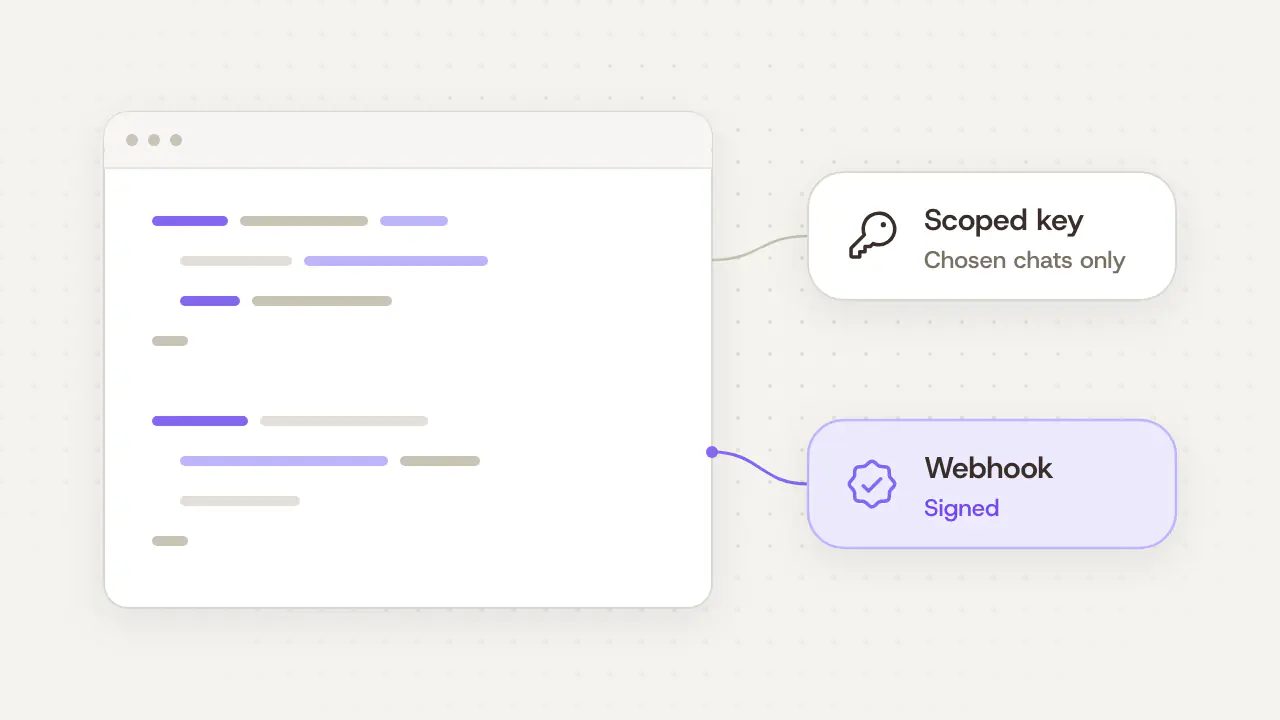
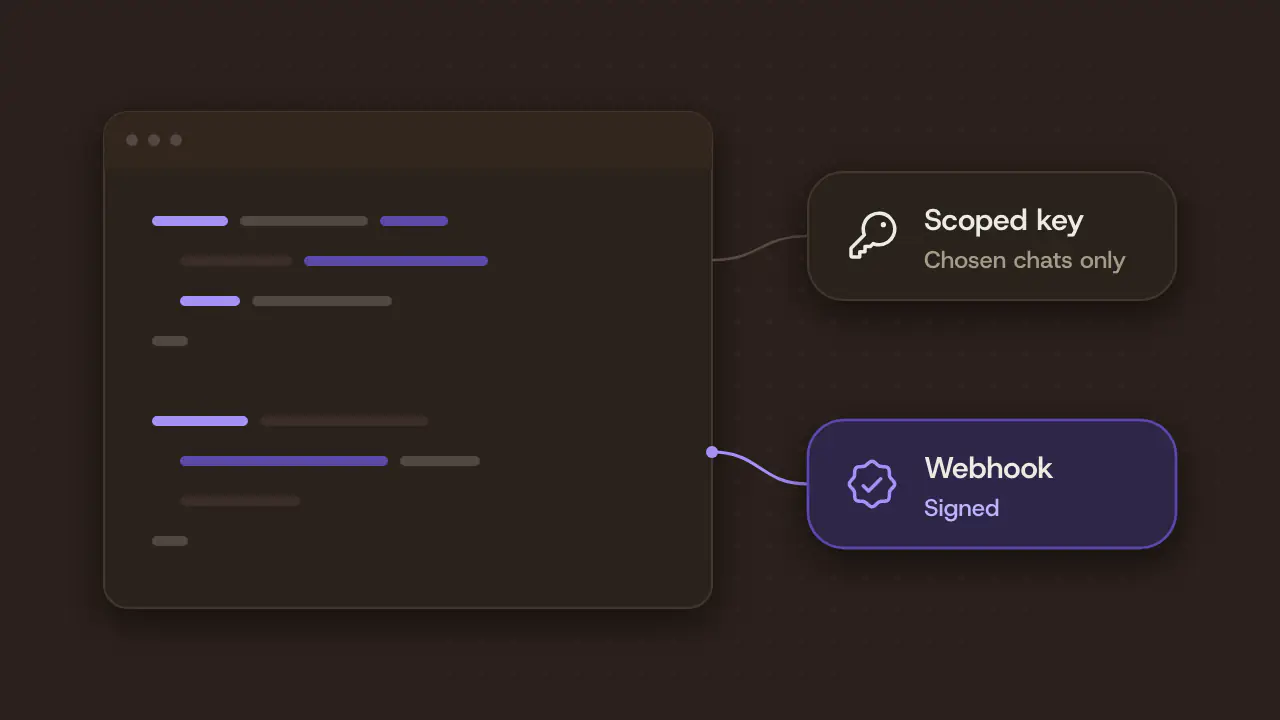
The result looks like any other REST API: send a message, list groups, receive webhooks. Underneath, it is your WhatsApp account acting as one of its linked devices. That is why it can do things the official platform cannot, such as reading existing groups or messaging from a number that is still on your phone, and why WhatsApp treats it differently.
What does WhatsApp say about unofficial APIs?
WhatsApp's own pages are clear, and anyone choosing an unofficial API should read them in full rather than rely on a vendor's summary.
- The Terms of Service prohibit "bulk messaging, auto-messaging, auto-dialing, and the like" and "any non-personal use of our Services unless otherwise authorized by us".
- They also prohibit creating accounts "through unauthorized or automated means" and offering software that functions substantially like WhatsApp's services to others without authorisation.
- The Help Center says: "Using these apps or linking your WhatsApp account to unofficial versions of WhatsApp violates our Terms of Service", and that accounts "might also be temporarily or permanently banned".
- WhatsApp states that its products "are not intended for bulk or automated messaging", that it bans accounts using machine-learning classifiers, and that it may take legal action based on information available off its platform.
- Accounts showing signs of spam, automated or bulk messaging can be restricted: they "can't start chats or calls with new contacts, create new groups, add new members to groups, or use linked devices" until the restriction ends.
WhatsApp also says that connecting a third-party agent through its supported Agents feature is different from using an unofficial app. That exception covers only that feature, not linked-device APIs.
What actually raises the risk of a ban?
WhatsApp does not publish its detection rules, so nobody can promise a number is safe. What is visible in WhatsApp's help pages, in WAHA's own guidance and in public issue trackers is consistent about what tends to trigger action:
- Messaging people who have not messaged you first, especially in volume. WAHA's documentation describes a silent restriction on messages to new contacts (error 463) and a quota on new contacts per cycle (error 475).
- Being blocked or reported. WhatsApp names "many people block or report your messages" as a reason for restriction.
- Adding people to groups who did not expect it, or creating many groups quickly. WAHA users have reported temporary-ban reason codes for too many messages to unknown people, being blocked by too many people, and too many groups.
- Leaving the API open. A WAHA user reported two banned numbers after an unauthenticated API was discovered and abused by others.
- Modified apps such as unofficial clones of WhatsApp, which WhatsApp names directly in its help pages.
When an unofficial WhatsApp API is a reasonable choice
Some teams use linked-device APIs with eyes open, because the official platform cannot do the job at all. It is a judgement about risk, not a loophole.
| Reasonable | Not reasonable |
|---|---|
| Coordinating existing operations groups: drivers, kitchen staff, site teams | Marketing campaigns or cold outreach to bought or scraped lists |
| Replying to customers who messaged you first, with a person in the loop | OTPs, payment alerts or anything that must arrive |
| Internal alerts to a group of colleagues | Adding hundreds of people to groups |
| Personal productivity on your own number | Reselling WhatsApp access as your own messaging service |
| Pilots where losing the number would be an inconvenience, not a crisis | Any workflow where the number is your only channel to customers |
Can I use a WhatsApp API with a personal number or without a Business account?
Not on Meta's platform. The Cloud API needs a number registered to the WhatsApp Business Platform under a Meta business portfolio. A linked-device API works with a personal or WhatsApp Business app number, because it links to the account you already have. That is also the reason it is unofficial. If you need an API without a Business account for anything customer-facing or high volume, the honest answer is that there is no authorised way to do it.
How to choose an unofficial API provider responsibly
If you go ahead, the provider's behaviour matters as much as its feature list. Ask these questions before connecting a number:
- Does it say clearly that it is not affiliated with WhatsApp or Meta, and explain the ban risk? Vendors that call themselves "official" or "ban-proof" are not being straight with you.
- Does it refuse or discourage bulk sends, cold outreach and mass group adds?
- What happens when a send times out? It should record the attempt and stop, not retry automatically.
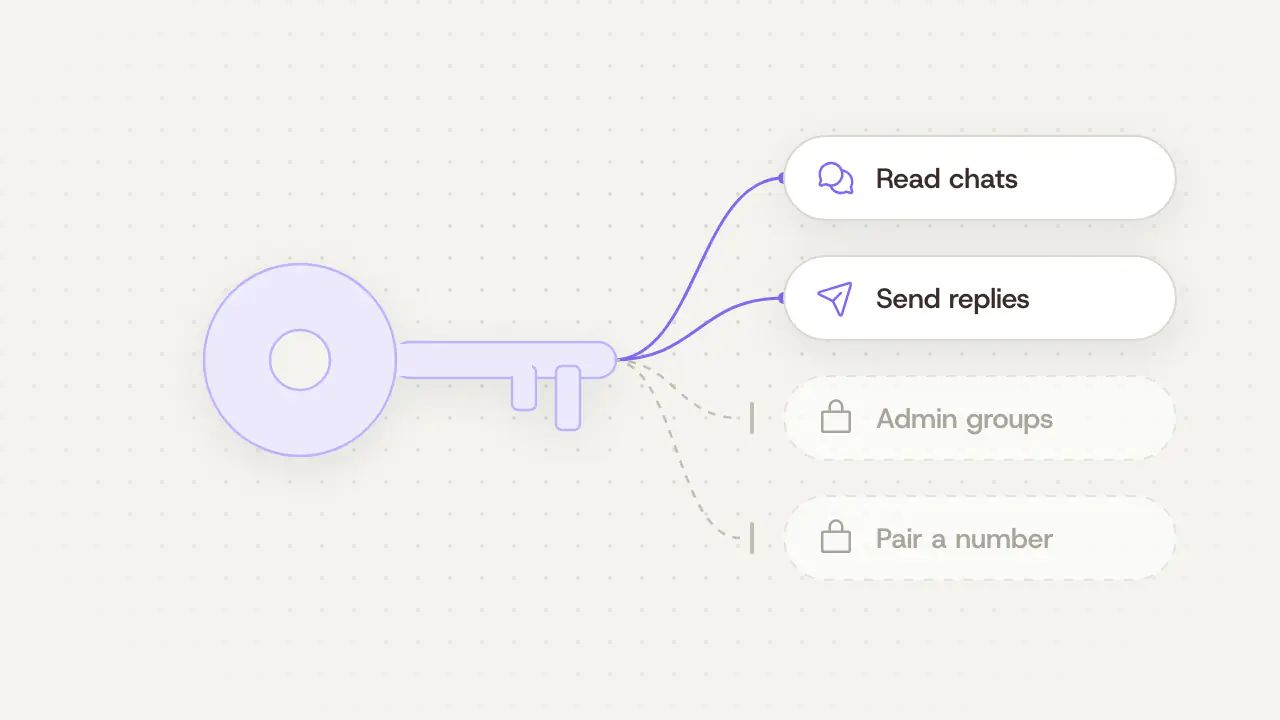
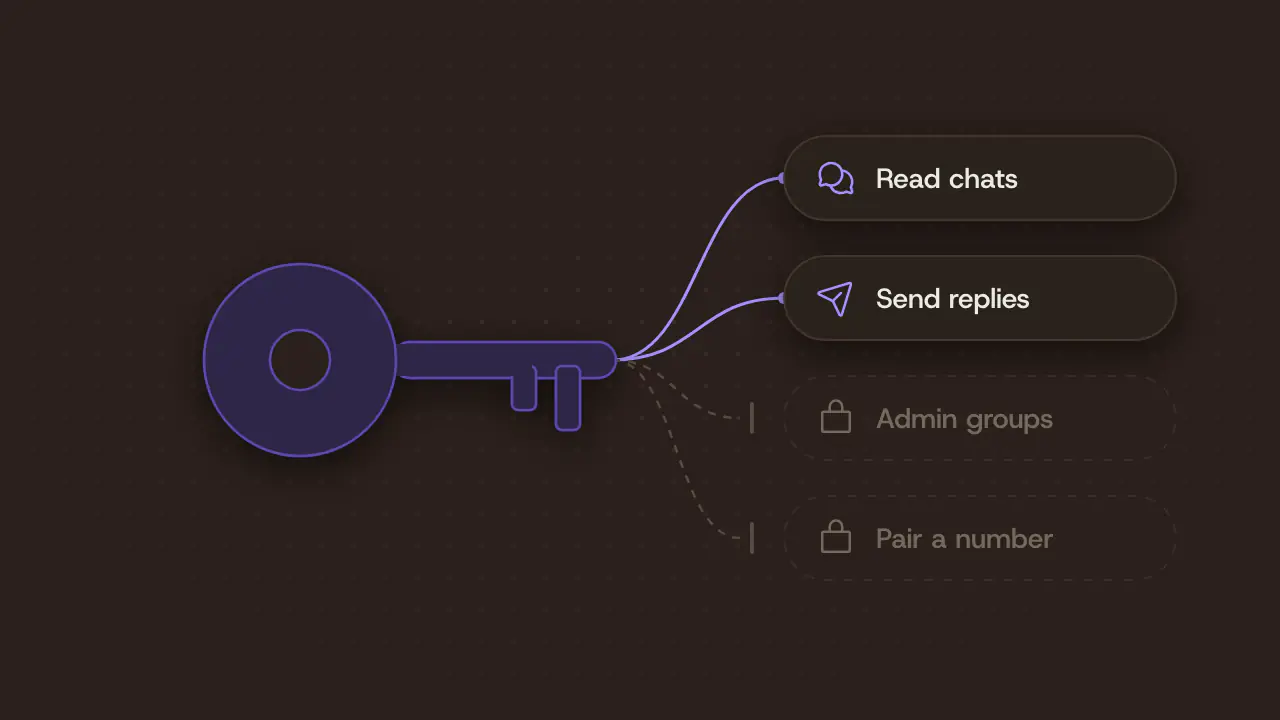
- Can you limit each API key to specific chats and actions?
- Does it detect a disconnected or restricted session and tell you?
- Where are your messages and session credentials stored, and can you export and delete them?
For teams: how SuperSkope approaches this
SuperSkope connects your existing number as a WhatsApp linked device (the same way WhatsApp Web works). It is not the official WhatsApp Business Platform and is not affiliated with WhatsApp or Meta. We built it for operations teams that already work in WhatsApp groups and direct chats, and we say so on every page that touches APIs or groups.
The product is designed around the risks above: API keys limited to selected chats and actions, outbound sending off until the owner confirms the linked number, idempotency keys on every write, uncertain sends held for a person instead of retried, group changes only for current group admins, and session health checks that never clear a session as a shortcut. None of this makes linked-device use authorised by WhatsApp. It reduces avoidable mistakes. For marketing and bulk notifications, use the official platform.
Next step
Write down what you need WhatsApp to do and who starts each conversation. If your business starts most conversations, or the volume is high, use the official Cloud API. If the work happens in existing groups and replies, test a linked-device API on a secondary number first, read WhatsApp's terms, and decide what you would do if the number were restricted tomorrow.
Frequently asked questions
Is an unofficial WhatsApp API legal?
Using one is generally a breach of WhatsApp's contract terms rather than a crime in itself, and WhatsApp's remedy is usually restricting or banning the account. WhatsApp also says it may take legal action against abuse. Separate laws still apply to what you send, such as India's Digital Personal Data Protection Act and anti-spam rules. Take legal advice for your situation.
Will my number get banned if I use an unofficial WhatsApp API?
Nobody can guarantee either way. WhatsApp says unofficial clients can lead to temporary or permanent bans. In practice, numbers that only reply to people who contacted them, at human volumes, with nobody reporting them, last much longer than numbers used for outreach, bulk sends or mass group adds.
Is WAHA an official WhatsApp API?
No. WAHA is an open-source, self-hosted HTTP API that runs WhatsApp engines such as Baileys and whatsapp-web.js and connects your number as a linked device. Its own documentation warns about blocking and advises replying rather than initiating. It is not affiliated with WhatsApp or Meta.
Can I move from an unofficial API to the official one later?
Yes, but it is a migration, not a switch. The official Cloud API needs a verified business, approved templates for business-started messages and a number registered on the platform, and it cannot take over existing app groups. Plan which conversations move to the official API and which stay in the app.
Sources
- WhatsApp Terms of Service
- WhatsApp Help Center: About unofficial WhatsApp apps
- WhatsApp Help Center: Unauthorized use of automated or bulk messaging
- WhatsApp Help Center: About restricted accounts
- Meta for Developers: Groups API overview and quick facts
- WAHA docs: How to avoid blocking
- WAHA issue #1362: banned on two numbers after the API was exposed
- WAHA issue #2317: temporary ban reason codes
- GitHub: wwebjs/whatsapp-web.js
- GitHub: WhiskeySockets/Baileys
- GitHub: tulir/whatsmeow