WhatsApp API in 2026: official, unofficial and how to choose
What the WhatsApp API is in 2026: Meta’s official Cloud API, providers, and unofficial linked-device APIs compared on cost, limits, groups and ban risk.
Short answer
The WhatsApp API usually means Meta’s official Cloud API, used directly or through a provider (BSP), with per-message pricing and templates for messaging first. Unofficial APIs link a normal number as a linked device instead: no message fees and full group access, but they break WhatsApp’s terms and can get the number banned.
Use the official platform for marketing, OTPs and anything you send first. Consider a linked-device API only for replies, operations and groups you already run, with strict limits.
What is the WhatsApp API?
There is no single “WhatsApp API”. When people search for one, they usually mean one of three things: Meta’s official WhatsApp Business Platform (the Cloud API), a Business Solution Provider (BSP) that resells and wraps that official API, or an unofficial API that connects a normal WhatsApp number the way WhatsApp Web does.
All three let your software send and receive WhatsApp messages over HTTP. They differ in who owns the number, what each message costs, what you can send and when, whether WhatsApp groups work, and how much policy risk you carry. Choosing the wrong one is expensive to undo, because numbers, templates and customer opt-ins do not move freely between them.
This guide compares the options as of 27 November 2026, using Meta’s own documentation for the official limits and prices, and is direct about the trade-offs of the unofficial route.
Which WhatsApp API should you use? The short decision table
Start with the job, not the vendor. If you message customers who have not written to you first, at any volume, you need the official platform. If your work is mostly replying, coordinating and running groups with people who already talk to you, the choice is more open.
| Official Cloud API (direct) | Official API through a BSP | Unofficial linked-device API | |
|---|---|---|---|
| Who provides it | Meta, hosted by Meta | A Meta partner such as Gupshup, Interakt, AiSensy, Wati, Twilio or 360dialog | A vendor or open-source engine (for example WAHA, Baileys) driving WhatsApp Web’s protocol |
| Phone number | A number registered to the Business Platform; it leaves the normal app unless onboarded with coexistence | Same as direct | Your existing WhatsApp or WhatsApp Business app number, linked by QR code |
| Pricing model | Per delivered message, by category and country | Meta’s per-message fees plus the provider’s subscription and, sometimes, a per-message fee | Usually a flat monthly fee per number or per user; no Meta message fees |
| Messaging first | Only with approved templates outside the 24-hour customer service window | Same as direct | Technically possible, but cold or bulk messaging breaks WhatsApp’s terms |
| Normal WhatsApp groups | No. Meta’s Groups API creates new invite-only groups of up to 8 participants | Same as direct | Yes, the groups the number already belongs to (up to 1,024 members) |
| Policy position | Authorised by Meta | Authorised by Meta | Not authorised. Accounts can be restricted or banned |
| Best for | Developers who want full control and the lowest platform cost | Teams that want a ready inbox, campaigns and support | Operations, support and groups on a number you already use, with careful limits |
How does the official WhatsApp Cloud API work?
The Cloud API is Meta’s hosted API, built on the Graph API. You create a Meta app with the WhatsApp use case, connect a business portfolio, and register a business phone number. Meta now splits what used to be called the WhatsApp Business Account into a WhatsApp account, which holds the phone number, and a Messaging account, which holds templates and billing.
Your server sends messages with a POST to /<PHONE_NUMBER_ID>/messages on graph.facebook.com, authenticated with an access token. Everything that comes back, including customer replies and delivery statuses, arrives at your webhook. Meta’s current documentation uses Graph API v27.0 in its examples.
Two rules shape every integration. First, free-form messages are only allowed inside a 24-hour customer service window that opens when the customer messages you. Outside it you must use a pre-approved message template. Second, you pay per delivered message, with the price set by the template category and the recipient’s country.
What does a Business Solution Provider add?
A BSP is a Meta partner that onboards you to the same official platform and adds software around it: a shared inbox, campaign tools, chatbot builders, CRM connectors and support. Some, like Twilio and 360dialog, are developer-first and mostly add infrastructure and support. Others, like Interakt, AiSensy, Wati and Gallabox, sell complete marketing and support suites to Indian businesses.
You still pay Meta’s per-message fees, either directly or passed through on the provider’s invoice. On top, expect a monthly plan and sometimes a per-message fee or markup. Gupshup lists a US$0.001 fee per message and Twilio a US$0.005 fee per message, while several Indian providers quote their own per-message prices that sit above Meta’s list rate. The pricing guide breaks this down.
What is an unofficial WhatsApp API?
An unofficial API links a normal WhatsApp account as one of its linked devices, the same mechanism WhatsApp Web and WhatsApp Desktop use, and exposes it over HTTP. Open-source engines include WAHA, Baileys and whatsapp-web.js. Hosted products built on the linked-device approach include Whapi.Cloud, Maytapi, Periskope, TimelinesAI and SuperSkope.
The appeal is real: you keep your existing number, your chat history and every group the number is in, there are no templates or 24-hour windows, and there is no per-message charge from Meta. The cost is policy risk. WhatsApp’s Help Center says that linking an account to unofficial versions of WhatsApp violates its terms, and that such accounts may be temporarily or permanently banned.
WhatsApp allows up to four linked devices per account. On the WhatsApp Business app, linked devices log out if the phone is not used for over 14 days, so someone still needs to open WhatsApp on the phone regularly.
WhatsApp’s Terms of Service prohibit bulk, automated and non-personal messaging without WhatsApp’s authorisation, and unofficial clients can lead to restrictions or a ban. Use a linked-device API for replies, operations and groups you already run, never for cold outreach or broadcasts.
Can the WhatsApp API send messages to groups?
The official Cloud API gained a Groups API on 6 October 2025. It is limited by design: it needs an Official Business Account, groups hold at most 8 participants, people join only through an invite link, and it only manages groups created through the API. It cannot adopt the 200-member supplier group or the 900-member community group your team already runs.
Every message to an official group is billed per delivered recipient. From 1 October 2026, utility messages in an open group window are also charged, and non-template messages are free only within the number’s free tier.
Linked-device APIs see the groups your number already belongs to, up to WhatsApp’s 1,024-member limit, and can usually create groups, add members and change settings where the number is an admin. That is the main reason operations teams consider them, and also where ban risk is highest if members are added in bulk.
How much does the WhatsApp API cost?
For India, Meta’s rate card effective 1 October 2026 lists ₹0.8631 per delivered marketing message and ₹0.115 for utility, authentication and service messages. In US dollars, those are US$0.0118 and US$0.0014. Each business phone number gets 1,000 free service messages a month, and conversations that start from a click-to-WhatsApp ad can be free for up to seven days.
A provider adds its own subscription, typically ₹1,500 to ₹17,000 a month for Indian suites, or a per-message fee for developer platforms. Linked-device tools are usually priced per number or per user, with no message fees, which is cheaper at high reply volumes but does not come with permission to market.
How to choose: questions that decide it
Answer these in order. The first “yes” that applies usually decides the route.
- Do you send promotions, reminders or OTPs to people who have not messaged you in the last 24 hours? Use the official platform, directly or through a provider. Templates and opt-in are the price of reaching people first.
- Do you need a green or blue verified badge, click-to-WhatsApp ads, payments in WhatsApp or Meta’s analytics? Official platform.
- Is most of your work inside existing WhatsApp groups with customers, drivers, suppliers or members? The official API cannot see those groups. A linked-device tool is the practical option, with its policy risk accepted knowingly.
- Do several people need to answer from one number, with notes and assignments? Both routes can do it: a provider’s inbox on the official API, or a linked-device inbox on your current number.
- Is this a developer integration where you want the lowest cost and full control? Call the Cloud API directly and build the inbox you need.
- Would losing the number for a few days hurt the business badly? Do not put that number on an unofficial API.
What every WhatsApp API integration needs
Whichever route you pick, the engineering problems are similar. Plan for them before the first message goes out.
- A webhook endpoint that verifies signatures on the raw request body, deduplicates events and answers quickly. Meta retries failed webhooks for up to seven days, so duplicates are normal.
- An idempotency key for every send, so a timeout or retry never becomes a second customer message.
- A clear difference between accepted, delivered and read. An HTTP 200 means the platform accepted the request, not that the customer saw it.
- Rate limit handling. The Cloud API allows 80 messages per second per number by default and one message every six seconds to the same user.
- Credential hygiene: long-lived tokens or keys only on the server, with the narrowest permissions that work.
- Opt-in records, if you message first on the official platform.
Common mistakes when picking a WhatsApp API
- Registering your main support number on the Cloud API without checking that it will leave the normal app, then losing the team’s day-to-day chats and groups.
- Choosing an unofficial API for marketing broadcasts because there are no per-message fees. That is exactly the pattern WhatsApp detects and bans.
- Comparing provider plans on the subscription alone, when per-message fees and markups decide the bill at volume.
- Treating an AI chatbot as a template use case. Replies inside the 24-hour window are service messages, and Meta’s terms bar general-purpose AI assistants from the Business API from 15 January 2026, while business bots remain allowed.
- Retrying a send after a timeout without checking whether the first attempt went through.
For teams that work in groups and chats
SuperSkope connects your existing number as a WhatsApp linked device, the same way WhatsApp Web works. It is not the official WhatsApp Business Platform and is not affiliated with WhatsApp or Meta.
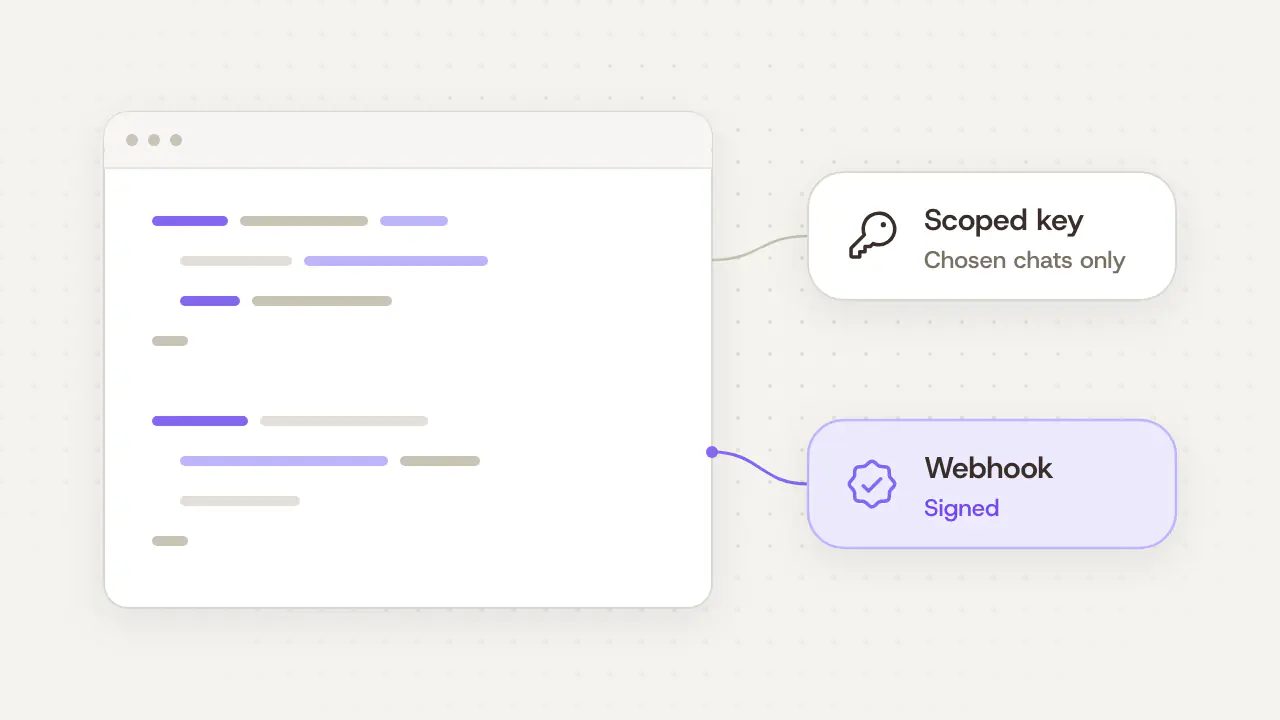
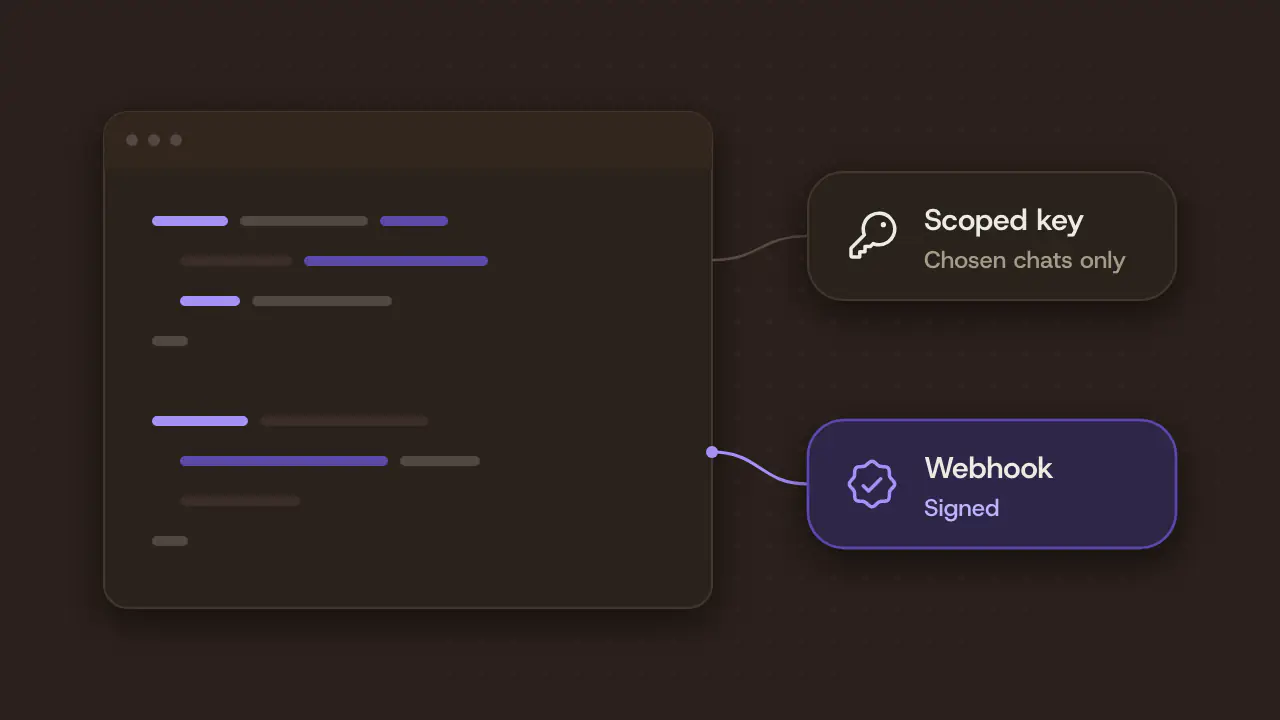
It is built for operations teams that already run their work in WhatsApp groups and direct chats: a shared inbox, schedules, tickets and a scoped API with signed webhooks for your own backend or AI agent. Every API key is limited to chosen conversations and actions, every write carries an idempotency key, and an uncertain send is held for a person instead of being retried. It is not a broadcast or marketing tool; for that, use the official platform.
Frequently asked questions
Is the WhatsApp Business API the same as the Cloud API?
Mostly, yes. “WhatsApp Business API” is the older name for Meta’s programmatic platform. Today the WhatsApp Business Platform includes the Cloud API for messaging, calling and groups, the Business Management API for accounts and templates, and the Marketing Messages API. When providers say “Business API” they almost always mean the Cloud API.
Can I use the WhatsApp API with my personal number?
Not on the official platform: a number must be registered to a business portfolio, and a number already in use on WhatsApp must be deleted from WhatsApp first (WhatsApp Business app numbers can instead be onboarded with coexistence). Unofficial linked-device APIs work with any number, including personal ones, but automated or non-personal use of a personal account breaks WhatsApp’s terms.
Do I need a company to use the official WhatsApp API?
You need a Meta business portfolio. You can start with a test number without verification, but to raise your messaging limit beyond 250 users a day, increase template limits or apply for the blue badge, Meta expects business verification with documents such as a GST certificate or certificate of incorporation.
How long does it take to get started with the WhatsApp API?
A developer can send a test message from Meta’s test number in under an hour. Going live with your own number takes longer: registering the number, approving the display name, getting templates approved (Meta says up to 24 hours each) and, if you need higher limits, business verification, which can take several days.
Can I switch from an unofficial API to the official one later?
Yes, but plan it. Registering the number on the Cloud API changes how it works in the normal app unless you onboard through coexistence, existing groups are not carried over to the Groups API, and you must collect opt-in for any business-initiated messages.
Sources
- Meta: Pricing on the WhatsApp Business Platform (rates effective 1 Oct 2026)
- Meta: Cloud API get started
- Meta: Send messages and customer service windows
- Meta: WhatsApp accounts and Messaging accounts
- Meta: Business phone numbers
- Meta: Groups API overview and limits
- Meta: Throughput
- Meta: About the WhatsApp Business Platform (rate limits)
- WhatsApp Help Center: unofficial apps and bans
- WhatsApp Terms of Service
- WhatsApp Help Center: linked devices on the Business app
- Gupshup self-serve WhatsApp pricing (listed 27 Nov 2026)
- Twilio WhatsApp pricing (listed 27 Nov 2026)
- TechCrunch: WhatsApp bars general-purpose chatbots from the Business API (Oct 2025)