WhatsApp Cloud API explained: setup, limits, groups and pricing
The WhatsApp Cloud API explained: how Meta’s hosted API works, the accounts and tokens you need, its limits, groups, pricing and when it fits.
Short answer
The WhatsApp Cloud API is Meta’s hosted, official API for sending and receiving WhatsApp messages from your own software. You need a Meta app, a business portfolio, a registered business number and an access token, and you pay per delivered message.
Free-form messages are allowed only within 24 hours of the customer’s last message; otherwise you send approved templates. Groups are limited to 8 participants and invite-only.
What is the WhatsApp Cloud API?
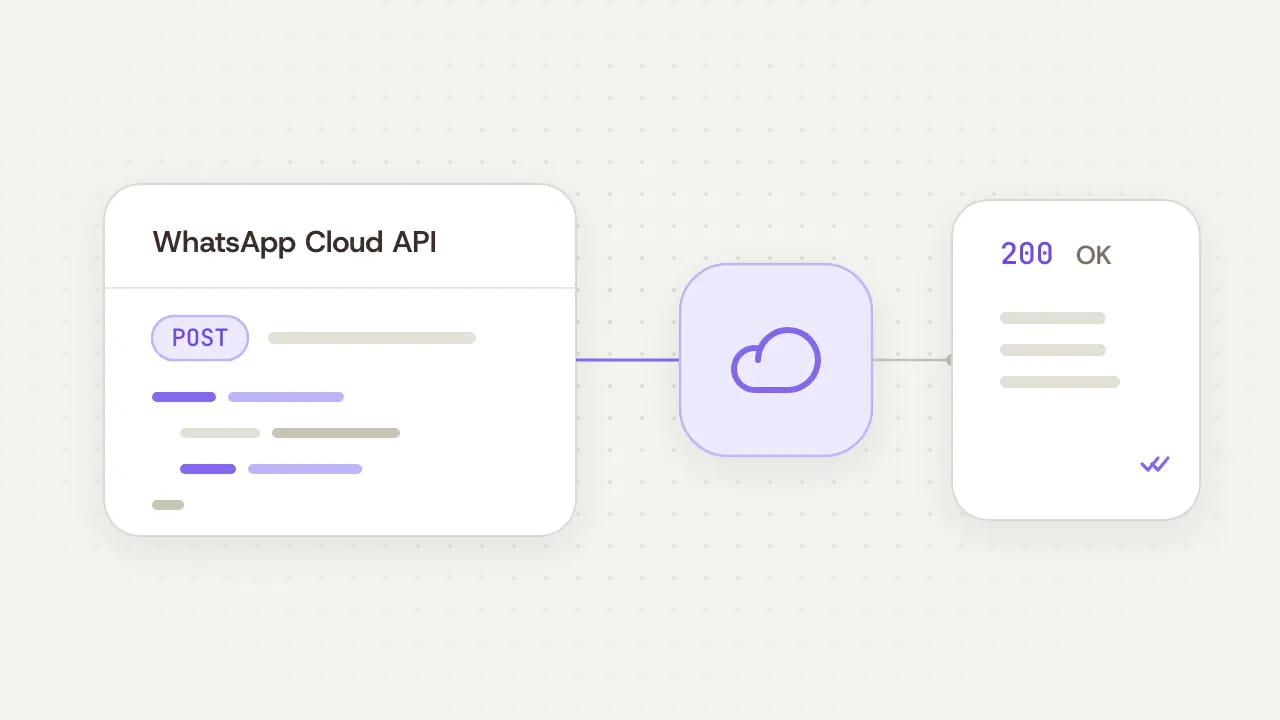
The WhatsApp Cloud API is Meta’s hosted API for businesses to send and receive WhatsApp messages, make calls and run small groups from their own software. It is part of the WhatsApp Business Platform and is built on Meta’s Graph API, so every request is an HTTPS call to graph.facebook.com with a bearer token. Meta hosts the infrastructure; you host only your application and a webhook endpoint.
Alongside it sit the Business Management API, for accounts, phone numbers and templates, and the Marketing Messages API, an optimised path for marketing templates. Most providers you have heard of, such as Twilio, Gupshup, Interakt and Wati, sit on top of the Cloud API.
What you need before your first call
Meta’s account model changed in 2026. What older guides call a WhatsApp Business Account (WABA) is now two linked accounts: a WhatsApp account, which holds one business phone number, and a Messaging account, which holds your templates and billing. Both belong to a business portfolio in Meta Business Suite.
| Item | What it is | Where you get it |
|---|---|---|
| Meta developer account | Lets you create apps | developers.facebook.com registration |
| Meta app with the WhatsApp use case | The app your token and webhooks belong to | App Dashboard, “Connect with customers through WhatsApp” |
| Business portfolio | Owns the accounts, numbers and billing | Created during app setup or in Meta Business Suite |
| Phone number ID | Identifies the sending number in API paths | API Setup panel; a test number is created for you |
| Messaging account ID | Used for templates and billing | API Setup panel |
| Access token | Authenticates requests | Temporary user token in API Setup; system user token for production |
| Webhook endpoint | Receives incoming messages and statuses | Your HTTPS server, configured in the App Dashboard |
| Payment method | Needed to message real customers beyond free tiers | Billing Hub in Meta Business Suite |
How do you send a message with the Cloud API?
Every message is a POST to /<PHONE_NUMBER_ID>/messages with a JSON body that names the recipient, the message type and its content. Meta’s documentation uses Graph API v27.0 in its current examples. A successful response returns a message ID beginning with “wamid.”; delivery and read statuses arrive later at your webhook.
curl "https://graph.facebook.com/v27.0/$PHONE_NUMBER_ID/messages" \
  -H "Authorization: Bearer $WHATSAPP_TOKEN" \
  -H "Content-Type: application/json" \
  -d '{
    "messaging_product": "whatsapp",
    "to": "+910000000099",
    "type": "template",
    "template": { "name": "hello_world", "language": { "code": "en_US" } }
  }'
Copy-only example. This page never runs a request or asks for a credential.
Templates and the 24-hour customer service window
When a user messages your business, a 24-hour customer service window opens and resets with each new user message. Inside it you can send any message type: text, media, interactive lists and buttons, locations and reactions. Outside it you can only send a pre-approved template. Templates are categorised as marketing, utility or authentication, reviewed by Meta (up to 24 hours) and priced by category.
This is the single biggest design constraint of the Cloud API. A reminder you want to send tomorrow must be a template; a reply to a question asked an hour ago does not need one.
What are the Cloud API’s limits?
| Limit | Value | Notes |
|---|---|---|
| Messaging limit | 250 unique users per rolling 24 hours for new portfolios, then 2,000, 10,000, 100,000 and unlimited | Counts users you message outside a customer service window; shared across all numbers in the portfolio since 7 October 2025 |
| Throughput | 80 messages per second per number by default, up to 1,000 | Automatic upgrade for numbers with an unlimited messaging limit and high volume |
| Pair rate limit | About 1 message every 6 seconds to the same user | Bursts of up to 45 are allowed but borrow from later quota; error 131056 |
| Management API rate limit | 200 requests per hour per app per Messaging account, 5,000 for active accounts | Applies to management endpoints, not message sends |
| Templates | 250 per Messaging account, or 6,000 once the portfolio is verified with an approved display name | Up to 100 new templates per hour |
| Registered numbers | 2 per new portfolio, raised to 20 after verification or a 2,000 messaging limit | Numbers already on WhatsApp must be deleted from the app first, unless onboarded with coexistence |
| Webhook payloads | Up to 3 MB, retried for up to 7 days | Duplicates are possible; deduplicate by ID |
Does the Cloud API support WhatsApp groups?
Yes, since 6 October 2025, but only in a narrow form. The Groups API is open to businesses with an Official Business Account on a Cloud API number. Each group holds at most 8 participants, people can only join through an invite link the business sends, a business number can create up to 10,000 groups, and the API only manages groups it created. It does not work on WhatsApp Business app numbers.
Messages to groups are charged per delivered recipient. If your team already runs larger groups with customers, drivers or members, the Cloud API cannot see them.
How much does the Cloud API cost?
Meta charges per delivered business message. For Indian recipients from 1 October 2026: ₹0.8631 for marketing and ₹0.115 for utility, authentication and service messages, with 1,000 free service messages per number each month. There is no fee for API access itself.
Where is the Cloud API documentation?
Meta moved the WhatsApp developer documentation to developers.facebook.com/documentation/business-messaging/whatsapp. The pages most integrations need are Get started, Send messages, Webhooks, Templates, Pricing, Messaging limits and Error codes. Meta also publishes an llms.txt index for that documentation, which is useful if you build with a coding agent.
- Get started: create the app, test number and first message.
- Access tokens: system user tokens for production.
- Webhooks: verification request, signature header and retries.
- Templates and template categorisation: what counts as marketing.
- Pricing: rate cards by currency, effective dates and free tiers.
When the Cloud API fits, and when it does not
- It fits when you send notifications, OTPs or campaigns to customers who opted in, need a verified business profile, want click-to-WhatsApp ads, or need Meta’s analytics and support.
- It fits when you are a developer who wants the lowest cost per message and full control, without a provider’s markup.
- It does not fit when your work happens in existing WhatsApp groups larger than 8 people, or when the team needs to keep using the number in the normal app with its current chats.
- It does not fit if you cannot get opt-in for business-initiated messages; quality ratings and blocks will limit the number quickly.
For teams that run work in groups
If the Cloud API’s group limits rule it out, a linked-device tool is the usual alternative. SuperSkope connects your existing number as a WhatsApp linked device, the same way WhatsApp Web works. It is not the official WhatsApp Business Platform and is not affiliated with WhatsApp or Meta. It gives your team a shared inbox for existing groups and chats and a scoped API with signed webhooks, with the policy trade-off stated plainly.
WhatsApp’s Terms of Service prohibit bulk, automated and non-personal messaging without WhatsApp’s authorisation, and unofficial clients can lead to restrictions or a ban. Use a linked-device API for replies, operations and groups you already run, never for cold outreach or broadcasts.
Frequently asked questions
Is the WhatsApp Cloud API the same as the On-Premises API?
No. The Cloud API is hosted by Meta, so you do not run WhatsApp’s servers yourself. The older On-Premises API required businesses or providers to host the WhatsApp Business API client. Meta’s current documentation covers the Cloud API, and new integrations should use it.
Can I use the Cloud API without a business provider?
Yes. Any developer can create a Meta app, get a test number and call the Cloud API directly. You pay Meta’s per-message fees with no markup, but you build or buy your own inbox, campaign tools and integrations. Providers mainly add software and support.
Can I keep using WhatsApp Business app on a Cloud API number?
Only if the number is onboarded through coexistence, usually by a provider’s embedded signup. Coexistence numbers are limited to 20 messages per second and cannot use the Groups API. Otherwise, a number registered on the Cloud API no longer works in the normal app.
Which Graph API version should I use?
Use the current version shown in Meta’s documentation, v27.0 in examples as of November 2026, and pin it in your code. Meta versions the Graph API and retires old versions on a schedule, so plan to update the version in your requests at least once a year.
Sources
- Meta: Cloud API get started
- Meta: WhatsApp accounts and Messaging accounts
- Meta: Send messages and customer service windows
- Meta: Template fundamentals
- Meta: Template review
- Meta: Messaging limits
- Meta: Messaging limits moved to the business portfolio (7 Oct 2025)
- Meta: Throughput
- Meta: About the WhatsApp Business Platform (rate limits)
- Meta: Business phone numbers
- Meta: WhatsApp webhooks overview
- Meta: Groups API overview and limits
- Meta: Pricing on the WhatsApp Business Platform (rates effective 1 Oct 2026)