Human handoff for WhatsApp AI agents: how to design it
How to design human handoff for a WhatsApp AI agent: what triggers it, how takeover should pause the agent, hand-back rules, groups, and common failures.
Short answer
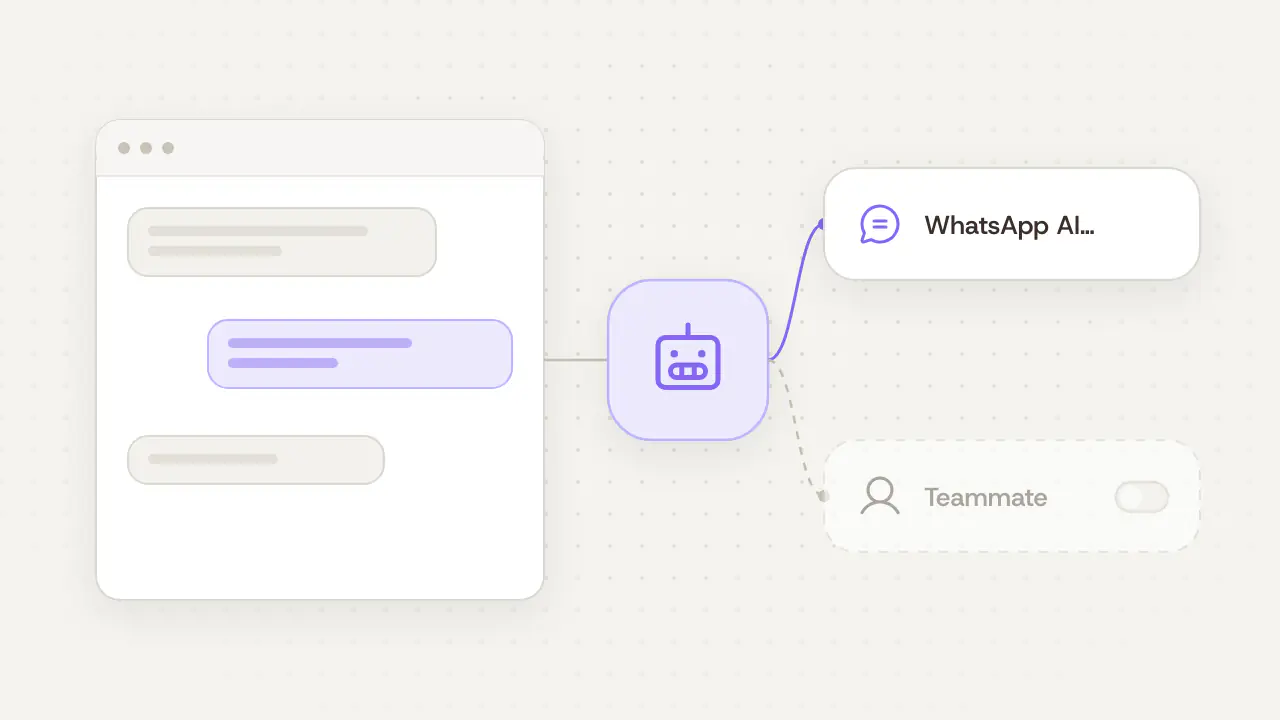
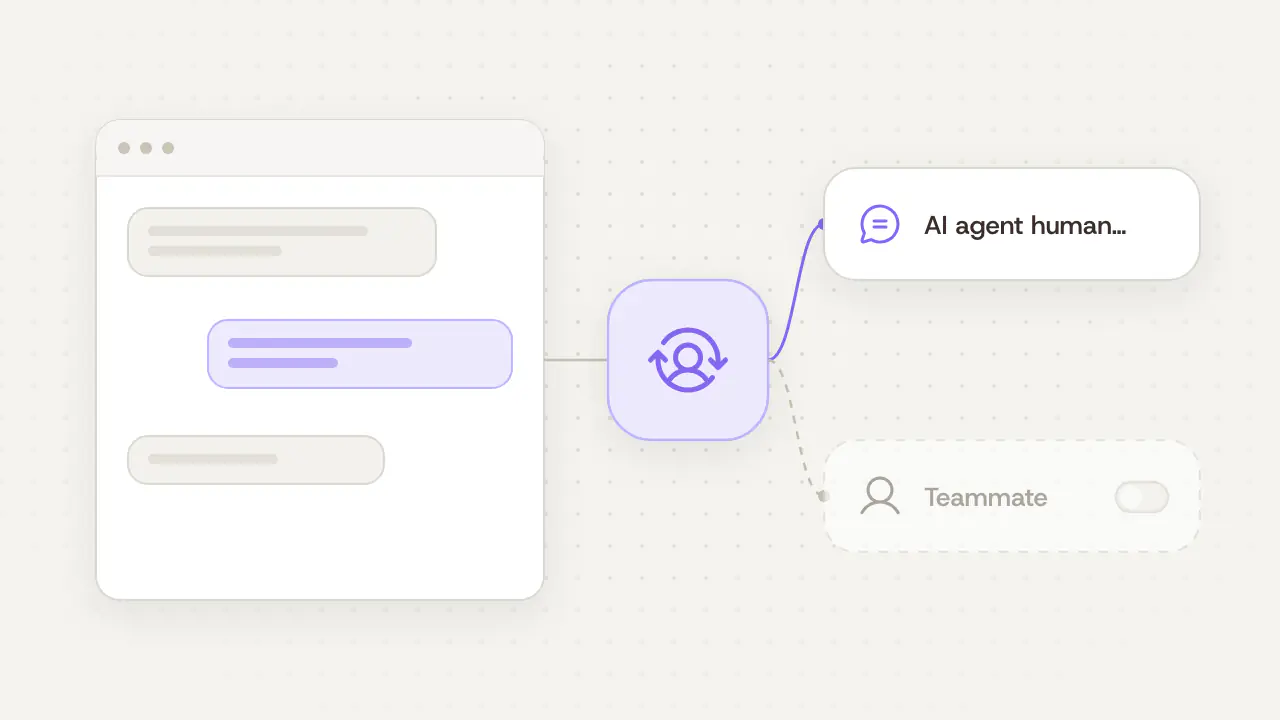
A WhatsApp AI agent needs a handoff the system enforces, not one the model remembers. When a person takes over, the agent should stop immediately, pending agent replies should be cancelled, and the agent should resume only when someone explicitly hands back.
Trigger handoff on an explicit request, a missing answer, sensitive topics, repeated failure or frustration.
What is a WhatsApp AI agent?
A WhatsApp AI agent is software that reads WhatsApp messages, uses a language model to decide what to do, and replies or takes permitted actions on a business number. Unlike a menu bot, it handles free text. That flexibility is why it needs a reliable way to step aside: sooner or later a customer needs a person, and the agent must stop talking.
Why does human handoff fail in practice?
The same complaints show up in n8n and Make community threads: the AI keeps sending messages after a human joined, nobody knows whether the bot or a person owns the chat, and the bot comes back at the wrong moment. Almost all of them have one cause: handoff lives in the model’s prompt or in someone’s memory instead of in the system’s state.
- The prompt says “stop if a human is talking”, but the model cannot see the staff member replying from a phone.
- A queued agent reply goes out after the human already answered, producing two conflicting messages.
- Staff pause the bot in one tool while the workflow checks another.
- The bot resumes automatically after a timer, mid-conversation.
What should trigger a handoff?
| Trigger | Example | What the agent does |
|---|---|---|
| Explicit request | “Can I talk to someone?” | Confirms a teammate will reply, assigns the chat, stops |
| No approved answer | A question outside the knowledge base | Says it will check with the team, hands off |
| Sensitive topic | Refund, payment failure, medical or legal question, complaint | Collects order or booking details, hands off |
| Repeated failure | Customer rephrases the same question twice | Hands off rather than looping |
| Frustration | Angry language, all caps, “useless bot” | Apologises briefly, hands off |
| High-value moment | Bulk order, enterprise enquiry, cancellation | Hands off to the right owner |
| Staff decision | A teammate sees the chat and takes over | Stops immediately, no further agent messages |
Make takeover a conversation state, not a prompt
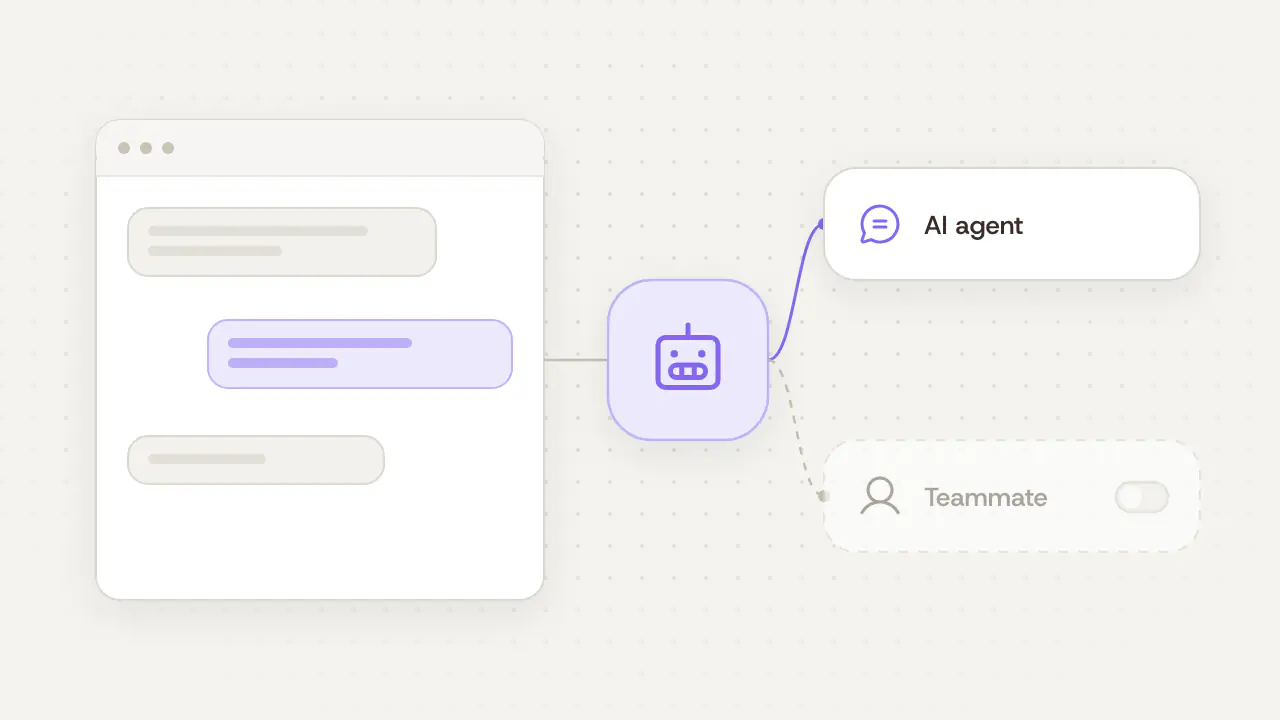
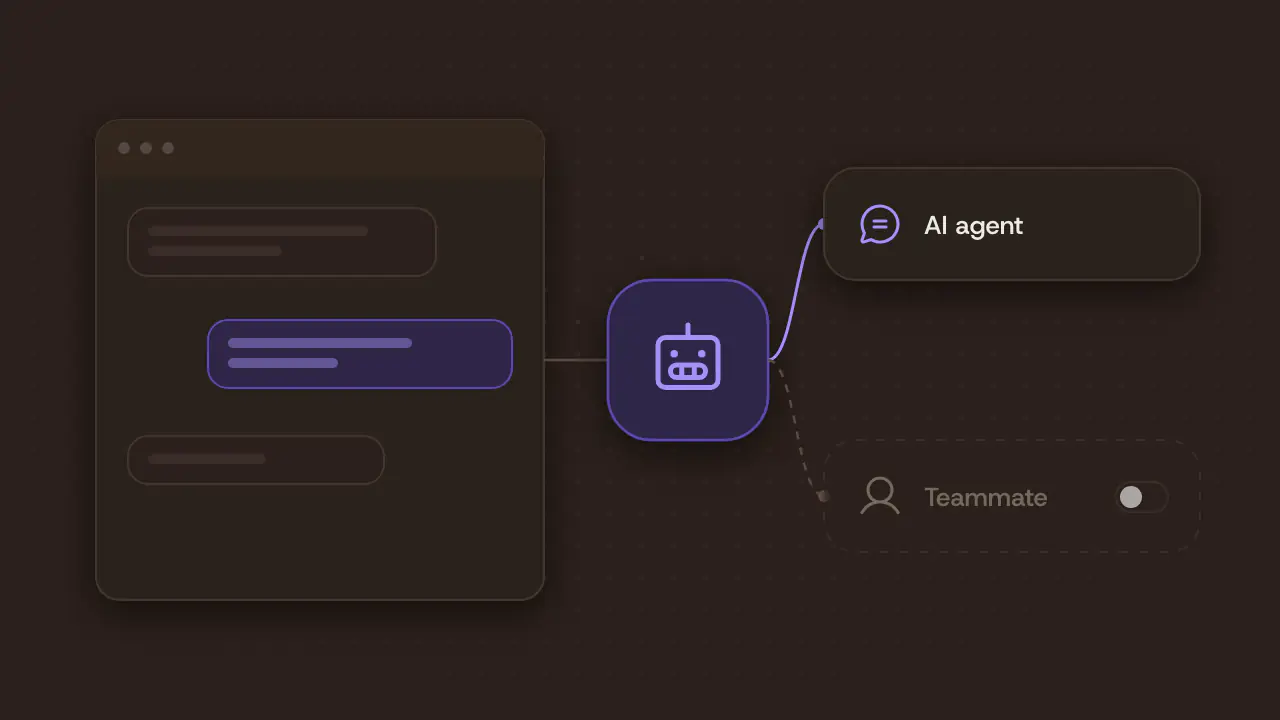
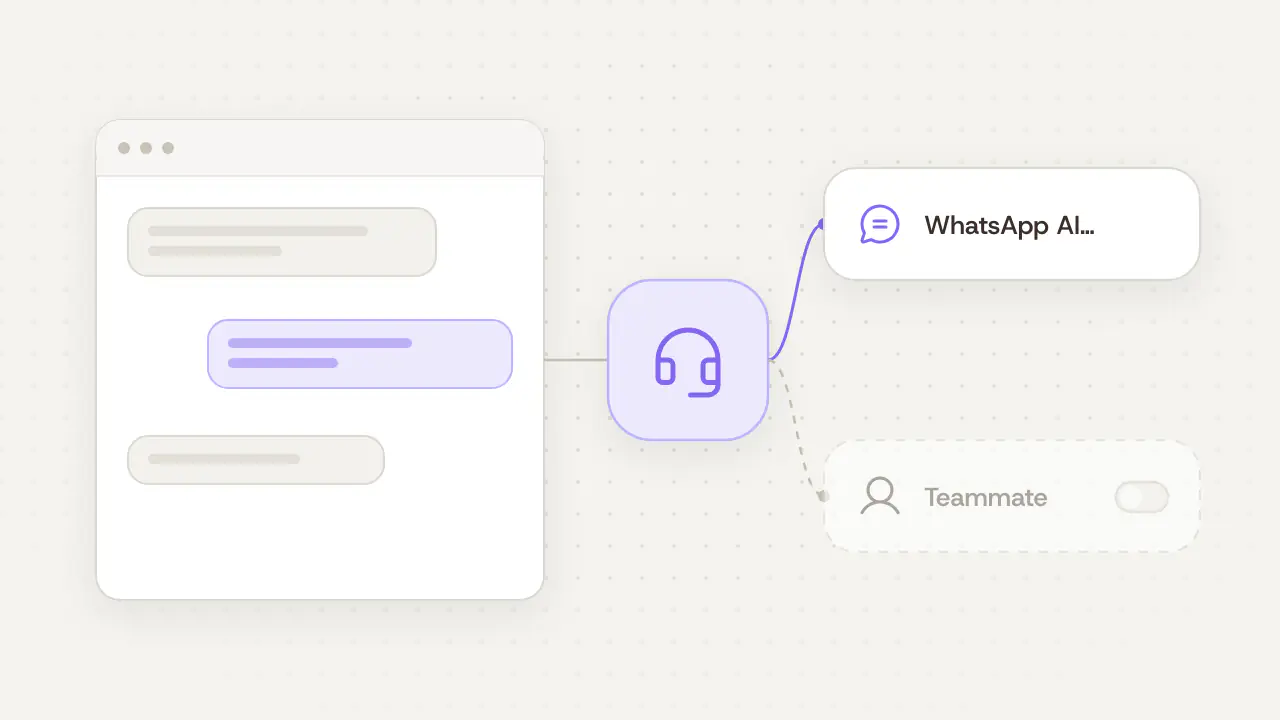
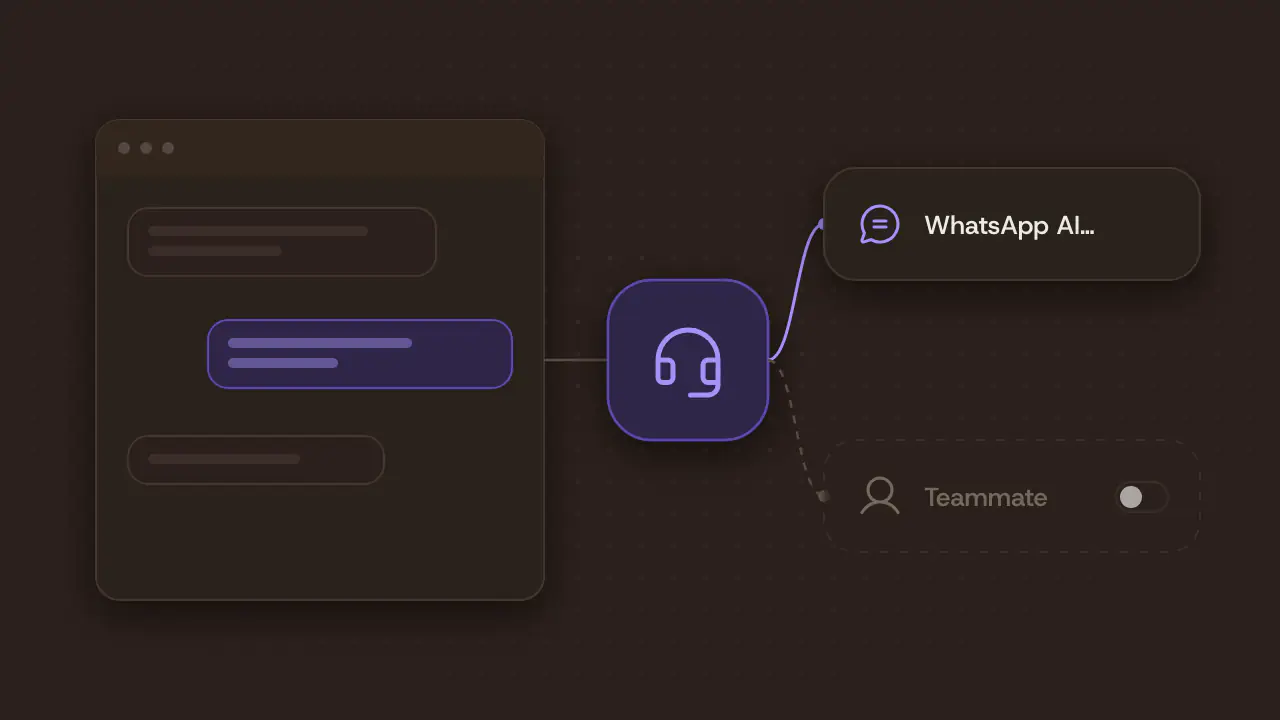
The reliable design is a per-conversation flag that the system checks before every agent action. When a person takes over, the flag flips, any agent work that has not been sent yet is cancelled, and every later agent send is refused for that chat. The model does not need to know; it simply never gets the chance.
- Store takeover durably, so it survives restarts.
- Check it immediately before sending, not only when the message arrives.
- Cancel queued agent replies when takeover starts, and never replay them later.
- Accept that an action already submitted to WhatsApp may still complete; nothing can recall a message in flight.
- Make resuming the agent an explicit action by a person, recorded with who did it.
Hand-back: explicit or timed?
Some teams want the agent to come back automatically after a few hours. Timed hand-back is tempting but risky: the timer cannot tell whether the issue was resolved. Prefer an explicit Resume when staff close the issue. If you must use a timer, resume only when the conversation is marked resolved and has been quiet, and have the agent start fresh rather than answering old messages.
Handoff in WhatsApp groups
Groups add two complications. First, several people talk, so the agent should respond only when addressed by name, by mention or by a reply to its own message. Second, a takeover should cover the whole group conversation, because a staff member answering one participant is still speaking in front of everyone. Commands that change the group, such as adding a member, should come only from current group admins and apply only to that group.
What should the customer see?
Say plainly what happens next, in one line: “I’ve passed this to our team. Someone will reply here.” If you have support hours, include them. Do not pretend the agent is a person, and do not make the customer repeat details: the agent should leave a private note or ticket with what it collected.
How SuperSkope handles takeover
SuperSkope connects your existing number as a WhatsApp linked device, the same way WhatsApp Web works. It is not the official WhatsApp Business Platform and is not affiliated with WhatsApp or Meta.
In the SuperSkope inbox, owners and permitted operators choose Take over on a conversation. Takeover persists per conversation and cancels pending work for both the built-in agent and external agents connected through the API. Staff keep replying normally. Resume agent handles fresh requests only; paused requests are never replayed. An action already submitted may finish. Saving agent permissions for other chats preserves an existing takeover.
Through the API, a key with automation:write can pause or resume an already permitted agent with PUT /api/v1/chats/{chatId}/automation, sending paused and the current version. Agent replies sent through the pull-agent API are checked against takeover, so a paused chat refuses them. Agent access starts empty: owners choose each conversation an agent may serve.
Handoff checklist
- List your handoff triggers and the exact line the agent says for each.
- Store takeover as a per-chat state checked before every send.
- Cancel pending agent replies on takeover; never replay them.
- Leave a note or ticket with what the agent collected.
- Make hand-back explicit, or tie it to a resolved status.
- Test it: take over mid-reply and confirm nothing else is sent.
Frequently asked questions
Does replying from the WhatsApp phone app pause the agent?
Do not rely on it. A reply typed on the phone is just another outgoing message, and many systems cannot tell it apart from automation. In SuperSkope, takeover is an explicit action in the inbox or through the API. If staff also answer from the phone, take over first so the agent stops for that chat.
Should the AI hand back automatically after 24 hours?
Usually not. A timer cannot know whether the issue was solved, and an agent that returns mid-conversation is worse than none. Resume explicitly when staff close the issue, or only after the chat is marked resolved and quiet.
Should a WhatsApp bot say it is a bot?
Yes. Tell customers they are talking to an automated assistant and how to reach a person. It sets expectations, reduces complaints and avoids the trust damage of a customer discovering it later.
What if the agent already sent a message when I take over?
A message already submitted to WhatsApp may still be delivered; no system can recall an in-flight send. Takeover stops anything not yet submitted. Read the last agent message before you reply, and correct it if needed.