WhatsApp chatbot vs AI agent: what to build in 2026
WhatsApp chatbot or AI agent? How rule-based bots and AI agents differ in cost, control and risk, and how to choose the right one for your business.
Short answer
A WhatsApp chatbot follows a script: menus, keywords and fixed answers. A WhatsApp AI agent uses a language model to understand free text, look things up and take permitted actions such as creating a ticket.
Build a chatbot when requests are few and predictable. Build an AI agent when people write in their own words and answers live in documents. In both cases, give it narrow permissions and a human handoff the system enforces.
What is a WhatsApp chatbot?
A WhatsApp chatbot is a program that replies to WhatsApp messages by following rules someone wrote in advance. It shows a menu, matches keywords or button taps, and sends a fixed answer or asks the next fixed question. Order status lookups, appointment menus and “press 1 for sales” flows are classic chatbots.
Chatbots are predictable. Every path can be tested, every answer was approved by a person, and the cost per reply is close to zero. Their weakness is language: people do not write in menu options, so anything off-script ends in “Sorry, I didn’t understand.”
What is a WhatsApp AI agent?
A WhatsApp AI agent uses a language model to read free text, decide what the person wants, look things up and take permitted actions, such as creating a ticket, checking an order in your system or drafting a reply for staff. It works from instructions and tools rather than a fixed decision tree.
Agents handle real language, mixed Hindi and English, typos and follow-up questions. In exchange they are less predictable, every reply costs a model call, and a mistake can be confidently wrong. The design question is how much authority to give the model and where a person stays in charge.
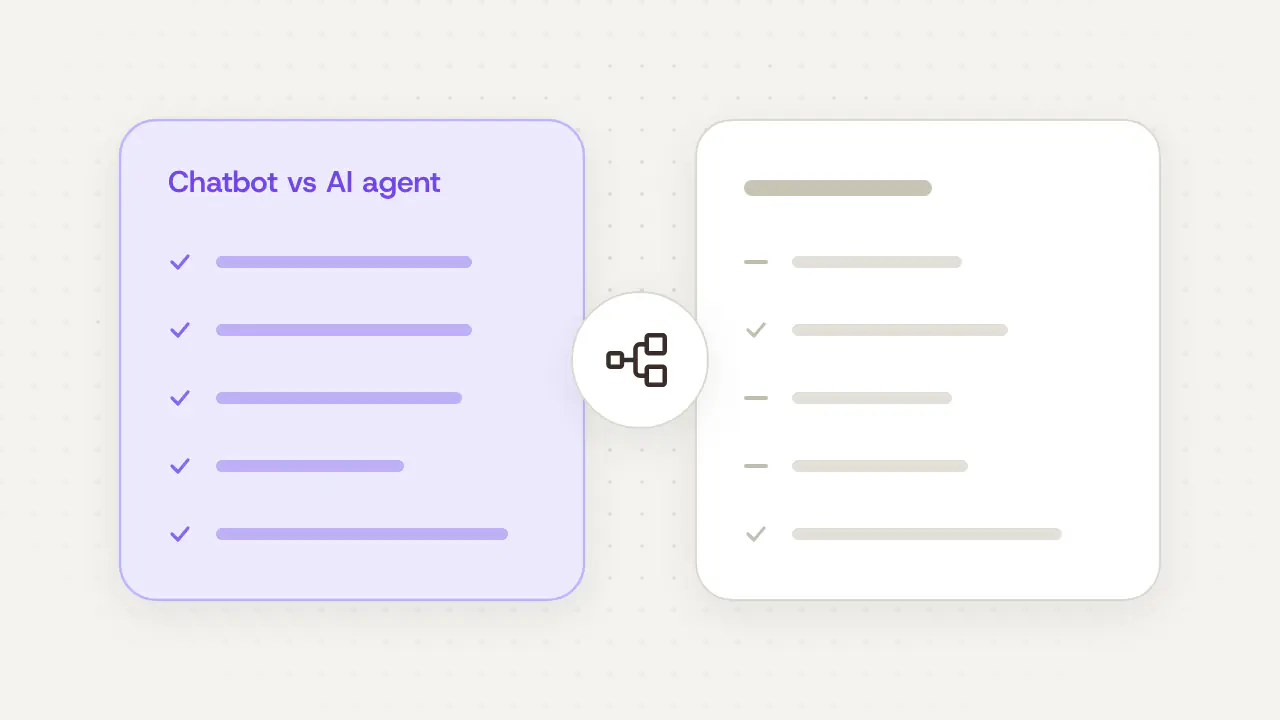
Chatbot vs AI agent: the differences that matter
| Aspect | Rule-based chatbot | AI agent |
|---|---|---|
| Understands | Buttons, menu numbers, exact keywords | Free text, follow-ups, mixed languages |
| Answers come from | Fixed replies you wrote | Your approved knowledge plus the model’s wording |
| Can take actions | Only the ones wired into each step | Any tool you grant, within its permissions |
| Predictability | Every path testable | Needs evaluation, review and limits |
| Running cost | Close to zero per reply | A model call per reply, plus engineering |
| Typical failure | Dead ends and repeated menus | A plausible but wrong answer or an unwanted action |
| Best for | Few, repetitive, structured requests | Varied questions, triage, staff assistance |
When is a chatbot the better choice?
Choose a chatbot when nearly all requests fit a short list and the answers rarely change. A coaching institute that mostly gets “fees”, “batch timings” and “demo class” questions does not need a model. Neither does a delivery business whose main question is “where is my order”, answered from a single lookup.
Chatbots are also the safer choice for anything regulated or financial, where a wrong word is costly. A menu that leads to a human is better than a fluent answer nobody checked.
When is an AI agent worth it?
An agent earns its cost when questions are varied and the answers live in documents: a clinic’s preparation instructions, a distributor’s price lists and schemes, a travel company’s itinerary rules. It is also the right tool for internal work such as summarising a busy group, drafting replies for staff, tagging conversations or turning a request into a ticket.
The most useful agents are narrow. “Answer delivery and returns questions from these three documents, and hand off everything else” works. “Handle customer service” does not.
The hybrid most teams end up with
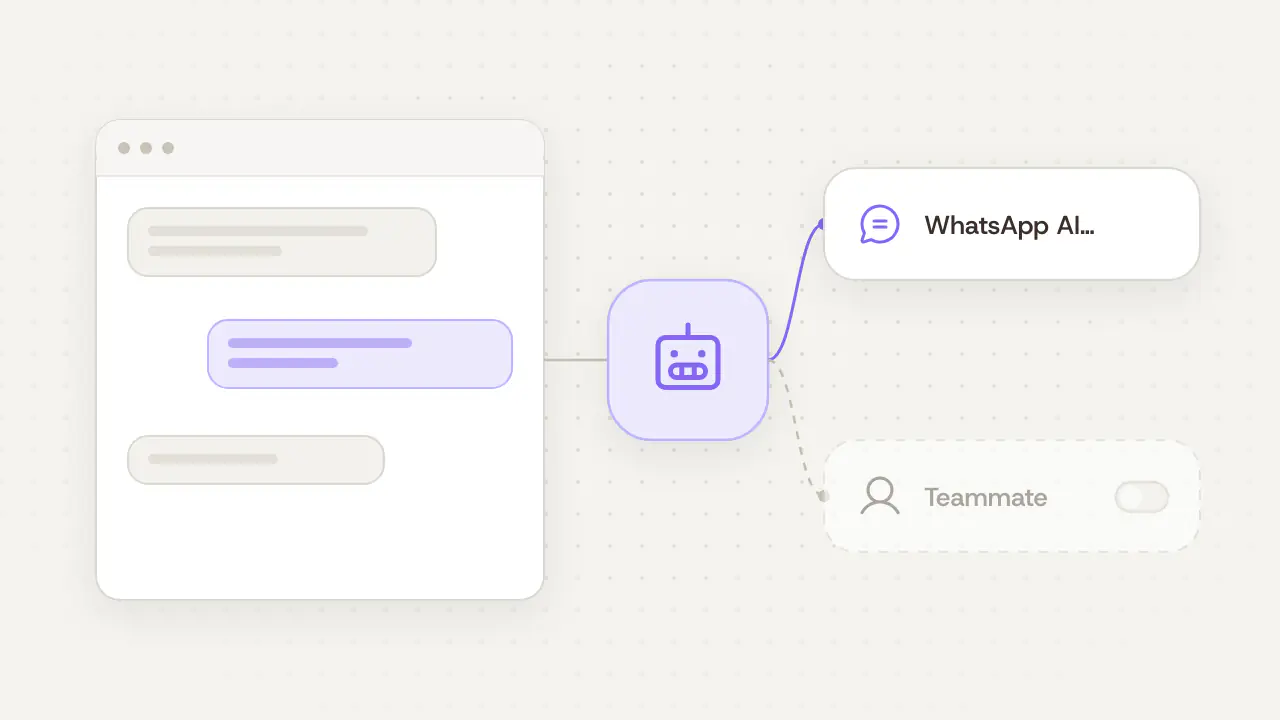
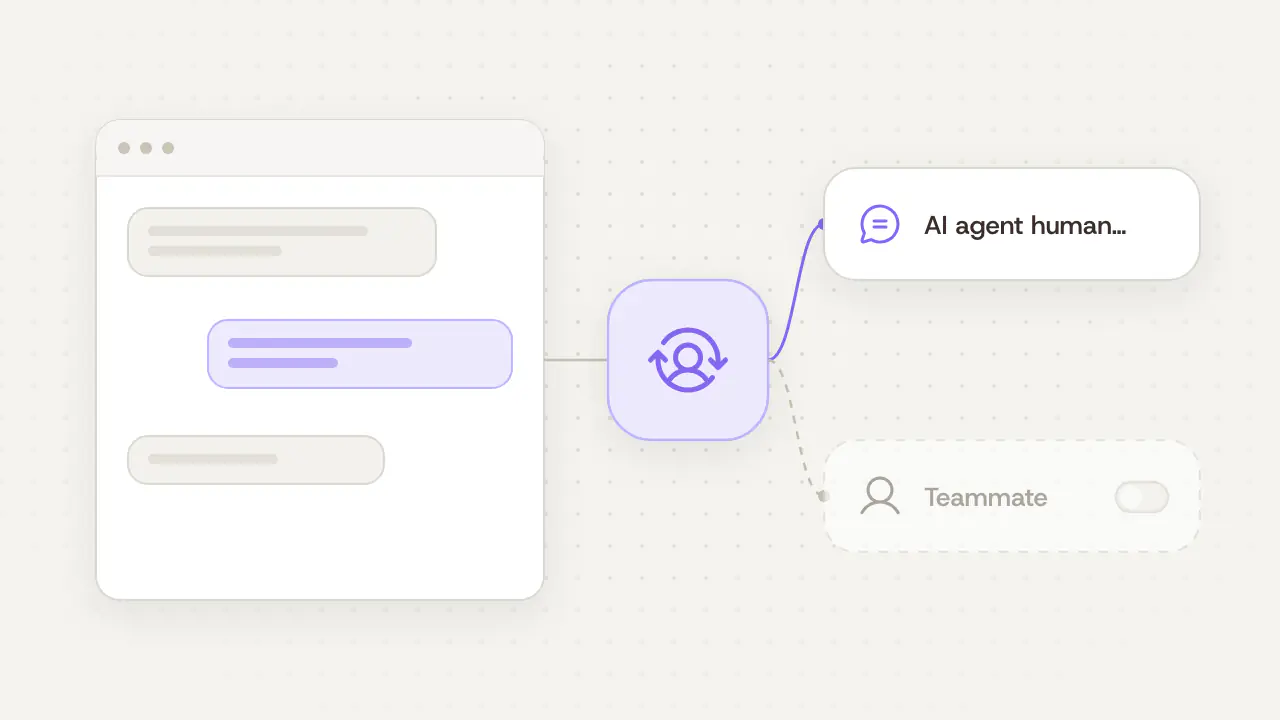
In practice the best setups wrap a model in deterministic rules. Code decides which chats the agent may touch, whether a person has taken over, what the agent is allowed to do and how often it may send. The model only chooses words and suggests actions inside those walls.
- Rules route: hours, language, chat type and assignment are decided without the model.
- The model answers only from approved knowledge and can return “no answer”.
- Risky actions such as refunds, bookings and group changes need a person or a verified system check.
- Takeover pauses the agent; resuming it is an explicit action.
- Every send carries an idempotency key and an uncertain result is never retried automatically.
What changes in WhatsApp groups?
Groups are where the two approaches differ most. Meta’s official Groups API only works with groups created through the API and caps them at 8 participants, so a bot cannot join the 200-member distributor group you already run. A linked-device connection can, because it acts as your number.
Inside a group, an agent should answer only when addressed by name, by mention or by a reply to its own message. Administrative requests such as adding a member should be accepted only from current group admins and only for the group where the request was made.
For teams: how SuperSkope fits either choice
SuperSkope connects your existing number as a WhatsApp linked device, the same way WhatsApp Web works. It is not the official WhatsApp Business Platform and is not affiliated with WhatsApp or Meta.
For a rule-based bot, your backend receives signed webhooks and replies through the scoped API. For an AI agent, register a pull agent, enrol only the chats it should serve, fetch each verified activation, call your own model and reply with an idempotency key. Built-in cited answers and drafts from approved knowledge are included in every plan and in the free trial. Either way, staff work in the same shared inbox and can take over a conversation, which pauses the agent there.
Next step
Export a week of real customer messages and sort them. If eight in ten fit five categories, start with a chatbot and a human fallback. If they do not, start with an AI agent that drafts replies for staff to approve, and let it send on its own only for the categories it gets right consistently.
Frequently asked questions
Is a WhatsApp chatbot free?
The WhatsApp Business app’s greeting messages, away messages and quick replies are free, but they are not a full chatbot. A real chatbot needs a connection: Meta’s official platform charges per message, and providers add their own fees. Linked-device services and self-hosted tools have their own costs. AI agents also pay for every model call.
Which is better for customer support on WhatsApp?
Usually a mix. Use rules to route and to answer the handful of structured questions, an AI agent to answer document-based questions or draft replies, and people for complaints, payments and anything unusual. Measure which categories the agent answers correctly before letting it reply without review.
Can an AI agent take actions like booking or refunds?
Technically yes, through tools that call your systems. Safely, only with limits: the agent should propose the action, your system should verify it, and anything involving money or commitments should need a person or a strict rule check. Never let message text grant the agent new permissions.
Can I start with a chatbot and add AI later?
Yes, and it is often the best path. Keep the webhook receiver, deduplication, sending and handoff code, and replace the rule engine for some categories with a model call. The surrounding safeguards stay the same, which is what makes the switch low risk.