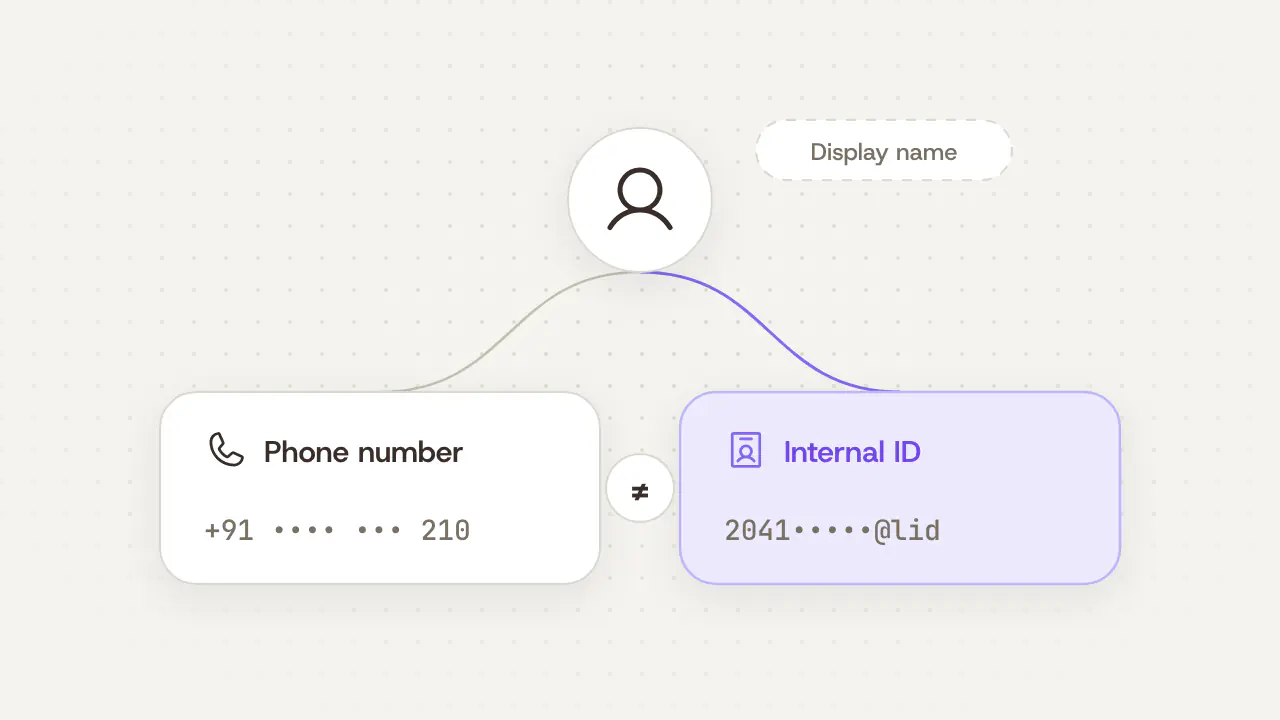
WhatsApp group API: what is possible in 2026
What a WhatsApp group API can do in 2026: Meta's official Groups API limits (8 people, invite-only) versus linked-device APIs, and how to choose.
Short answer
Yes, WhatsApp has an official group API: Meta's Cloud API Groups API, launched on 6 Oct 2025, but each group is capped at 8 participants, only API-created groups can be managed, and people join by invite link only.
For the existing 50 to 1,024-member groups most operations teams run, the only API route is a linked-device connection. It works with any group the number belongs to, but WhatsApp does not authorise it and it carries ban risk.
Official Groups API or linked device: the 2026 comparison
There are two very different things people call a "WhatsApp group API". The first is Meta's Groups API, part of the WhatsApp Cloud API. The second is an API that drives a regular WhatsApp number connected as a linked device, the way WhatsApp Web connects. The table compares them on the questions teams ask most. Figures were checked against Meta's documentation and WhatsApp's Help Center on 27 Nov 2026.
| Question | Meta Cloud API Groups API | Linked-device group API |
|---|---|---|
| Who can use it | Businesses with an Official Business Account on a Cloud API number | Any WhatsApp or WhatsApp Business app number |
| Maximum people per group | 8 participants | Up to 1,024 members, WhatsApp's normal group limit |
| Works with groups you already have | No, only groups created through the API | Yes, any group the linked number belongs to |
| Add a member directly | No, people join through an invite link | Yes, when the number is a group admin and the person's privacy settings allow it |
| Groups per number | 10,000 per business number | No published API figure; WhatsApp's anti-spam limits still apply |
| Cost model | Meta per-message pricing, charged per delivered recipient | The provider's subscription; no Meta per-message fee |
| Authorised by WhatsApp | Yes | No. WhatsApp's terms prohibit unauthorised automated and non-personal use |
Is there an official WhatsApp group API?
Yes. Meta added the Groups API to the WhatsApp Cloud API on 6 Oct 2025, describing it as a way to enable "programmatic creation and management of groups on WhatsApp". Eligibility has since been opened to all businesses with an Official Business Account (OBA), the verified business status shown with a blue tick.
Meta's quick facts are short: a maximum of 8 participants per group, up to 10,000 groups per business number, and one Cloud API business per group. Groups are invite-only. Meta's reference says it plainly: "Since you cannot manually add participants to the group, simply send a message with your invite link to WhatsApp users who you would like to join the group."
The official product is designed for small conversations that a business starts on purpose: a customer and two account managers, a buyer with a sales team, a patient with a care coordinator. It is not a tool for administering the large groups that schools, distributors, residential societies or logistics teams already run.
Groups are not available for WhatsApp Business app numbers or numbers onboarded to Multi-solution Conversations, so a coexistence number that you also use in the Business app cannot create API groups.
What can the Cloud API Groups API do?
Every call goes to the Graph API with your business phone number ID or the group ID that Meta returns. Before you start, Meta requires a Cloud API number (not the Business app), a working webhook server, subscriptions to the group_lifecycle_update, group_participants_update, group_settings_update and group_status_update webhook fields, and the whatsapp_business_messaging permission.
- Create a group: POST /<BUSINESS_PHONE_NUMBER_ID>/groups with a subject (up to 128 characters), an optional description (up to 2,048 characters) and an optional join_approval_mode. The invite link arrives in a group_lifecycle_update webhook.
- Get or reset the invite link: GET or POST /<GROUP_ID>/invite_link. Resetting invalidates every earlier link.
- Handle join requests: GET, POST or DELETE /<GROUP_ID>/join_requests when join approval is required.
- Remove participants: DELETE /<GROUP_ID>/participants with up to 8 people per request. A removed person cannot rejoin through the invite link.
- Read group info and list active groups: GET /<GROUP_ID>?fields=... and GET /<BUSINESS_PHONE_NUMBER_ID>/groups.
- Update subject, description or photo: POST /<GROUP_ID>. Photos must be square JPEG files, at least 192 by 192 pixels and up to 5 MB.
- Send, pin and mark messages as read: the normal messages endpoint with "recipient_type": "group".
- Delete a group: DELETE /<GROUP_ID>. After deletion nobody, including the business, can message it.
curl "https://graph.facebook.com/v27.0/<PHONE_NUMBER_ID>/messages" \
  -H "Authorization: Bearer $META_ACCESS_TOKEN" \
  -H "Content-Type: application/json" \
  -d '{
    "messaging_product": "whatsapp",
    "recipient_type": "group",
    "to": "<GROUP_ID>",
    "type": "text",
    "text": { "body": "Your order has been dispatched." }
  }'
Copy-only example. This page never runs a request or asks for a credential.
What the official Groups API cannot do
The limits matter more than the endpoints, because they decide whether the official route fits your job at all.
- It cannot add a person to a group. Only invite links and join approvals exist.
- It cannot go beyond 8 participants per group.
- It cannot adopt, read or post to groups that were not created through the API, including every group your team created on a phone.
- It does not support calling, disappearing messages, view-once, authentication templates, commerce messages or interactive messages in groups.
- It cannot edit or delete a sent group message, or hide the participant list.
- It has no Communities support. There is no official WhatsApp Community API.
- Template performance metrics are not available for templates used in groups, so Meta recommends separate templates for group use.
How much does WhatsApp group messaging cost on the official API?
Groups use Cloud API per-message pricing, but you are charged for each delivered recipient, not once per group. Meta's own example: a billable marketing template sent to a 5-person group and delivered to all 5 is charged as 5 messages at the marketing rate for each recipient's country code. If it reaches only 4, you pay for 4.
Customer service windows also work differently. When any member messages the group, a service window opens for the whole group. Through 30 Sep 2026, utility and non-template messages in that window were free. From 1 Oct 2026, utility messages in an open group window are charged, and non-template messages are free only while the number is inside its free tier of 1,000 service messages. That tier is shared with 1:1 service messages, and each group send uses one unit per delivered recipient.
For an Indian business, the practical effect is that a busy 8-person group behaves like eight 1:1 conversations on the bill. Estimate costs per recipient before moving a workflow into API groups.
How do linked-device group APIs work?
A linked-device API connects a normal WhatsApp number as one of its linked devices, using the same multi-device protocol as WhatsApp Web and the desktop apps. Open-source engines such as whatsapp-web.js, Baileys and whatsmeow implement that protocol, and services such as WAHA wrap them in a REST API. Because the number is a real member of its groups, the API can see and act on the groups the person already uses.
Typical operations are listing groups and participants, reading and sending messages, @-mentions, creating groups, adding, removing, promoting and demoting members, changing the subject, description, photo and admin-only settings, reading or resetting invite links, and approving join requests. All of them still depend on the number's own role: a non-admin cannot add people through any API.
The trade-off is authorisation. WhatsApp's terms prohibit "bulk messaging, auto-messaging, auto-dialing, and the like" and "any non-personal use of our Services unless otherwise authorized by us". Its Help Center says linking an account to unofficial versions of WhatsApp violates the terms and can lead to a temporary or permanent ban. A linked-device API is never the official WhatsApp Business Platform, whatever a provider's marketing says.
Which WhatsApp group API should you use?
Choose by the job, not by the feature list.
If a linked-device workflow is mission critical, plan for the number being restricted one day. Keep an alternative channel and never make the WhatsApp number the only record of the work.
| Your situation | Better fit | Why |
|---|---|---|
| A business-started conversation with 2 to 8 people, such as a deal room or concierge group | Official Groups API | Supported by Meta, verified business identity, webhooks and templates |
| Large groups that already exist: drivers, distributors, parents, suppliers, residents | Linked-device API, with care | The official API cannot touch existing groups or exceed 8 people |
| Internal operations groups where staff already coordinate | Linked-device API, with care | Low volume, known members and replies, not outreach |
| Marketing or announcements to people who have not messaged you | Neither as a group. Use approved 1:1 templates on the official platform | Group spam is still spam, and reports are what get numbers banned |
| Regulated or high-volume notifications such as OTPs or payment alerts | Official Cloud API, 1:1 | You need Meta's delivery guarantees and policy cover |
Safety rules for any group API
These rules hold whichever route you choose, and most incidents in public issue trackers break at least one of them.
- Use the group ID, never the group name, to target a group. Names change and collide.
- Send each write once with an idempotency key. If the result is unknown, look it up before trying again; never retry blindly.
- Check that the person asking for a change is a current admin of that exact group.
- Only add people who expect to be added. Unexpected adds lead to reports, and reports lead to restrictions.
- Keep a person able to pause automation in any group at any time.
- Protect the API itself. One user of a self-hosted WhatsApp API reported bans on two numbers after an unauthenticated API was found and abused.
For teams: where SuperSkope fits
SuperSkope connects your existing number as a WhatsApp linked device (the same way WhatsApp Web works). It is not the official WhatsApp Business Platform and is not affiliated with WhatsApp or Meta. It is built for operations teams that already run their work in WhatsApp groups and want a shared inbox, schedules and a scoped API on top of their existing number.
Every group operation is a separate permission on an API key, limited to the exact groups the owner selects. Creating a group does not grant access to it unless the owner also selects groups:created, and that covers only groups the same key created and the server verified. Every write needs an Idempotency-Key, and an uncertain result is held for a person instead of being retried.
| Permission | What it allows |
|---|---|
| groups:read | List and read selected groups and their participants |
| groups:create | Create a group from the linked number |
| groups:created | Opt in to access groups this key created (no other actions by itself) |
| groups:members | Add, remove, promote or demote members in selected groups |
| groups:profile | Change the name, description or photo |
| groups:permissions | Switch admin-only messaging or admin-only group info |
| groups:invites and groups:requests | Read or reset invite links, and approve or reject join requests |
| groups:leave | Leave a selected group as the linked number |
Next step
Write down the groups you need to automate, their size, and whether they exist today. If they are new and have 8 people or fewer, start with Meta's Get Started guide for the Groups API. If they are existing operations groups, test a linked-device API on one group with a few known members, keep sending volume low, and give one person the ability to stop it.
Frequently asked questions
Can I use the WhatsApp Groups API with my existing groups?
No. Meta's Groups API only manages groups created through the API by your business number, and those groups are capped at 8 participants. Groups created in the WhatsApp or WhatsApp Business app cannot be imported or adopted. To automate an existing group, the number has to be connected as a linked device through an unofficial API, which WhatsApp's terms do not authorise.
How many groups can one WhatsApp number create with the API?
Meta's Groups API allows up to 10,000 groups per business phone number, each with up to 8 participants. WhatsApp does not publish a group-creation limit for regular app numbers, but creating many groups quickly is a known spam signal. Users of open-source linked-device tools have reported temporary bans with a "too many groups" reason code.
Does the Groups API work on a WhatsApp Business app or coexistence number?
No. Meta states that groups are not available for WhatsApp Business app phone numbers or numbers onboarded to Multi-solution Conversations. You need a number registered on the Cloud API, an Official Business Account, a webhook server subscribed to the four group webhook fields, and the whatsapp_business_messaging permission.
Why can't a participant join with my invite link?
Meta lists three common reasons: the invite link was reset or deleted, you previously removed that person from the group (removed participants cannot rejoin by link), or the group is already full at 8 participants. Resetting a link invalidates all earlier links, so resend the current one after a reset.
Is a WhatsApp group API free?
Meta's Groups API uses per-message pricing charged per delivered recipient, and since 1 Oct 2026 utility messages in an open group service window are charged too. Open-source linked-device engines such as WAHA are free to run, but you pay for hosting and you carry the ban risk. Managed linked-device services charge a subscription.
Sources
- Meta for Developers: Groups API overview and quick facts
- Meta for Developers: Group management reference
- Meta for Developers: Get started with Groups API
- Meta for Developers: Group messaging
- Meta for Developers: Groups API pricing
- Meta for Developers: Groups API FAQ
- Meta for Developers: WhatsApp Cloud API changelog (Groups API, 6 Oct 2025)
- WhatsApp Help Center: How to create and invite into a group
- WhatsApp Terms of Service
- WhatsApp Help Center: About unofficial WhatsApp apps
- WAHA issue #1362: banned on two numbers after the API was exposed
- WAHA issue #2317: temporary ban reason codes