What is WAHA? The WhatsApp HTTP API explained
What is WAHA? The open-source, self-hosted WhatsApp HTTP API: how it works, its engines, the n8n node, what changed in 2026, and the risks.
Short answer
WAHA (WhatsApp HTTP API) is an open-source, self-hosted server that connects a WhatsApp number as a linked device and exposes it as a REST API with webhooks. It can run several engines, including ones built on whatsapp-web.js and Baileys.
Since version 2026.6.1 all former Plus features are free. WAHA is not affiliated with WhatsApp, and its own docs warn that bots should only reply, never start conversations, to avoid blocking.
WAHA at a glance
Checked on 27 Nov 2026 against WAHA's GitHub repository and documentation.
| Detail | |
|---|---|
| Name | WAHA, short for WhatsApp HTTP API |
| What it does | Runs WhatsApp sessions on your server and exposes them as a REST API with webhooks |
| How it connects | Links your number as a WhatsApp linked device by QR code |
| Licence and language | Apache-2.0, written mainly in TypeScript |
| Latest release | 2026.10.1 (28 Oct 2026); versions are date-based |
| Price | Free. Since 2026.6.1, every former Plus feature is in the free image; an optional Community tier of US$5 a month supports the project |
| Engines | Browser engines built on whatsapp-web.js and WPPConnect, a Node.js WebSocket engine built on Baileys, and a Go WebSocket engine built on whatsmeow |
| Official WhatsApp product? | No. Not affiliated with WhatsApp or Meta |
How does WAHA work?
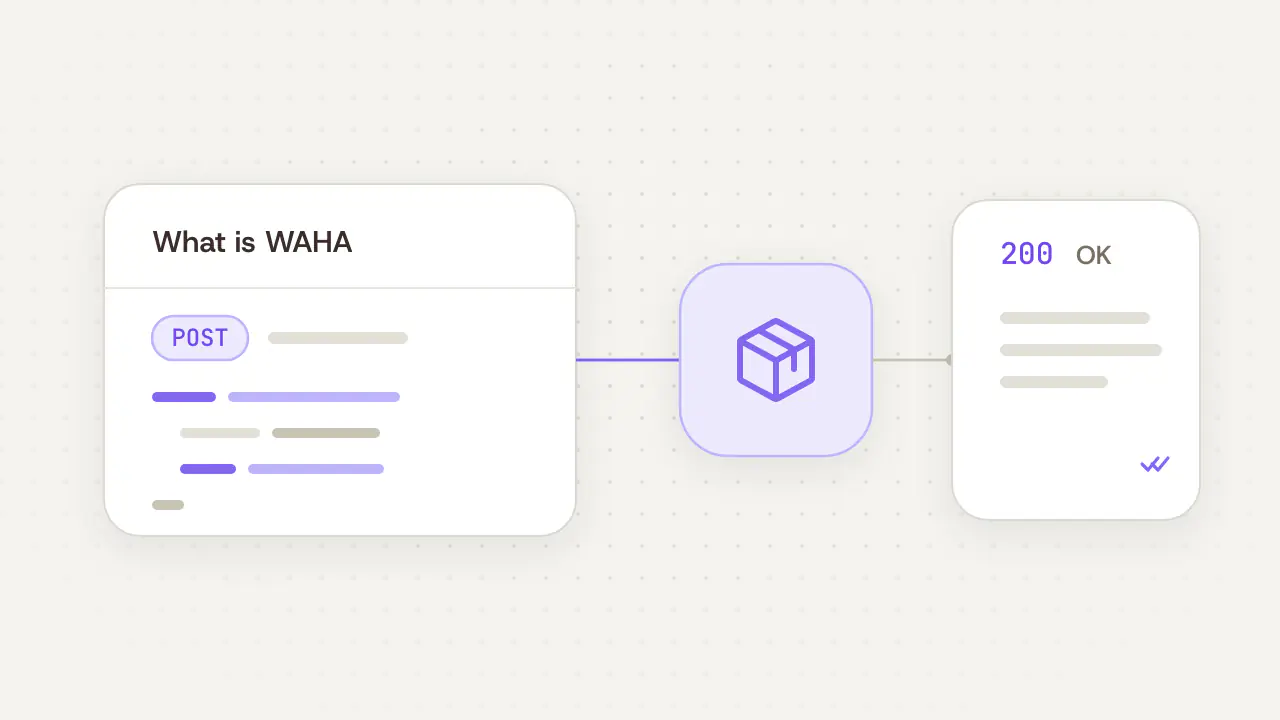
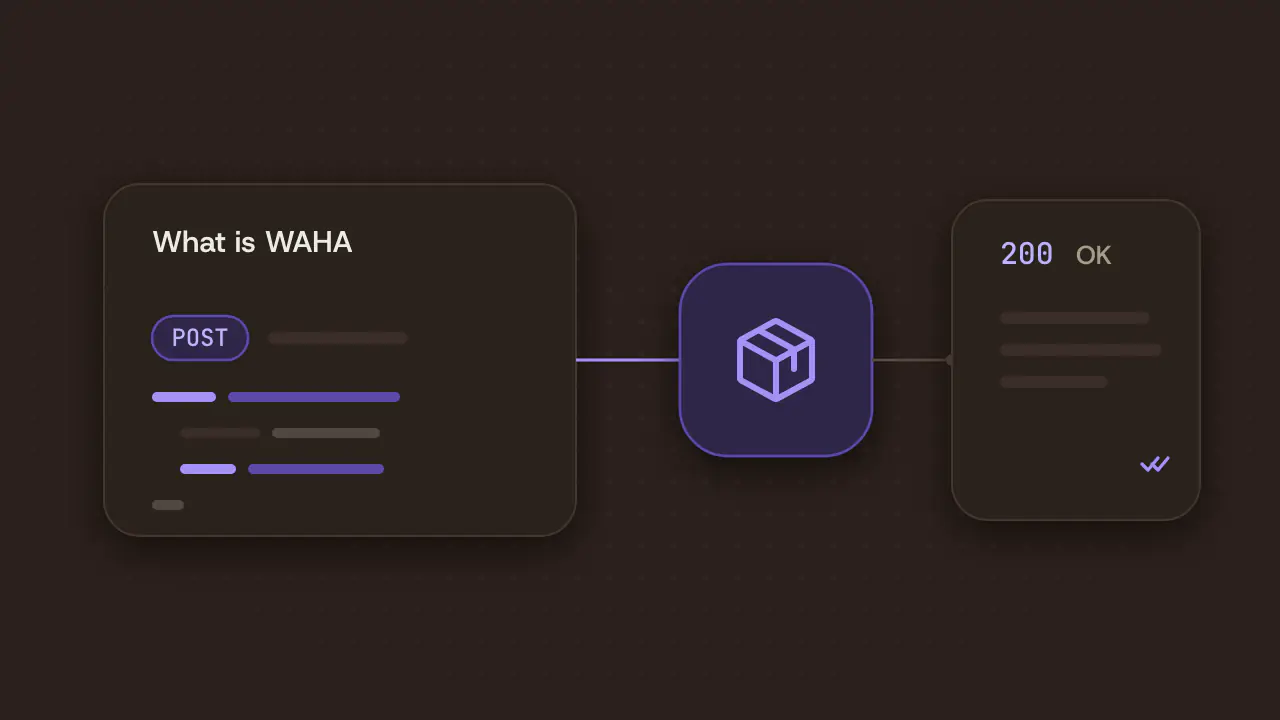
WAHA is a Node.js application that sits on top of community WhatsApp engines. You run it as a Docker container, create a session, scan the QR code with the phone, and from then on the session behaves like one of the account's linked devices. Your code calls HTTP endpoints, such as POST /api/sendText with a chat ID, and receives events such as new messages on a webhook URL you configure.
Group chat IDs end in @g.us and direct chats in @c.us. The API covers messages, media, groups (create, participants, admins, settings, invite codes and join requests), contacts, labels, channels and status updates, depending on the engine. A dashboard and Swagger documentation come with the container.
curl -X POST "https://waha.your-company.com/api/sendText" \
  -H "X-Api-Key: $YOUR_API_KEY" \
  -H "Content-Type: application/json" \
  -d '{"session":"default","chatId":"919800000001@c.us","text":"Your table is ready."}'
Copy-only example. This page never runs a request or asks for a credential.
How WAHA's engines work
WAHA lets you choose the underlying engine in its configuration. Its browser engines, built on whatsapp-web.js and WPPConnect, run a real browser through Puppeteer. Its WebSocket engines, one built on Baileys and one on whatsmeow in Go, talk to WhatsApp directly, which WAHA notes saves CPU and memory so you can run more sessions per server. WAHA describes the Go engine as the future replacement for the Baileys-based one. Responses and webhook payloads can differ between engines, so test before you switch.
Is WAHA free? What changed in 2026
Yes. On 21 Jun 2026 WAHA announced that from version 2026.6.1 every feature that used to need a Plus subscription ships in the free public image, including unlimited sessions, media sending, PostgreSQL, MongoDB and S3 storage, API key security, and health and metrics endpoints. The separate Core, Plus and Pro tiers were dropped in favour of an optional US$5 monthly Community tier. Older guides that describe WAHA Core as limited and WAHA Plus as paid are out of date.
Using WAHA with n8n
WAHA publishes an n8n community node, @devlikeapro/n8n-nodes-waha, which adds WAHA actions for the API calls and a WAHA Trigger node for incoming events. You install it from Settings, Community nodes in n8n, add WAHA API credentials, and point the session's webhook at the trigger URL. WAHA also maintains a set of n8n workflow templates. It is a common way to build a no-code WhatsApp bot, and the same rules apply: reply to people who wrote to you, do not broadcast.
Security and risk: what WAHA itself tells you
WAHA's documentation is direct about both. On security, it says not to expose the API on public networks, and to protect it with an API key (ideally stored as a SHA-512 hash) and a firewall. A WAHA user reported bans on two numbers after an unauthenticated instance was found and abused.
On risk, WAHA's "How to avoid blocking" page says a bot "should never initiate a conversation" and should only reply, and it documents silent restrictions on messages to new contacts. WhatsApp's own Help Center says linking an account to unofficial versions of WhatsApp violates its terms and can lead to temporary or permanent bans. WAHA does not change that, and no hosting choice does.
Self-hosted WAHA or a managed service?
| Self-host WAHA | Managed service | |
|---|---|---|
| Cost | Free software plus your server | Subscription |
| Setup | Docker, storage, backups, TLS, API key, webhooks | Sign up, scan a QR code |
| Upgrades | You track releases and engine changes | The provider does |
| Team features | None built in: you build the inbox, roles and audit | Usually shared inbox, roles and permissions |
| Control | Full: your data, your server, any engine | Limited to what the provider exposes |
| Best for | Developers comfortable running stateful services | Teams that want to use WhatsApp, not operate it |
For teams: when a managed service fits better
SuperSkope is a managed WhatsApp service for teams: a shared inbox, schedules, work tracking, scoped API keys with per-chat permissions, idempotent writes and signed webhooks, with nothing to host. SuperSkope connects your existing number as a WhatsApp linked device (the same way WhatsApp Web works). It is not the official WhatsApp Business Platform and is not affiliated with WhatsApp or Meta. If you already run WAHA yourself and only need an API for one bot, you may not need a managed service at all.
Next step
To try WAHA, run the Docker image on a server you control, set an API key before anything else, and pair a secondary number. Build one reply-only workflow and watch it for a week before connecting the number your customers rely on.
Frequently asked questions
Is WAHA safe to use?
WAHA is open source and widely used, but it is unofficial. WhatsApp says linking accounts to unofficial versions violates its terms and can lead to bans. Security is your responsibility when self-hosting: set an API key, keep the API off the public internet and store session data securely.
What is the difference between WAHA Core and WAHA Plus?
Since WAHA 2026.6.1, released in June 2026, there is no practical difference: every Plus feature, such as unlimited sessions and external storage, is in the free devlikeapro/waha image. The waha-plus image is still published for a while so existing setups keep working. Supporters can join an optional US$5 monthly Community tier.
Does WAHA work with n8n?
Yes. Install the @devlikeapro/n8n-nodes-waha community node in n8n to get WAHA action nodes and a WAHA Trigger for incoming events. Configure the WAHA session's webhook to point at the trigger URL. WAHA also publishes ready-made n8n workflow templates.
Which engine should I use with WAHA?
Use a WebSocket engine when you run several sessions and want lower CPU and memory, and a browser engine when you need behaviour closest to WhatsApp Web. WAHA describes its Go engine as the future replacement for its Baileys-based one. Test your workflow before switching, since payloads differ.
Sources
- GitHub: devlikeapro/waha
- WAHA docs: Engines
- WAHA blog: WAHA 2026.6, Plus features are now in Core (21 Jun 2026)
- WAHA docs: n8n integration
- WAHA docs: Security
- WAHA docs: How to avoid blocking
- WAHA issue #1362: banned on two numbers after the API was exposed
- WhatsApp Help Center: About unofficial WhatsApp apps