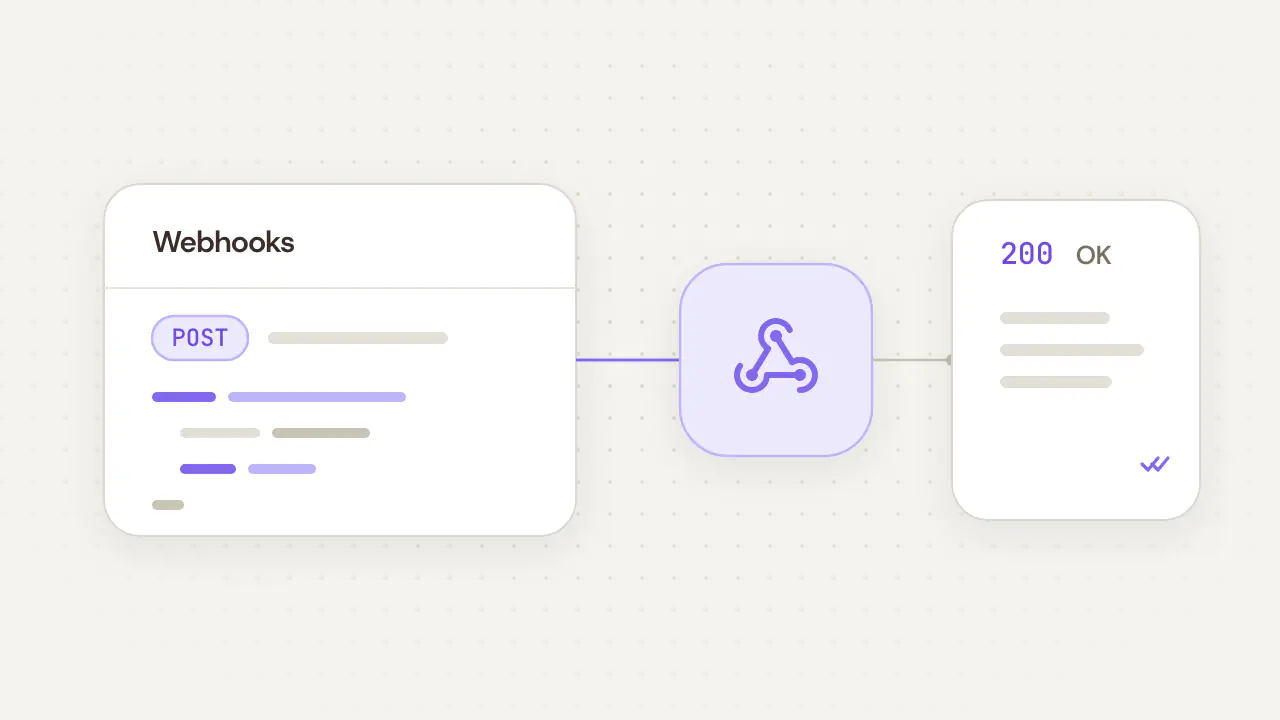
What is a webhook signature?
A webhook signature is an HMAC hash of the request body sent in a header, so your server can prove an event is genuine. How WhatsApp webhooks are signed.
Short answer
A webhook signature is a hash, usually HMAC-SHA256, that the sender computes over the request body with a shared secret and sends in a header. The receiver recomputes it to prove the event came from the sender and was not changed.
How do you verify a webhook signature?
- Read the raw request body before parsing the JSON.
- Compute HMAC-SHA256 over it (or over timestamp + "." + body, if the sender signs a timestamp) with your shared secret.
- Compare your result with the header value using a constant-time comparison.
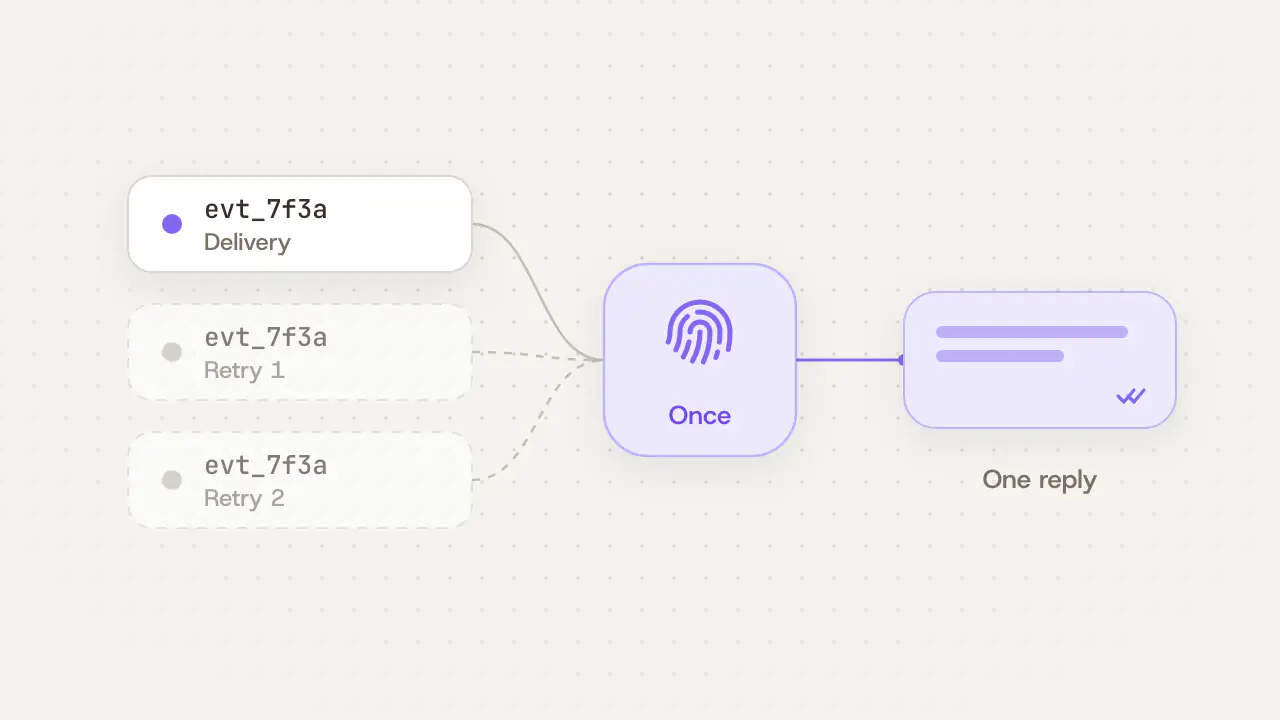
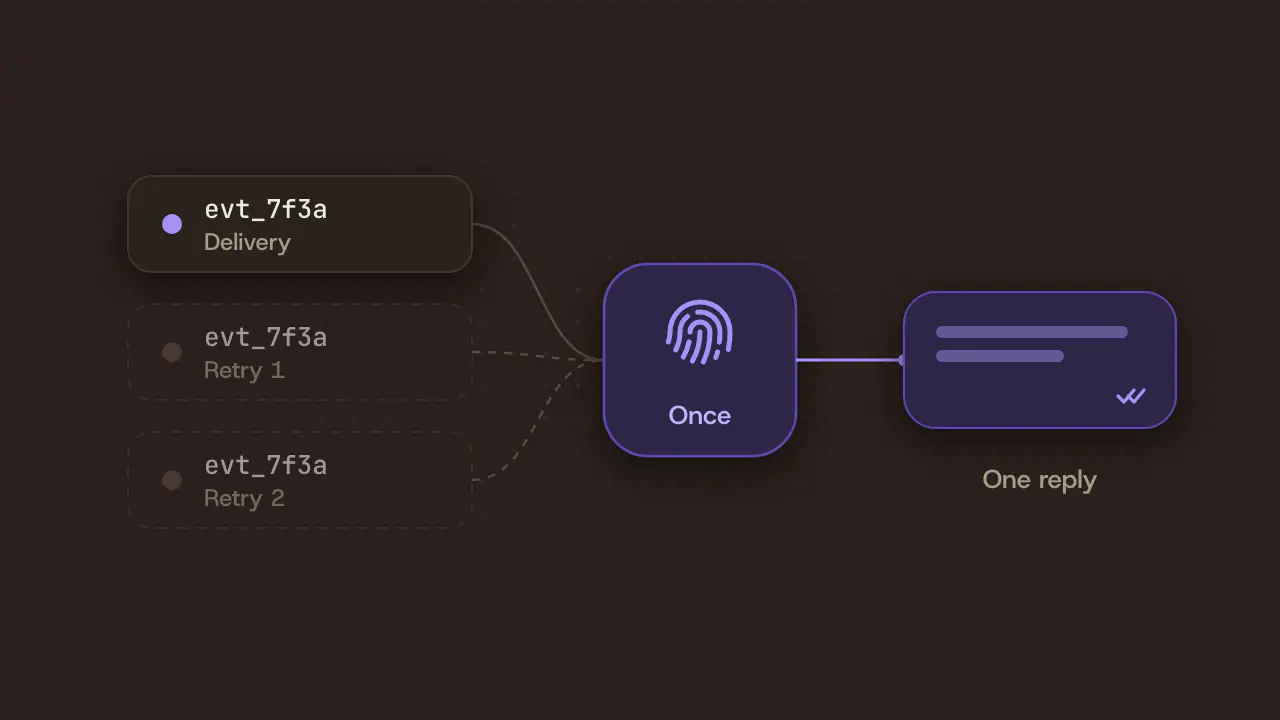
- Reject old timestamps, then deduplicate the event ID, because senders retry.
How WhatsApp webhooks are signed
| Sender | Header | Signed with |
|---|---|---|
| Meta Cloud API | X-Hub-Signature-256: sha256=<hex> | HMAC-SHA256 of the payload with your app secret |
| SuperSkope | X-SuperSkope-Signature: <hex>, X-SuperSkope-Timestamp | HMAC-SHA256 of timestamp + "." + body with your webhook secret; reject timestamps older than five minutes |
Example
An attacker who finds your webhook URL posts a fake "payment received" message. Without a signature check your bot replies with a receipt. With it, the request fails verification and is dropped. Meta retries failed deliveries for up to 7 days, so a valid event can still arrive twice: verify, then deduplicate.
Frequently asked questions
What is a WhatsApp webhook?
An HTTPS endpoint on your server that WhatsApp, or a tool like SuperSkope, calls when something happens: a new message, a delivery status or a group change. It pushes events to you so you do not have to poll.
Why must I use the raw body?
Parsing and re-serialising JSON can change spacing or key order, which changes the hash. Verify the exact bytes you received.