WhatsApp API in PHP: send messages and verify webhooks
Use the WhatsApp API from PHP: send Cloud API messages with cURL, verify Meta webhook signatures, handle the hub.challenge quirk, and call SuperSkope.
Short answer
In PHP, send WhatsApp messages through Meta’s Cloud API with cURL: POST JSON to graph.facebook.com/v27.0/<PHONE_NUMBER_ID>/messages with a bearer token. Verify webhooks with hash_hmac over the raw php://input body and your app secret.
Watch the PHP quirk: Meta’s hub.challenge parameters arrive in $_GET with underscores, as hub_challenge.
What you need
PHP 8 with the cURL extension is enough. Meta’s official WhatsApp Cloud API is plain HTTPS and JSON, so no SDK is required, and the same is true of SuperSkope’s customer API. The examples below are labelled with the API they call: Meta’s Cloud API at graph.facebook.com, or SuperSkope at api.superskope.com, which connects a regular WhatsApp number as a linked device and is not Meta’s platform.
For the Cloud API, get a phone number ID and an access token from your app’s API Setup panel, and use a system user token in production. For SuperSkope, an owner creates a scoped key for selected conversations.
Send a WhatsApp template message in PHP (official Cloud API)
Templates can be sent at any time to people who opted in. Free-form text, images and documents need an open 24-hour customer service window. The response includes a wamid; delivery arrives later at your webhook.
<?php
// Official WhatsApp Cloud API (Meta)
$phoneNumberId = getenv('PHONE_NUMBER_ID');
$payload = [
    'messaging_product' => 'whatsapp',
    'to' => '+910000000099',
    'type' => 'template',
    'template' => ['name' => 'hello_world', 'language' => ['code' => 'en_US']],
];
$ch = curl_init("https://graph.facebook.com/v27.0/$phoneNumberId/messages");
curl_setopt_array($ch, [
    CURLOPT_POST => true,
    CURLOPT_RETURNTRANSFER => true,
    CURLOPT_TIMEOUT => 30,
    CURLOPT_HTTPHEADER => [
        'Authorization: Bearer ' . getenv('WHATSAPP_TOKEN'),
        'Content-Type: application/json',
    ],
    CURLOPT_POSTFIELDS => json_encode($payload),
]);
$body = curl_exec($ch);
$status = curl_getinfo($ch, CURLINFO_RESPONSE_CODE);
curl_close($ch);
if ($status !== 200) {
    throw new RuntimeException("WhatsApp error $status: $body");
}
echo json_decode($body, true)['messages'][0]['id'];
Copy-only example. This page never runs a request or asks for a credential.
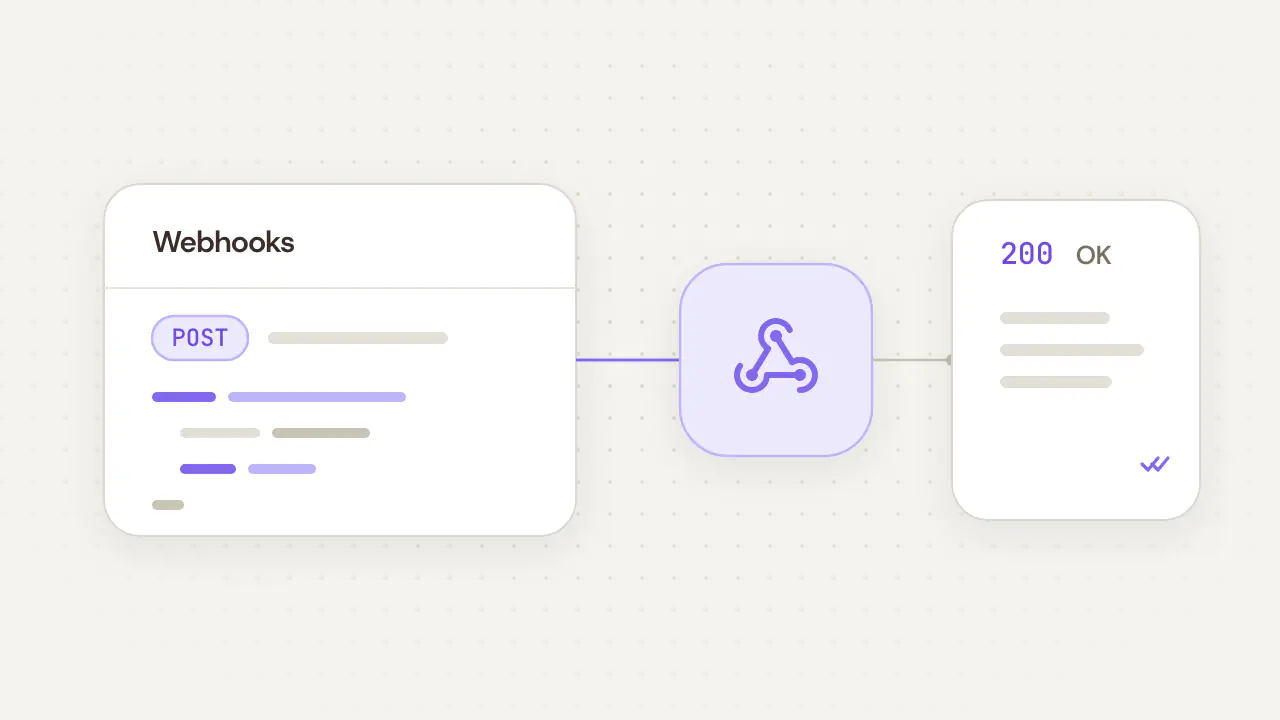
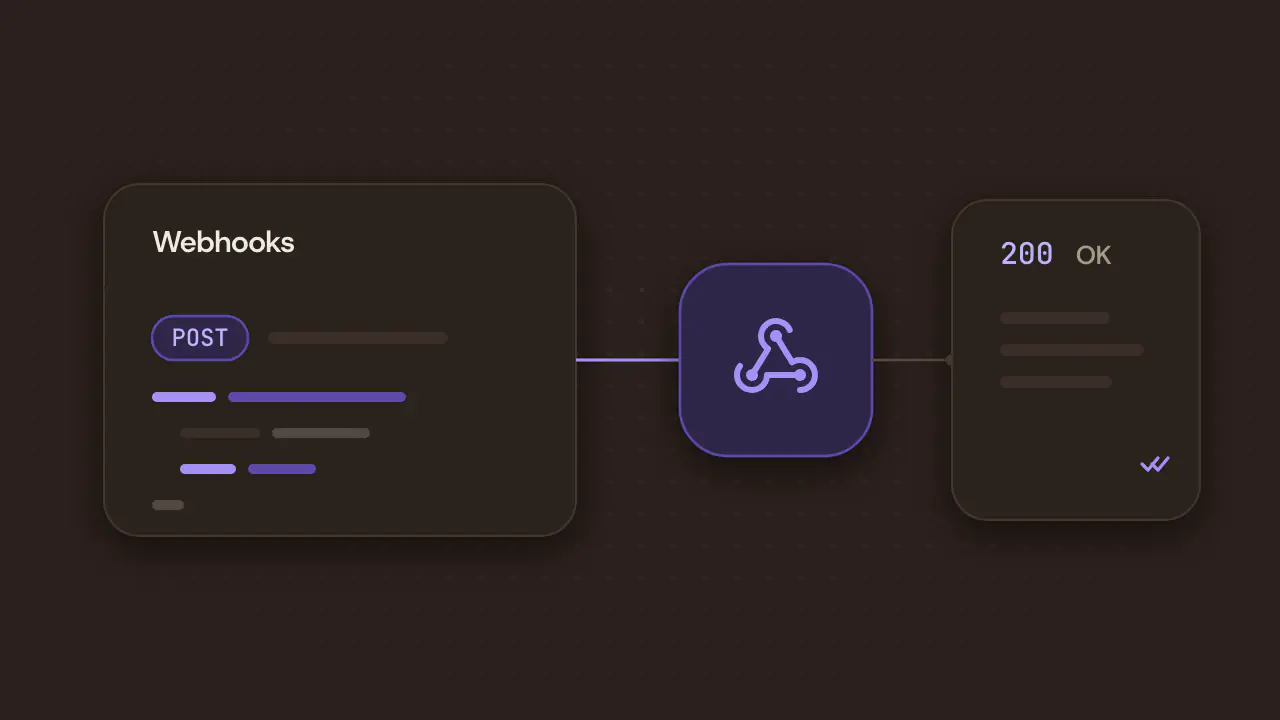
Receive and verify WhatsApp webhooks in PHP (official Cloud API)
One PHP quirk catches almost everyone. Meta’s verification request uses query parameters named hub.mode, hub.verify_token and hub.challenge, and PHP converts dots in incoming parameter names to underscores. Read them as $_GET['hub_mode'], $_GET['hub_verify_token'] and $_GET['hub_challenge'].
For event POSTs, compute HMAC-SHA256 of the raw body from php://input with your app secret, compare it with the X-Hub-Signature-256 header using hash_equals, and only then decode the JSON.
<?php
// Official WhatsApp Cloud API (Meta) webhook endpoint
if ($_SERVER['REQUEST_METHOD'] === 'GET') {
    $ok = ($_GET['hub_mode'] ?? '') === 'subscribe'
        && hash_equals(getenv('VERIFY_TOKEN'), $_GET['hub_verify_token'] ?? '');
    http_response_code($ok ? 200 : 403);
    echo $ok ? ($_GET['hub_challenge'] ?? '') : '';
    exit;
}

$raw = file_get_contents('php://input');
$expected = 'sha256=' . hash_hmac('sha256', $raw, getenv('APP_SECRET'));
$given = $_SERVER['HTTP_X_HUB_SIGNATURE_256'] ?? '';
if (!hash_equals($expected, $given)) {
    http_response_code(401);
    exit;
}

$event = json_decode($raw, true);
foreach ($event['entry'] ?? [] as $entry) {
    foreach ($entry['changes'] ?? [] as $change) {
        foreach ($change['value']['messages'] ?? [] as $message) {
            queue_if_new($message['id'], $message); // your table with a unique key on the message ID
        }
    }
}
http_response_code(200);
Copy-only example. This page never runs a request or asks for a credential.
Send to an existing chat from PHP (SuperSkope)
SuperSkope sends need an Idempotency-Key header that identifies one intended message. Build it from your own business event, such as a booking ID and stage, and save it before calling. If the response state is “unknown”, do not send again; look up the request with the same key.
<?php
// SuperSkope customer API (linked device, not Meta's platform)
$chatId = rawurlencode($chatIdFromChatsList);
$key = 'booking-7731-confirmed';
$ch = curl_init("https://api.superskope.com/api/v1/chats/$chatId/messages");
curl_setopt_array($ch, [
    CURLOPT_POST => true,
    CURLOPT_RETURNTRANSFER => true,
    CURLOPT_TIMEOUT => 40,
    CURLOPT_HTTPHEADER => [
        'Authorization: Bearer ' . getenv('SUPERSKOPE_API_KEY'),
        'Content-Type: application/json',
        "Idempotency-Key: $key",
    ],
    CURLOPT_POSTFIELDS => json_encode(['type' => 'text', 'text' => 'Booking 7731 is confirmed for Saturday, 10am.']),
]);
$result = json_decode(curl_exec($ch), true);
curl_close($ch);
if (($result['state'] ?? '') !== 'sent') {
    // Inspect GET /api/v1/requests/booking-7731-confirmed before any new attempt.
    error_log('Uncertain send: ' . json_encode($result));
}
Copy-only example. This page never runs a request or asks for a credential.
Verify SuperSkope webhooks in PHP
SuperSkope signs the string timestamp + "." + raw body with HMAC-SHA256 using the webhook’s signing secret. The timestamp arrives in X-SuperSkope-Timestamp as Unix seconds and the hex signature in X-SuperSkope-Signature. Reject anything older than five minutes and store each event ID before acknowledging.
<?php
// SuperSkope webhook receiver
$raw = file_get_contents('php://input');
$timestamp = $_SERVER['HTTP_X_SUPERSKOPE_TIMESTAMP'] ?? '';
$signature = $_SERVER['HTTP_X_SUPERSKOPE_SIGNATURE'] ?? '';
$expected = hash_hmac('sha256', $timestamp . '.' . $raw, getenv('SUPERSKOPE_WEBHOOK_SECRET'));

if (!ctype_digit($timestamp) || abs(time() - (int) $timestamp) > 300 || !hash_equals($expected, $signature)) {
    http_response_code(401);
    exit;
}
$event = json_decode($raw, true);
save_event_once($event['id'], $event); // metadata only; fetch message content with the API
http_response_code(200);
Copy-only example. This page never runs a request or asks for a credential.
Using Laravel or Symfony
Frameworks help with routing and queues but can get in the way of signatures. In Laravel, exclude the webhook route from CSRF protection, read the body with $request->getContent() rather than the parsed input, and dispatch a queued job after verifying. Laravel and Symfony build their request objects from PHP’s globals, so hub.mode still arrives as hub_mode; test the GET verification once against your framework. In Symfony, use $request->getContent() for the raw body in the same way.
Use your HTTP client of choice, such as Guzzle or Symfony HttpClient, for sends. Set explicit timeouts and do not enable automatic retries on POST requests that send messages.
Common errors from PHP integrations
| Symptom | Likely cause | Fix |
|---|---|---|
| Meta says the callback URL could not be validated | Reading $_GET['hub.challenge'] instead of hub_challenge, or echoing extra output | Read the underscored names and print only the challenge |
| Signature never matches | Body read after a framework parsed it, or trailing whitespace added | Hash the exact bytes from php://input or getContent() |
| HTTP 400 with a parameter error from the Cloud API | Free-form message sent outside the 24-hour window, or a template parameter count mismatch | Send an approved template with exactly the variables it defines |
| Duplicate replies to customers | Webhook retried after a slow response | Acknowledge first, process in a queue, and keep a unique key per message ID |
| SuperSkope 409 on a send | Same Idempotency-Key reused with a different body | Use a new key only for a genuinely new message |
| SuperSkope state unknown | The send outcome was not confirmed | Look up the request with the original key before anything else |
PHP checklist for WhatsApp integrations
- Read tokens and secrets from the environment, never from code in your repository.
- Verify signatures on the raw body before decoding JSON, using hash_equals.
- Store processed message and event IDs with a unique index so retries are harmless.
- Return 200 quickly and move replies to a queue worker.
- Pin the Graph API version in the URL and update it on Meta’s schedule.
- Never retry a send on timeout without checking whether it went through.
Next step
Deploy the webhook script behind HTTPS with a valid certificate, set the callback URL and verify token in the App Dashboard, subscribe to the messages field and send yourself the hello_world template. If your team works in existing groups and chats on a regular number, create a read-only SuperSkope key and list your chats first.
Frequently asked questions
Why does my PHP WhatsApp webhook verification fail?
Usually because PHP renames hub.mode, hub.verify_token and hub.challenge to hub_mode, hub_verify_token and hub_challenge in $_GET. Read the underscored names, compare the verify token, and echo only the challenge value with status 200. Also check the URL is HTTPS with a valid, non-self-signed certificate.
Is there a WhatsApp API package for PHP?
Community packages exist, but you do not need one. The Cloud API is a few JSON endpoints, and wrapping them yourself keeps you on the current Graph API version. Check any package to see whether it calls Meta’s Cloud API or automates WhatsApp Web, which is unofficial.
Can I send WhatsApp messages from a shared PHP host?
Yes, if outbound HTTPS with cURL is allowed. Receiving webhooks needs a public HTTPS URL that responds quickly; Meta expects median latency under 250 milliseconds. Process replies in a cron or queue worker rather than inside the webhook request.