WhatsApp message info: delivered, read and played explained
How to open WhatsApp message info on Android, iPhone and Web, what each tick means, why messages show delivered but not read, and how groups differ.
Short answer
Message info shows when your WhatsApp message was delivered, read and, for voice messages, played. Open it by pressing and holding your sent message and tapping Info (or the info icon on Android); on WhatsApp Web use the message menu.
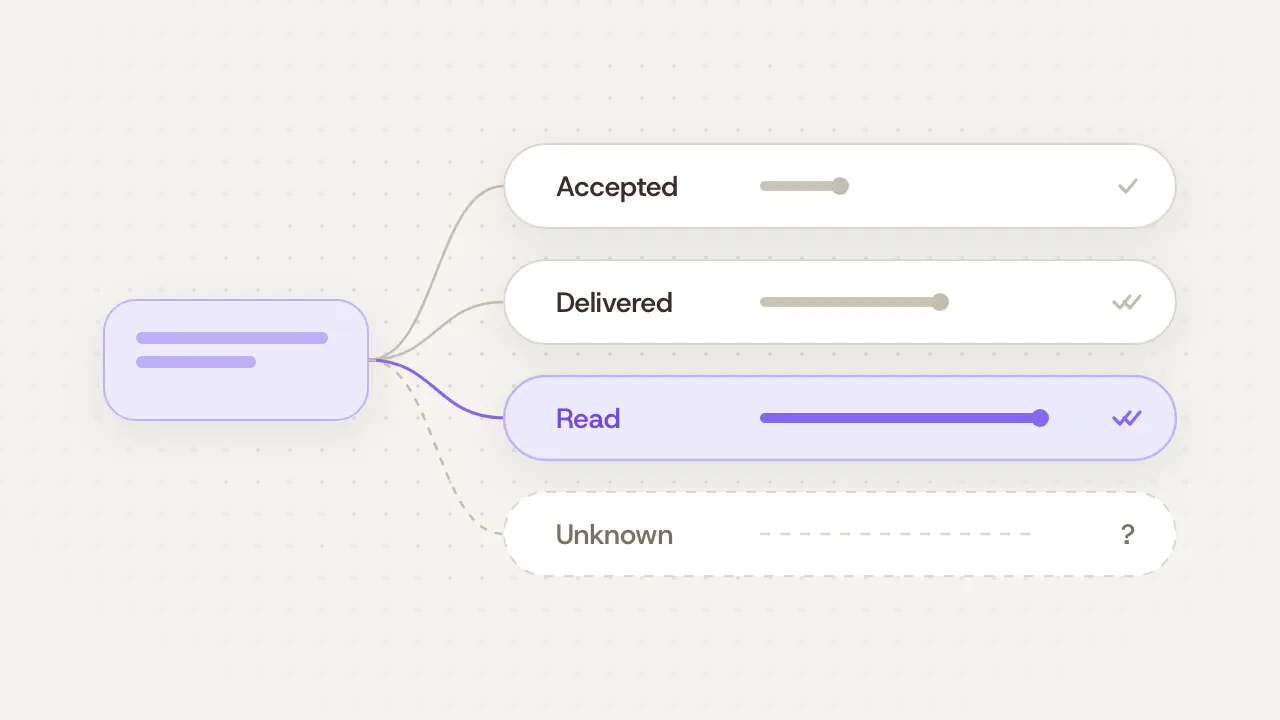
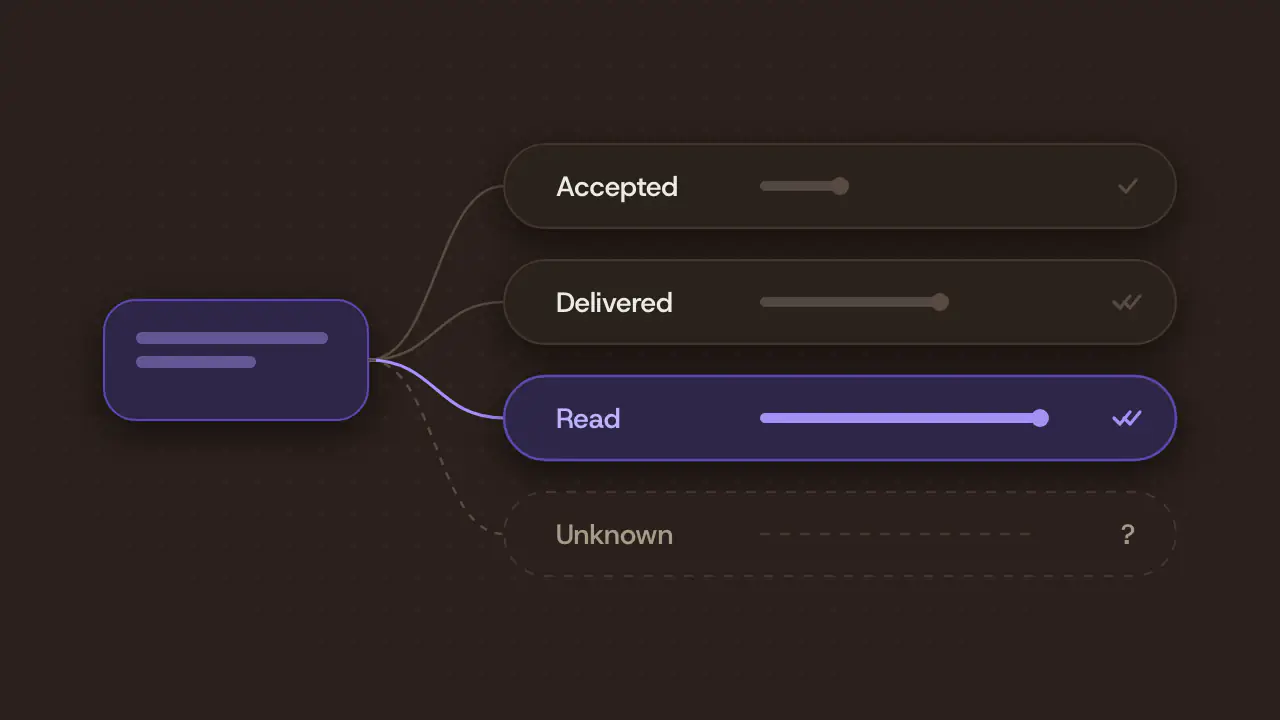
One grey tick means sent, two grey ticks mean delivered, and two blue ticks mean read. In groups the ticks change only once every member has received or read the message.
How do I see message info?
| Device | Steps |
|---|---|
| Android | Press and hold your sent message, then tap the info icon (or More options, then Info) |
| iPhone | Press and hold your sent message, then tap Info |
| WhatsApp Web and Desktop | Hover over your message, open the menu (down arrow) and choose Message info |
What do the ticks mean?
| Icon | Meaning |
|---|---|
| Clock | Not sent yet, usually a connection problem on your side |
| One grey tick | Sent from your phone to WhatsApp |
| Two grey ticks | Delivered to the recipient’s phone or one of their linked devices |
| Two blue ticks | Read by the recipient |
| Blue microphone | A voice message was played |
What does message info show?
- Delivered: when the message reached the recipient’s phone or linked devices.
- Read or Seen: when they read the message or viewed your photo, audio or video. For voice messages, Seen means they saw it but did not play it.
- Played: when they played your voice message.
Why is my message delivered but not read?
Two grey ticks that never turn blue do not prove the person has not read it. The usual reasons are:
- They, or you, have turned off read receipts.
- They saw the notification but have not opened the chat.
- One of you has connection problems.
- The date and time on either phone is wrong.
- It is your first message to that person.
A single grey tick that stays for days usually means their phone is offline, or they may have blocked you. Neither can be confirmed from the ticks alone.
How do ticks work in group chats?
In a group, the second grey tick appears only when everyone has received the message, and the ticks turn blue only when everyone has read it. Message info lists who has received and read it, member by member, and keeps showing people who left after you sent it. Read receipts in groups cannot be turned off.
How do I turn off read receipts?
With receipts off, others do not see when you read their messages and you do not see theirs. The setting does not affect group chats or voice message play receipts. Editing a message resets its receipts.
- Open Settings (on iPhone, tap Settings or your profile picture).
- Tap Privacy.
- Turn off Read receipts.
For teams: accepted is not the same as delivered
Business systems often treat “sent” as “done”. In SuperSkope, a message accepted by WhatsApp, a delivery receipt and a read receipt are separate states, and a send whose result is unclear is shown as unconfirmed rather than retried, so customers do not receive duplicates. Receipts tell you a message arrived, not that the task in it was completed. SuperSkope connects your existing number as a WhatsApp linked device, the same way WhatsApp Web works. It is not the official WhatsApp Business Platform and is not affiliated with WhatsApp or Meta.
Frequently asked questions
Does two grey ticks mean someone blocked me?
No. Two grey ticks mean the message was delivered. If you are blocked, your messages to that person show only one grey tick, because they are never delivered. A single tick alone still is not proof, since their phone may simply be offline.
Can I see who read my message in a group?
Yes. Open message info on your message in the group. It lists members who have read it and those it was delivered to. Group read receipts work even for members who turned off read receipts in their privacy settings.
Can I hide blue ticks?
Yes, for one-to-one chats. Go to Settings, Privacy and turn off Read receipts. You then stop seeing other people’s read receipts too. The setting does not apply to group chats or voice message play receipts.
Why did my blue ticks disappear after editing a message?
Editing a message resets its read receipts, so the ticks go back to grey until people read the edited version. Message info then shows the new delivery and read times. WhatsApp’s Help Center also notes that the colours of the ticks and the clock cannot be changed.