What is an MCP server? A practical explanation
What is an MCP server? A plain explanation of the Model Context Protocol, local vs remote servers, tools, safety, and a real WhatsApp example.
Short answer
An MCP server is a program that gives an AI application a defined set of tools and data through the Model Context Protocol, an open standard Anthropic introduced in November 2024.
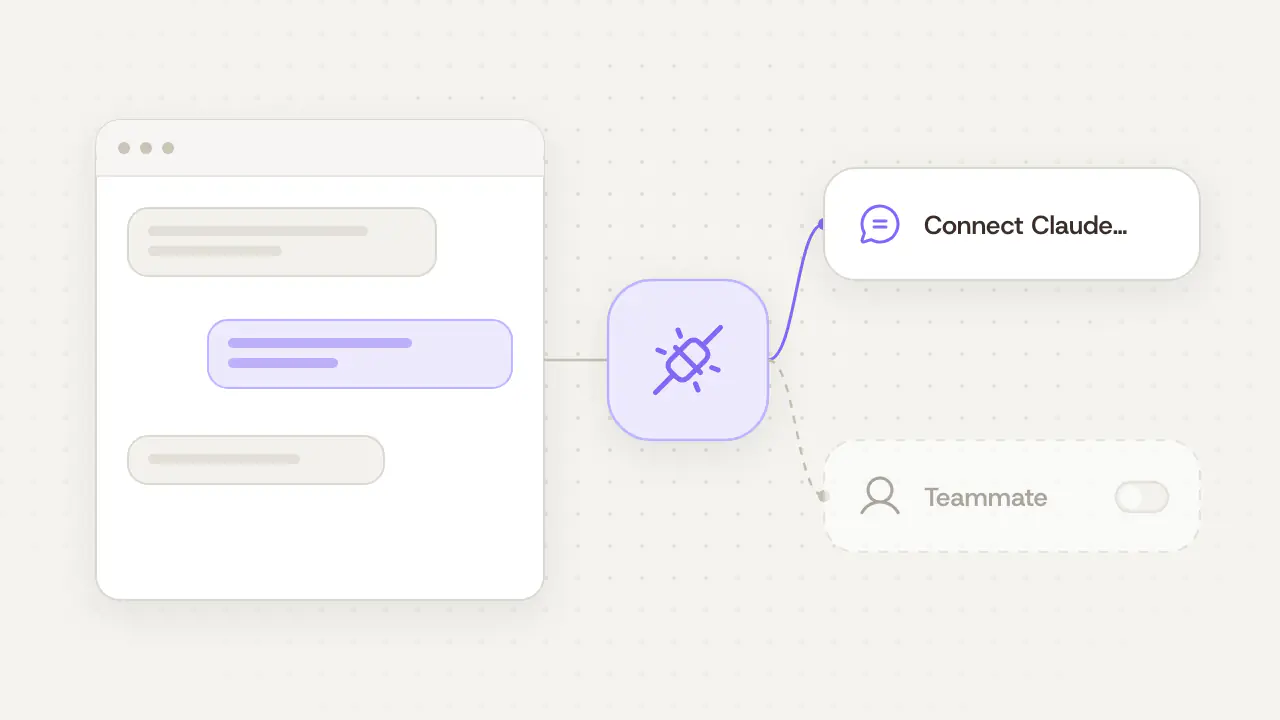
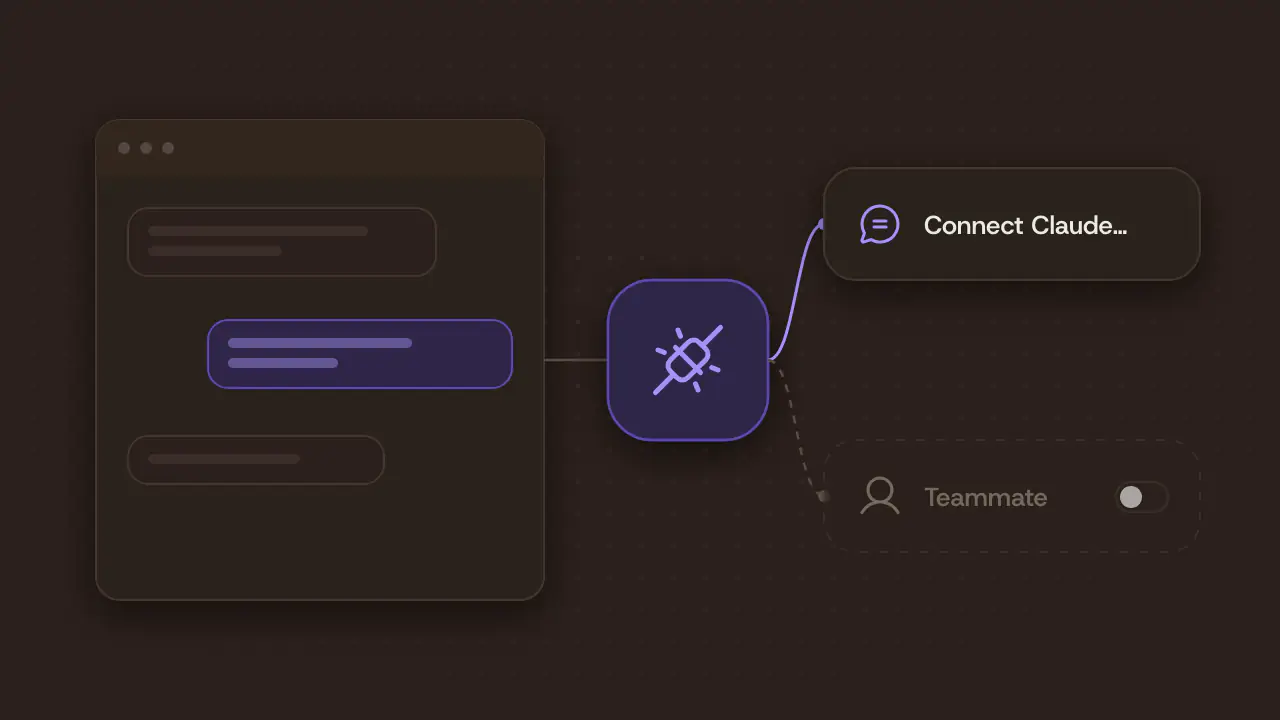
The AI client, such as Claude Desktop, Claude Code or ChatGPT, discovers the server’s tools, and the model calls them when useful, for example to read a WhatsApp conversation or look up a ticket. The server holds the credentials and enforces what each tool may do.
What does MCP stand for?
MCP stands for Model Context Protocol. Anthropic introduced it on 25 November 2024 as an open standard for connecting AI applications to data sources and tools. Before MCP, every AI app needed its own custom integration for every service. With MCP, a service publishes one server and any MCP-capable client can use it.
Think of it like a power socket standard. The AI application is the appliance, the MCP server is the socket for one service, and the protocol is the shape of the plug. Claude Desktop, Claude Code, ChatGPT, Cursor and many other clients now speak it.
What is an MCP server, exactly?
An MCP server is a program that tells an AI client which tools and data it offers, and runs those tools when the client asks. Each tool has a name, a description written for the model and a schema for its inputs. The model reads the descriptions, decides a tool would help, and the client calls it, usually after asking you.
The server is where the real authority sits. It holds the credentials, enforces what each tool may do and returns results. The model never sees your password or API key; it only sees the tool names and the results.
How does an MCP server work?
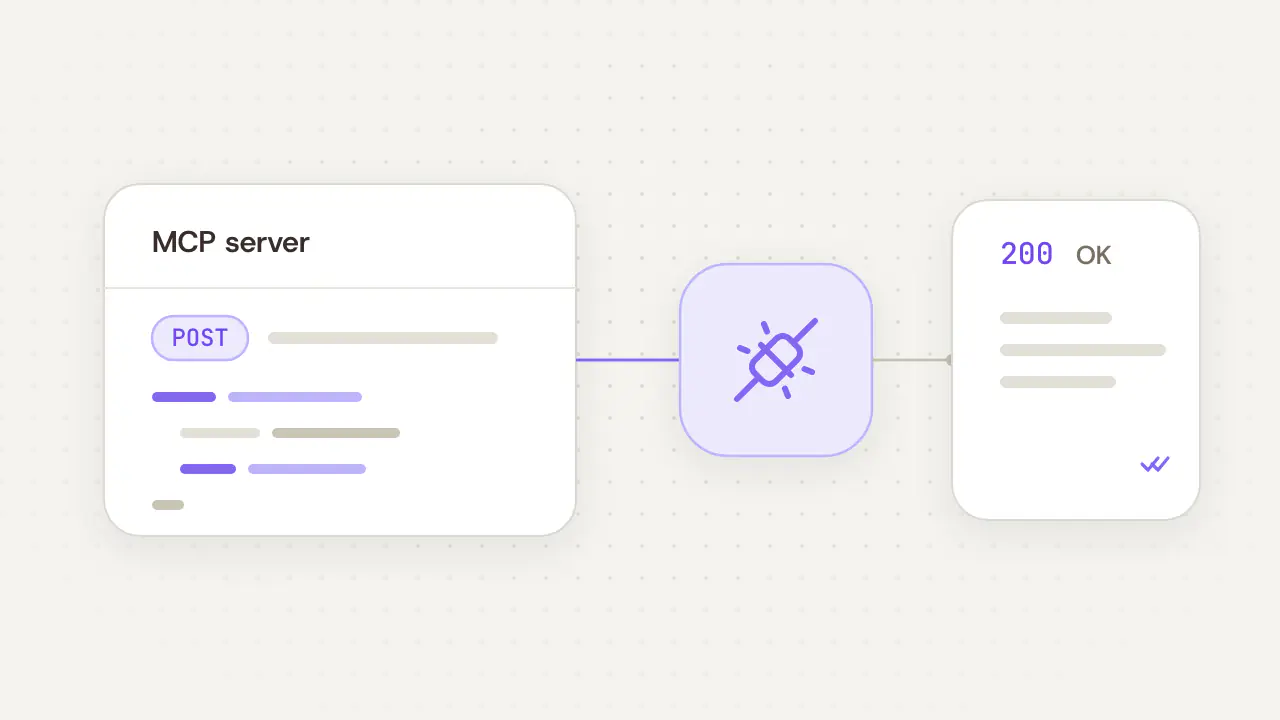
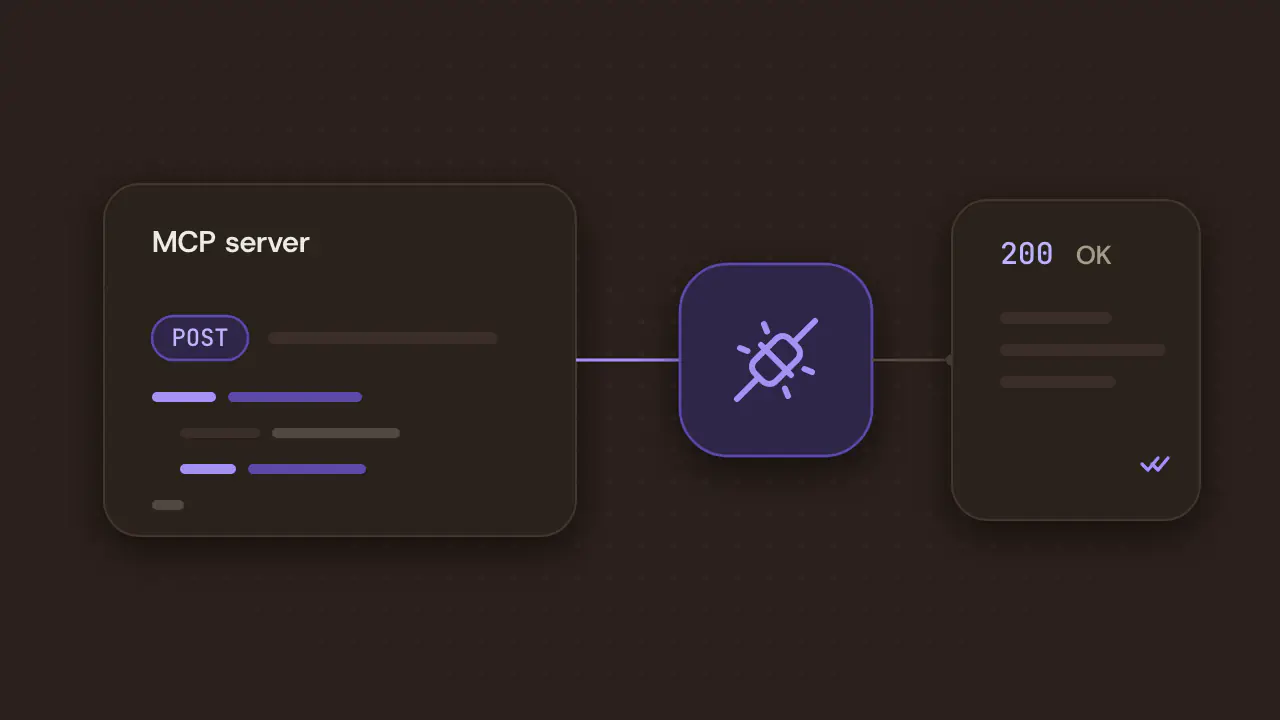
MCP itself uses JSON-RPC 2.0 messages. A session has four steps.
- The client starts or connects to the server and sends initialize, announcing the protocol version and its capabilities.
- The server replies with its own capabilities and name.
- The client calls tools/list and shows the tools to the model.
- When the model wants to use one, the client sends tools/call with arguments, and the server returns the result for the model to read.
Local vs remote MCP servers
MCP defines two common transports. Which one a server uses decides which clients can run it.
| Local (stdio) | Remote (HTTP) | |
|---|---|---|
| Where it runs | On your computer, started by the client | On a server on the internet |
| How it talks | Standard input and output | Streamable HTTP, or older server-sent events |
| Credentials | Environment variables in your local config | OAuth sign-in or an API key sent in a header |
| Typical clients | Claude Desktop, Claude Code, IDEs | Web and mobile AI apps, including ChatGPT |
| Good for | Personal and developer use, private data that stays on your machine | Teams, hosted products, clients that cannot start local programs |
Tools, resources and prompts
Servers can offer three kinds of things. Tools are actions the model can call, such as “list conversations” or “create a ticket”. Resources are readable data the client can attach, such as a file or a record. Prompts are reusable templates a user can pick. Most servers today mainly offer tools.
Tools carry hints such as read-only or destructive. Clients use them to decide when to ask for confirmation; for example, OpenAI’s documentation says ChatGPT treats tools without a read-only hint as write actions.
A WhatsApp example
SuperSkope offers a hosted MCP endpoint for WhatsApp, plus a local stdio server. Read tools include superskope_chats, superskope_messages, superskope_group_history, superskope_work_items and superskope_reports; write tools such as superskope_send_text and superskope_create_group appear only when the key holds the matching scope. Both run with an API key that an owner scoped to chosen conversations and permissions, so the model can only ever see and do what that key allows.
With it, you can ask Claude “Summarise yesterday’s messages in the Jaipur dealers group and list anything that needs a reply.” Claude calls the history tool for that group, reads the result and writes the summary. If you then ask it to reply, Claude asks you to approve the send tool first, and only a key with messages:write for that group can send. SuperSkope connects your existing number as a WhatsApp linked device, the same way WhatsApp Web works. It is not the official WhatsApp Business Platform and is not affiliated with WhatsApp or Meta.
Is an MCP server safe?
MCP itself is a protocol; safety depends on the server and how you configure it. The main risks are over-broad credentials, tools that can do more than you meant, and prompt injection, where text inside a document or message tries to instruct the model.
- Grant the narrowest credential: specific records, read-only where possible, with an expiry.
- Prefer servers whose writes need confirmation, and read what a tool will do before approving it.
- Treat everything a tool returns as untrusted input. A message saying “send this to everyone” is data, not an instruction.
- Install servers only from sources you trust; a local server runs with your user’s permissions.
- Keep keys out of shared configuration files and repositories.
MCP server vs API: what’s the difference?
An API is built for programs written by developers: fixed endpoints, exact parameters, code that calls them. An MCP server usually wraps an API for AI clients: it describes tools in plain language, so a model can decide when to use them, and it standardises discovery so any client can connect. The API still enforces the real permissions underneath. If you are writing code that runs on a schedule, call the API directly; if a person is asking questions in an AI app, an MCP server fits.
How to try one
The quickest start is a local server in Claude Desktop: open Settings, then Developer, then Edit Config, add the server’s command under mcpServers and restart. The Model Context Protocol site walks through this with a filesystem server. For WhatsApp data, follow our Claude guide with a read-only key on two or three chats.
Frequently asked questions
Is MCP only for Claude?
No. Anthropic created MCP and released it as an open standard. ChatGPT, Cursor, many IDEs and agent frameworks support it, though each client supports different transports and features. ChatGPT, for example, connects only to remote servers, while Claude Desktop can also start local ones.
Do I need to code to use an MCP server?
Not to use one. You add the server to your client’s configuration, often a few lines of JSON or one command, and supply a credential. Building a server needs code, and SDKs exist for several languages.
Is an MCP server the same as a plugin or connector?
Close. Many AI apps call MCP-based integrations connectors, apps or plugins in their interface. The MCP server is the program underneath; the connector is how the client presents it to you.
Can an MCP server take actions on my behalf?
Yes, if it offers write tools and your credential allows them. Good clients ask before running write tools, and good servers require explicit approval for actions with real-world effects, such as sending a message. Read-only servers cannot change anything.