How to export WhatsApp group members to Excel
WhatsApp has no export button for group members. What you can do instead, how to build a member list to Excel with consent, and why scraping is risky.
Short answer
WhatsApp has no button to export a group’s members to Excel or CSV. You can view the full member list in Group info and copy what you need by hand, or ask members to fill in a form that exports to a spreadsheet.
Avoid scraping extensions: they break WhatsApp’s terms, risk a ban and handle other people’s personal data without consent.
What WhatsApp lets you do today
| Method | What you get | Limits |
|---|---|---|
| Group info member list | Names or numbers of everyone in the group, searchable | View only; no export or copy-all button |
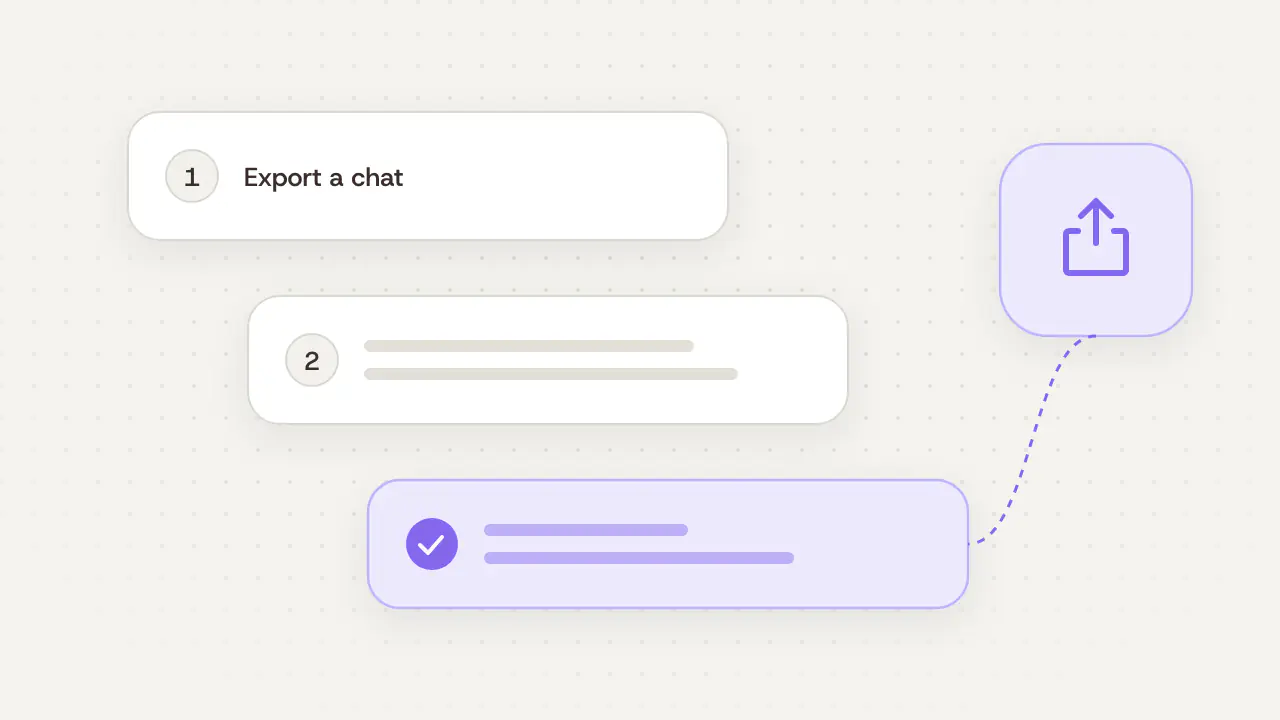
| Export chat | A text file of messages with each sender as your phone shows them | Only people who posted appear; it is not a member list |
| Invite link with approval | A record of who asked to join and who approved them | Visible inside WhatsApp only |
| A sign-up form you share in the group | Exactly the fields members choose to give you | People must fill it in |
How do I see all members of a group?
On WhatsApp Web or Desktop, click the group name to see the same list. Saved contacts appear by name; others appear by number or profile name.
- Open the group and tap the group name.
- Scroll to the participants section and tap View all (or the participant count) to see everyone.
- Use the search icon in the list to find a specific person.
Can I export the member list to Excel?
Not with a built-in feature. For a small group, the simplest honest method is to type or copy the names you need into a spreadsheet from Group info. For larger groups, ask members directly: post a short form (Google Forms or Microsoft Forms both export to a spreadsheet) explaining what the details are for, and let people choose to share them.
A chat export is not a substitute. It lists people who sent messages in the exported period, shown as your phone shows them, and misses silent members entirely.
Why we do not recommend scraping tools
Browser extensions and apps that pull member numbers from WhatsApp Web work by automating an unofficial client. WhatsApp’s terms prohibit collecting information about users by automated means and using unofficial apps, and WhatsApp says accounts doing so can be banned. Exported numbers are also personal data: in India the Digital Personal Data Protection Act, 2023 expects a clear purpose and consent, and the GDPR applies to EU residents.
Most of all, a list of people who joined a group to discuss one thing is not consent to receive marketing. Using it that way is the most common reason business numbers get reported and restricted.
Collect only what you need, for a purpose members know about, and delete it when that purpose ends.
A consent-aware way to build a member list
- Write down why you need the list, such as a batch roster, a delivery schedule or an event head count.
- Create a form that asks only for the fields you need, with one line saying how you will use and store them.
- Post the form in the group as an admin and pin it if your app version allows.
- Export the form responses to Excel or Google Sheets and restrict who can open the file.
- Delete the sheet, or the columns you no longer need, when the activity ends.
For teams: rosters from the groups you manage
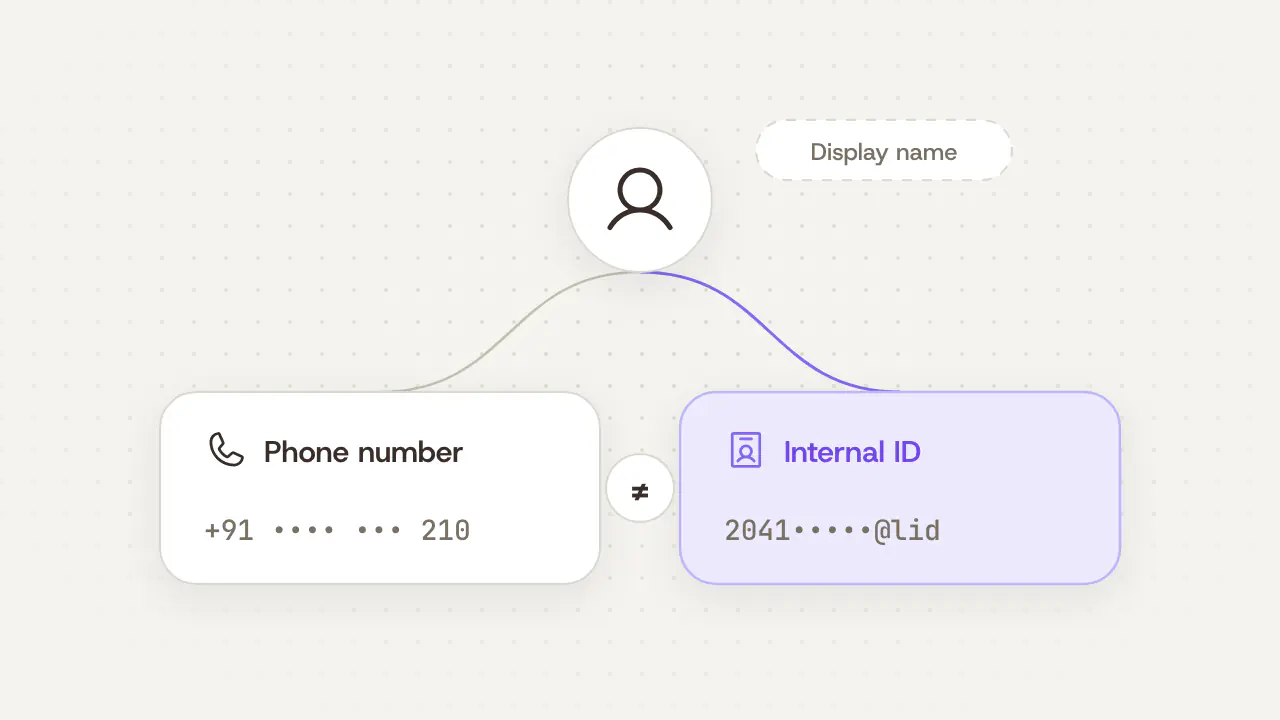
For operational work, such as checking that every driver or student in a roster is actually in the right group, SuperSkope’s API can read participant IDs and admin roles for groups an owner has selected for that key. WhatsApp sometimes identifies people by a privacy-preserving ID rather than a phone number, and SuperSkope never presents those as phone numbers. Owners can also export their workspace’s retained text and work records. Use these for operations you have a basis for, not for building marketing lists. SuperSkope connects your existing number as a WhatsApp linked device, the same way WhatsApp Web works. It is not the official WhatsApp Business Platform and is not affiliated with WhatsApp or Meta.
Frequently asked questions
Is it legal to export WhatsApp group members’ numbers?
It depends on why and how. Phone numbers are personal data. Keeping a roster for a purpose members understand, such as running a class or a delivery route, is very different from adding them to a marketing list. In India, the DPDP Act 2023 expects purpose and consent; get advice for anything beyond simple operations.
Can I export members from WhatsApp Web?
Not with a WhatsApp feature. WhatsApp Web shows the same member list as the phone, without an export option. Extensions that claim to export it automate an unofficial client, which WhatsApp’s terms prohibit and which can get your number restricted.
Does exporting a chat include all members?
No. A chat export contains messages and their senders for the exported period. Members who never posted, or posted earlier than the export covers, do not appear. It also shows names as saved on your phone, so it is not a reliable roster.
Why do some members show a name instead of a number?
If you have saved someone, WhatsApp shows your contact name. Otherwise it may show their number or the profile name they chose. In some groups and communities WhatsApp limits who can see member details, so the information you see varies.